37
Sensing Sensor (low)
1
Retur etti
er y a i ptio s 22
er y a i list
etpoi t ra e set
et ac co ditio
e si e sor (low)
e si e sor (stop)
etpoi t Auto Reset
12
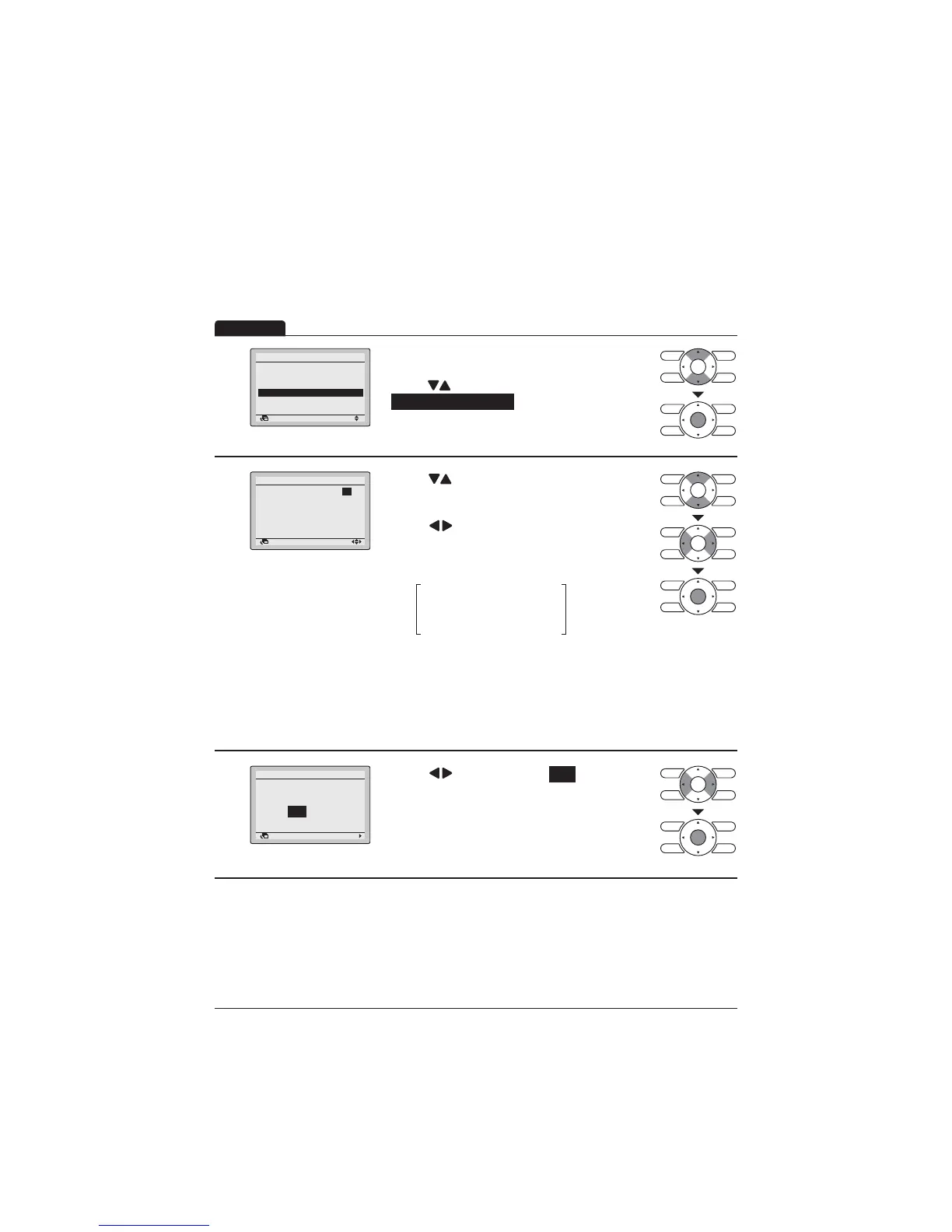
Display the Energy Saving Options screen (Refer
to page 34).
Press " " buttons to select
Sensing Sensor (low) .
Press Menu/Enter button to display the Sensing
6HQVRUORZVFUHHQ
2
Return Setting
Sensing Sensor (low)
Adjust temp. cool:
Adjust time cool: 30 min
Limit cool temp.: 30°C
Adjust temp. heat: 1.0°C
Adjust time heat: 60 min
Limit heat temp.: 15°C
1.0°C
Press " " buttons to change the setting value
RIVDYLQJHQHUJ\RSHUDWLRQZKHQWKHVHQVRU
detects the absence.
Press " " buttons to move the cursor.
Press Menu/Enter button after selecting the item.
7KHFRQ¿UPDWLRQVFUHHQZLOODSSHDU
(Example)
$GMXVWWHPSFRRO&
$GMXVWWLPHFRRO PLQ
/LPLWFRROWHPS &
If it is determined that there is no person in the
URRPE\VHQVRUGXULQJ&RROLQJ2SHUDWLRQWKHVHW
WHPSHUDWXUHZLOODXWRPDWLFDOO\VKLIWE\&HYHU\
30 minutes until the set temperature is 30°C.
2Q%DVLFVFUHHQVHWWHPSHUDWXUHGRHVQRW
change.)
3
Setting
Save the settings?
Sensing Sensor (low)
Yes No
Return
Press " " buttons to select Yes .
3UHVV0HQX(QWHUEXWWRQWRFRQ¿UPWKHVHWWLQJV
and return to the Basic screen.
Operation
This function cannot be used at the time of group control.
,QFDVHRIWKHVLPXOWDQHRXVRSHUDWLRQV\VWHPWKHV\VWHPLVFRQWUROOHGE\WKHVHQVLQJVHQVRU
mounted in the master indoor unit.



 To Next Page