4
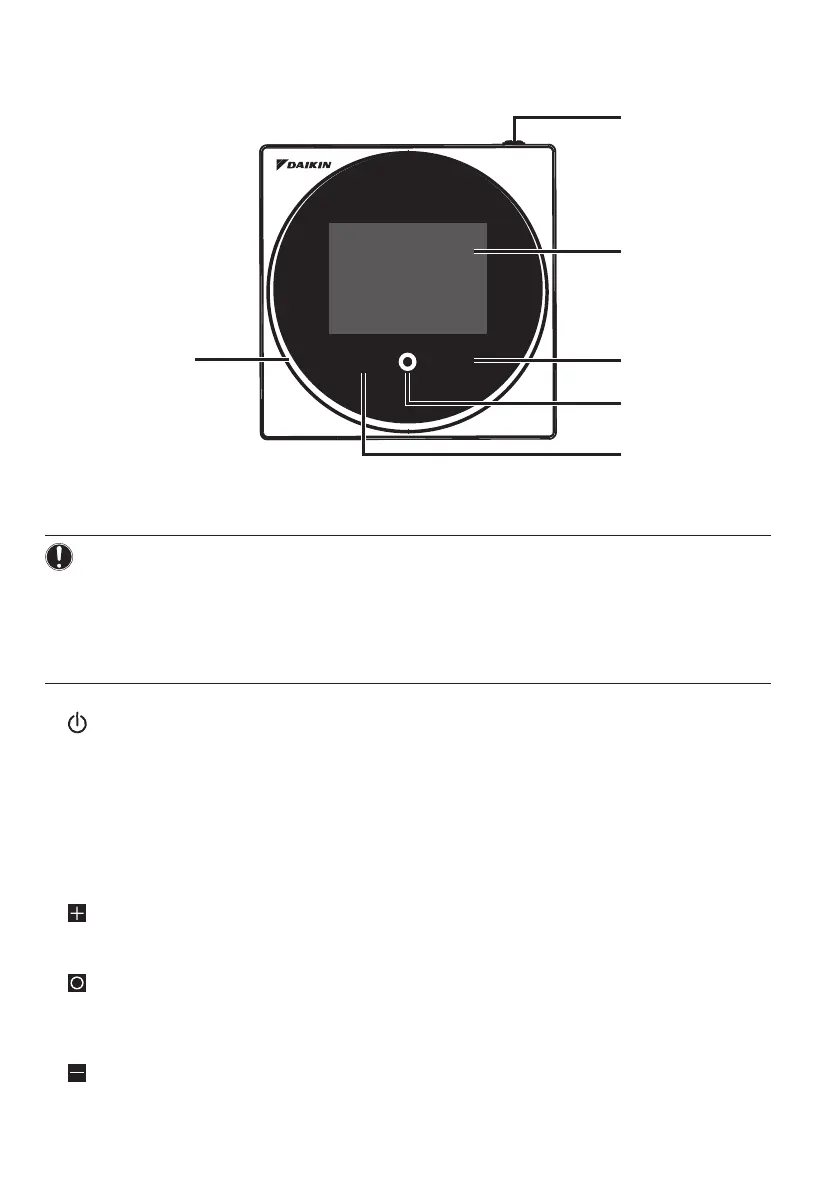
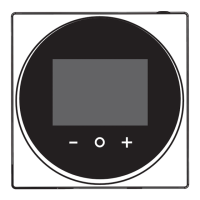
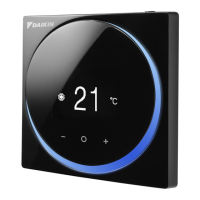
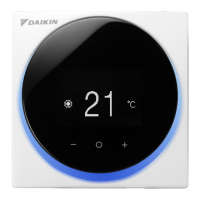
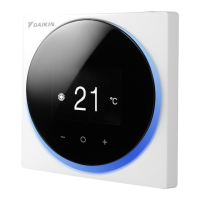
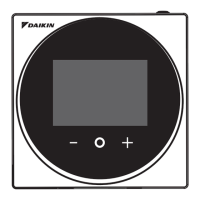
Button Locations and Descriptions
c
e
+
-
Functions items (i.e., Operation Mode, Fan Speed, and Setpoint) are set from the menu
screen.
NOTICE
• Do not install the remote controller in places exposed to direct sunlight. The LCD may be
damaged.
• Do not pull or twist the remote controller cord. The remote controller may be damaged.
• Do not use objects with sharp ends to press the buttons on the remote controller. Damage may
result.
a ON/OFF button
• Press this button to turn on the system.
• Press this button again to turn o the system.
b Status indicator (LED)
• During operation, the light ring around the display lights up blue/red/green.
Lights up blue: Operating, Blinks red: Error is occurring, Lights up/blinks green: Bluetooth connecting
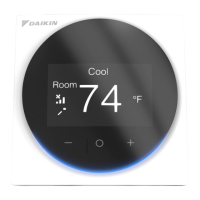
c LCD (Refer to “Names and Functions”.)
• Displays the current setpoint and air conditioner operation status.
d NAVIGATE/ADJUST button
• Navigate right.
• Adjust a setting.
e SELECT/ACTIVATE/SET button
• From the home screen, enter the user menu.
• From the user menu, enter one of the submenus.
• From their respective submenu, activate an operation/ventilation mode.
f NAVIGATE/ADJUST button
• Navigate left.
• Adjust the setting.


 To Next Page