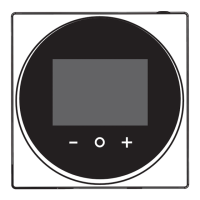
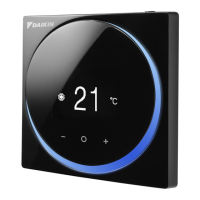
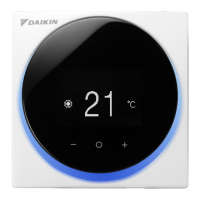
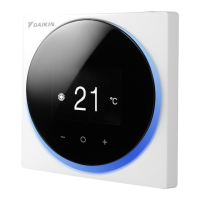
6
How to display the screen (Hotel mode)
Hotel mode can be enabled via the DAIKIN APP. For details, refer to the DAIKIN APP
manual.
The following is just an example. The items available for setting vary depending on the
indoor unit you are using.
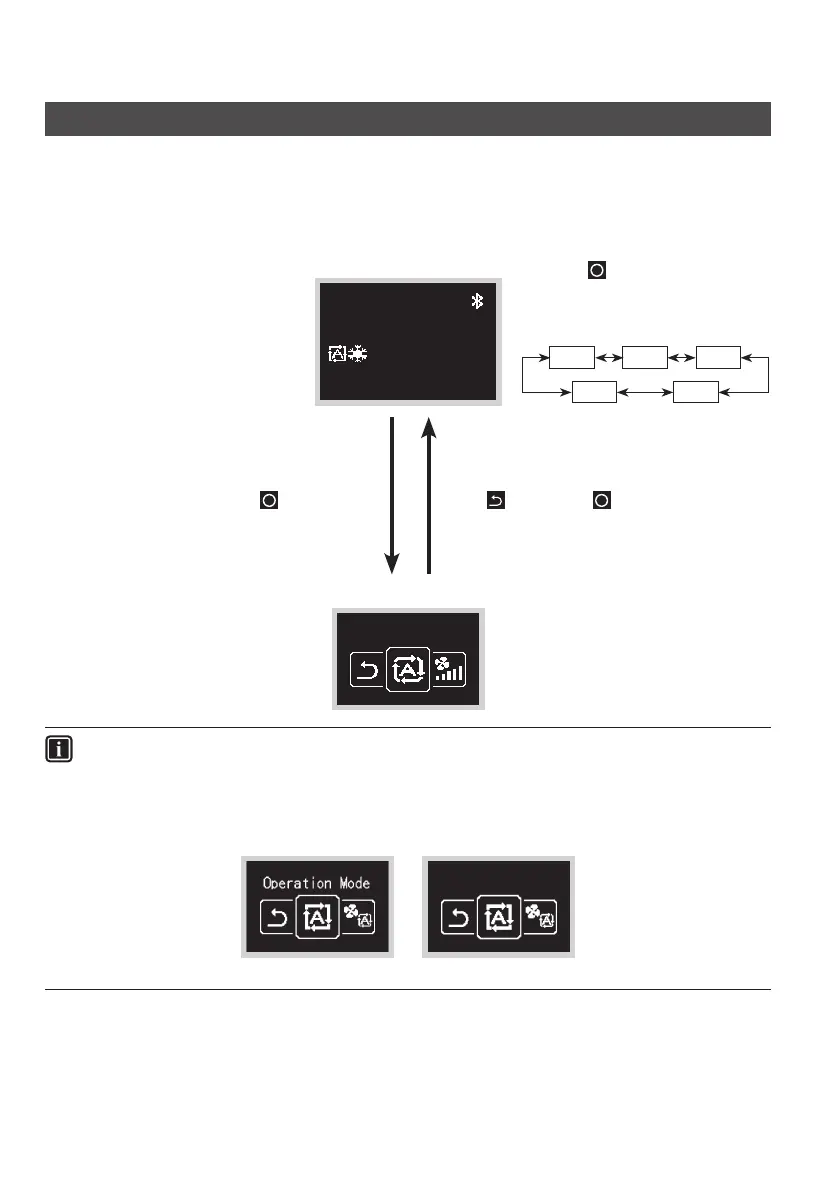
Home screen
30
˚C
˚C
Pressing cycles through the
operation modes, as in the figure
below, and the relevant screen for
each operation mode is displayed.
Auto
CoolHeat
Fan Dry
User menu
INFORMATION
There are 2 screen display modes, text mode and icon mode.
Change the mode according to your preference.
This manual explains functions and operations in icon mode.
* Please refer to the Web installation manual for instructions on how to switch screen displays.
Text mode Icon mode
Press and hold for 5seconds. Select , then press .


 To Next Page