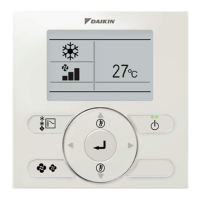
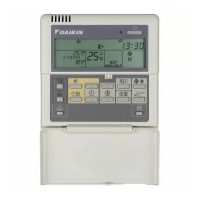
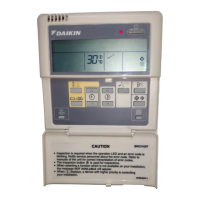
Operation manual
4
BRC315D7
Remote controller
4PW64949-1 – 10.2010
3 COOLING OPERATION
User adjustable parameters:
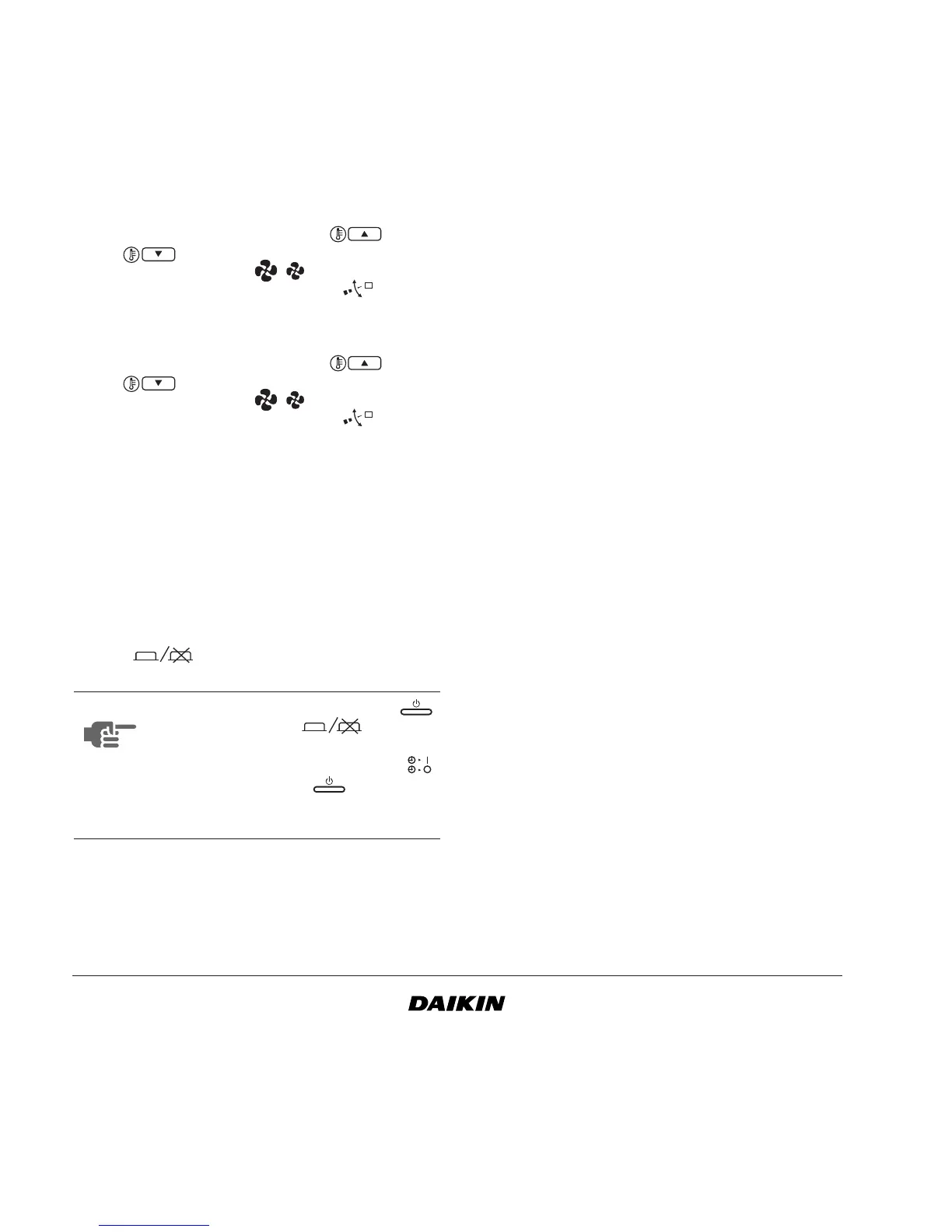
• setpoint temperature, use the and
buttons,
• fan speed, use the button,
• air flow direction adjust, use the button.
4 HEATING OPERATION
User adjustable parameters:
• setpoint temperature, use the and
buttons,
• fan speed, use the button,
• air flow direction adjust, use the button.
ON/OFF timer operation
The actions programmed in the ON/OFF timer will be
executed automatically.
The ON/OFF timer always executes the last
command; this means the user can temporarily
overrule the last executed programmed action. Refer
to "Manual operation" on page 3. The next
programmed action (in the ON/OFF timer) will return
control to the ON/OFF timer.
Use the button to enable or disable the ON/
OFF timer.
To set up the TIMER refer to chapter "5. Programming
the ON/OFF timer" on page 5.
What can the ON/OFF timer do?
The concept of the ON/OFF timer is simple,
straightforward though powerful.
The ON/OFF timer can order 2 actions:
What will the ON/OFF timer do?
If enabled, the ON/OFF timer will execute the
programmed actions.
It will order the installation to:
• switch off the installation (the ON timer
remains enabled and reactivates the
installation as programmed); the operation
lamp will turn off,
OR
• switch on the installation (the OFF timer
remains enabled and will switch the installation
off as programmed); the operation lamp will
turn on.
What will the ON/OFF timer NOT do?
The ON/OFF timer will not:
• control fan speed,
• control air flow direction,
• change the operation mode,
• change the setpoint.
The parameters listed above can be set manually,
without interfering with the ON/OFF timer.
More sophisticated remote controllers are available.
Consult your dealer for more information.
NOTE
The ON/OFF timer overrules the
button, only use the button to
enable or disable the ON/OFF timer. The
ON/OFF timer is enabled when the
icon is visible. The button only
overrules the ON/OFF timer until the next
programmed action.
1 switch off the installation (end of control)
2 switch on the installation at a scheduled time


 To Next Page