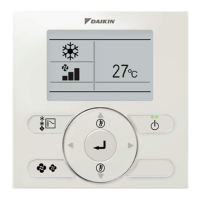
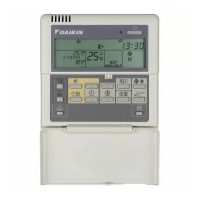
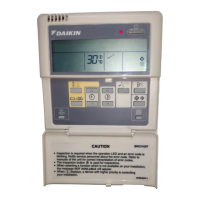
BRC315D7
Remote controller
4PW64949-1 – 10.2010
Operation manual
3
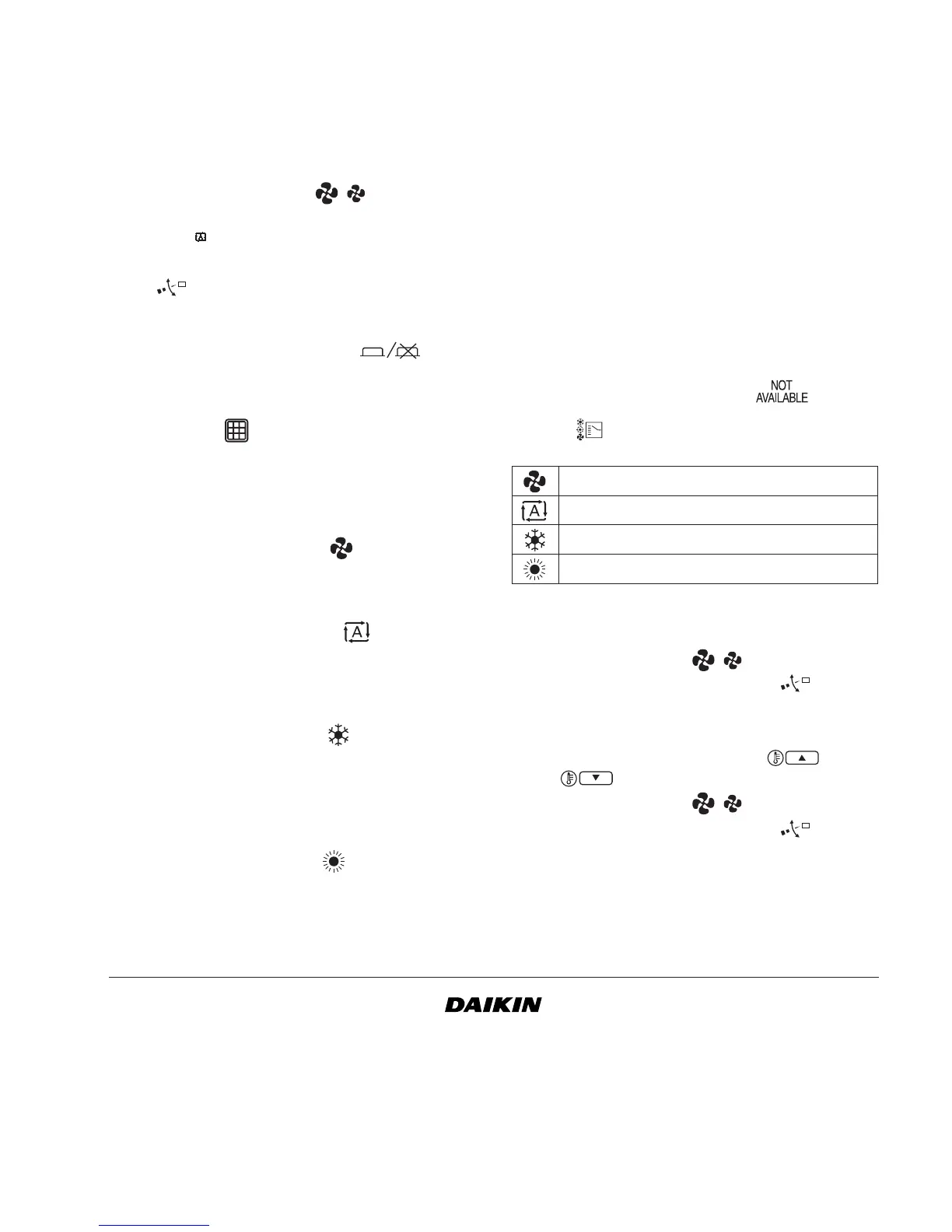
18 FAN SPEED BUTTON
This button toggles between L (Low), H (High), HH
(very High), (Automatic).
19 AIR FLOW DIRECTION ADJUST BUTTON
This button enables to adjust the air flow direction.
20 TIMER PROGRAM BUTTON
This button confirms or cancels the ON/OFF timer.
21 AIR FILTER CLEANING TIME ICON RESET
BUTTON
This button is used to reset the air filter cleaning time
icon.
3. Description of the operation modes
1 FAN ONLY OPERATION
In this mode, air only circulates without heating or
cooling.
2 AUTOMATIC OPERATION
In this mode, the controller will automatically switch
between heating and cooling as required by the
setpoint or limit temperature.
3 COOLING OPERATION
In this mode, cooling will be activated as required by
the setpoint or limit temperature.
Only for 2 pipe indoor units: if the water temperature
is not in the cooling range, the icon will be blinking.
4 HEATING OPERATION
In this mode, heating will be activated as required by
the setpoint or limit temperature.
Only for 2 pipe indoor units: if the water temperature
is not in the heating range, the icon will be blinking.
4. Operation
Manual operation
In manual operation, the user decides about the
settings of the installation. The last setting remains
active until the user changes it.
As the controller can be implemented for a wide
variety of installations and features, it might occur that
you select a function that is not available on your
installation; if this is the case, the message
will appear.
Use the button to select the desired operation
mode if the jumper J8 is cut off.
1 FAN ONLY OPERATION
User adjustable parameters:
• fan speed, use the button,
• air flow direction adjust, use the button.
2 AUTOMATIC OPERATION
User adjustable parameters:
• setpoint temperature, use the and
buttons,
• fan speed, use the button,
• air flow direction adjust, use the button.
Fan only operation
Automatic operation
Cooling operation
Heating operation


 To Next Page