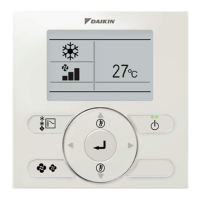
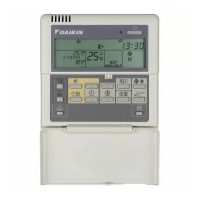
BRC315D7
Remote controller
4PW64949-1 – 10.2010
Operation manual
5
5. Programming the ON/OFF timer
How to program the ON/OFF timer?
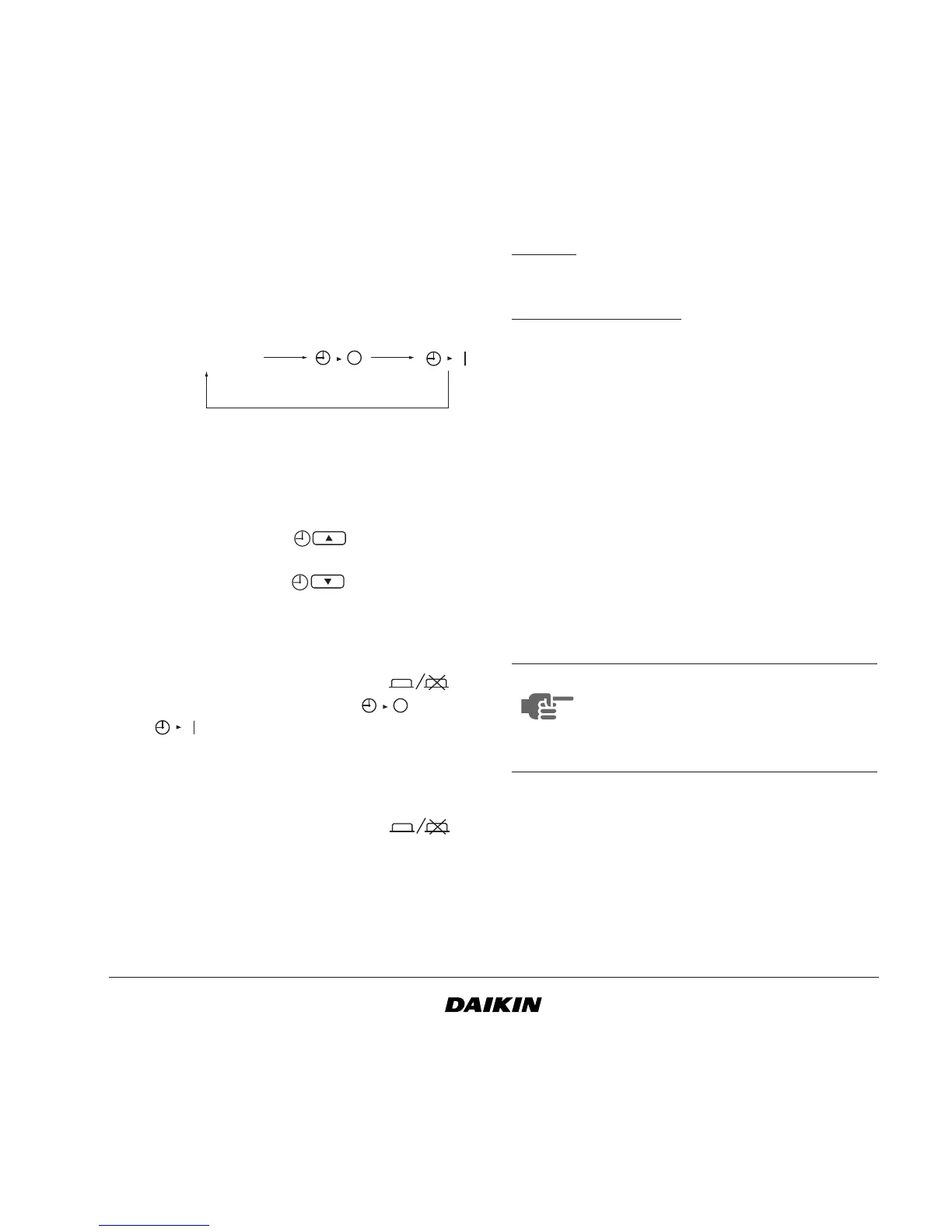
1 Select ON/OFF timer to program
Press the ON/OFF timer button to select the
ON timer or OFF timer.
The icon will be blinking until the programming
is finalized.
2 Choose the time for the timer.
Press the time adjust button and set the time.
Each time pushed will increase the
time with 1 hour.
Each time pushed will decrease the
time with 1 hour.
Maximum 72 hours can be selected.
3 Confirm the ON or OFF timer.
Push the timer program button to
complete the setting. The icon or
icon will stop blinking and be displayed
normally. The remaining time until the action
will be indicated in hours.
4 Cancellation of the timer
Press the timer program button to
cancel the programmed timer.
How to program the OFF timer and
the ON timer at the same time?
Example:
Stop operation after 3 hours, then start the operation
again after 1 hour.
Manner of prog
ramming:
Setting OFF timer after 3 hours and ON timer after 4
hours.
1 Push the ON/OFF timer button until the OFF
timer icon is blinking.
2 Push the time adjust button and select 3 hours.
3 Push the timer program button. OFF timer is
programmed after 3 hours.
4 Push the ON/OFF timer button until the ON
timer icon is blinking.
5 Push the time adjust button and select 4 hours.
6 Push the timer program button. ON timer is
programmed after 4 hours.
The settings are complete.
No icon
NOTE The OFF timer has a higher priority then
the ON timer in case the timers are both
programmed on the same time.
If the action is finished, it needs to be
reprogrammed in case it is needed again.


 To Next Page