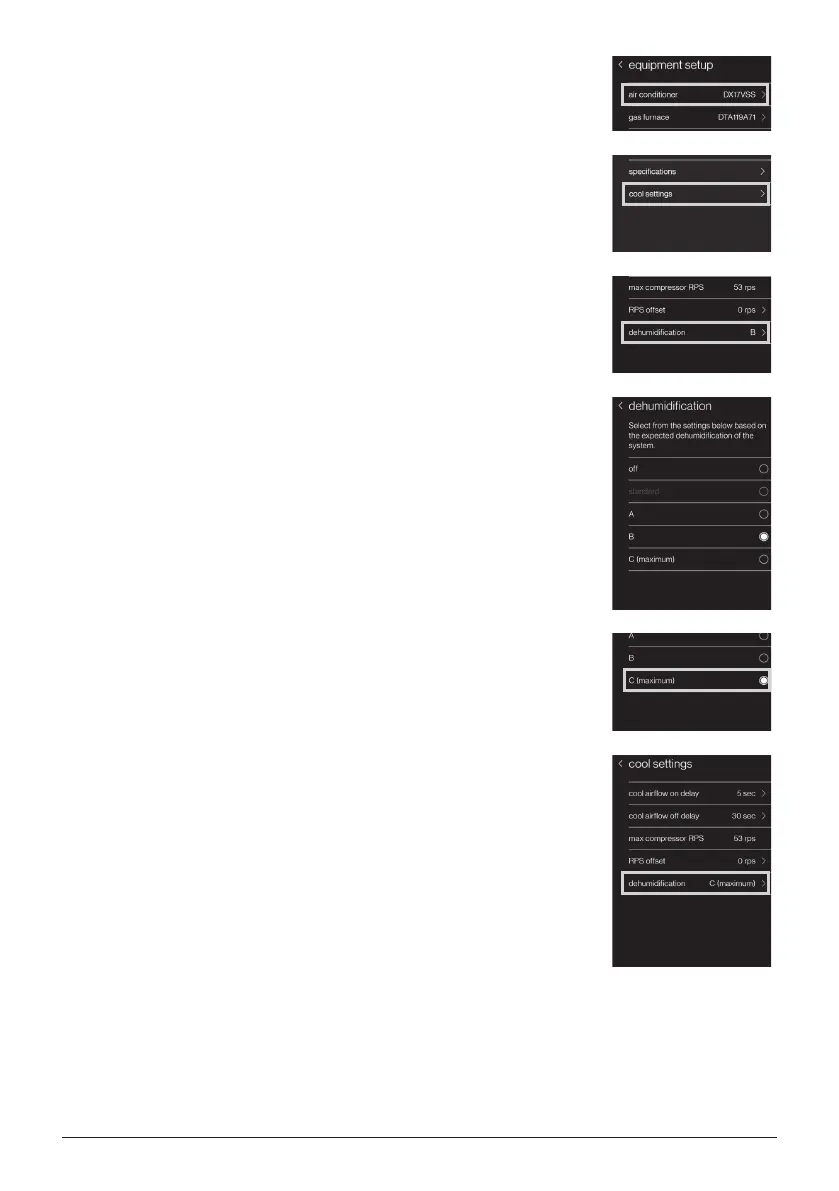
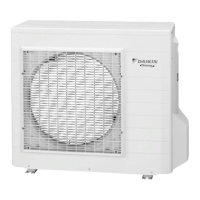
12. Select “air conditioner”, which is the outdoor unit
in the system.
13. Select “cool settings”.
14. Select “dehumidication”.
15. Select one of the settings according to your
demand at this display.
“off” means no special dehumidication prole
setting. “A” has the less dehumidication
performance than the default setting “B”, while “C”
has the maximum performance.
16. For example, select “C”.
17. And then go back to “cool settings”, conrm the
selected prole is correct.
15English
01-FITQ AOR_DTA119A71_IM_EN.indd 15 2021/02/03 18:58:48


 To Next Page