EasyManua.ls Logo

Daikin DZK030E4-3 - User Manual

Daikin DZK030E4-3
56 pages
Print Icon
To Next Page IconTo Next Page
Loading...
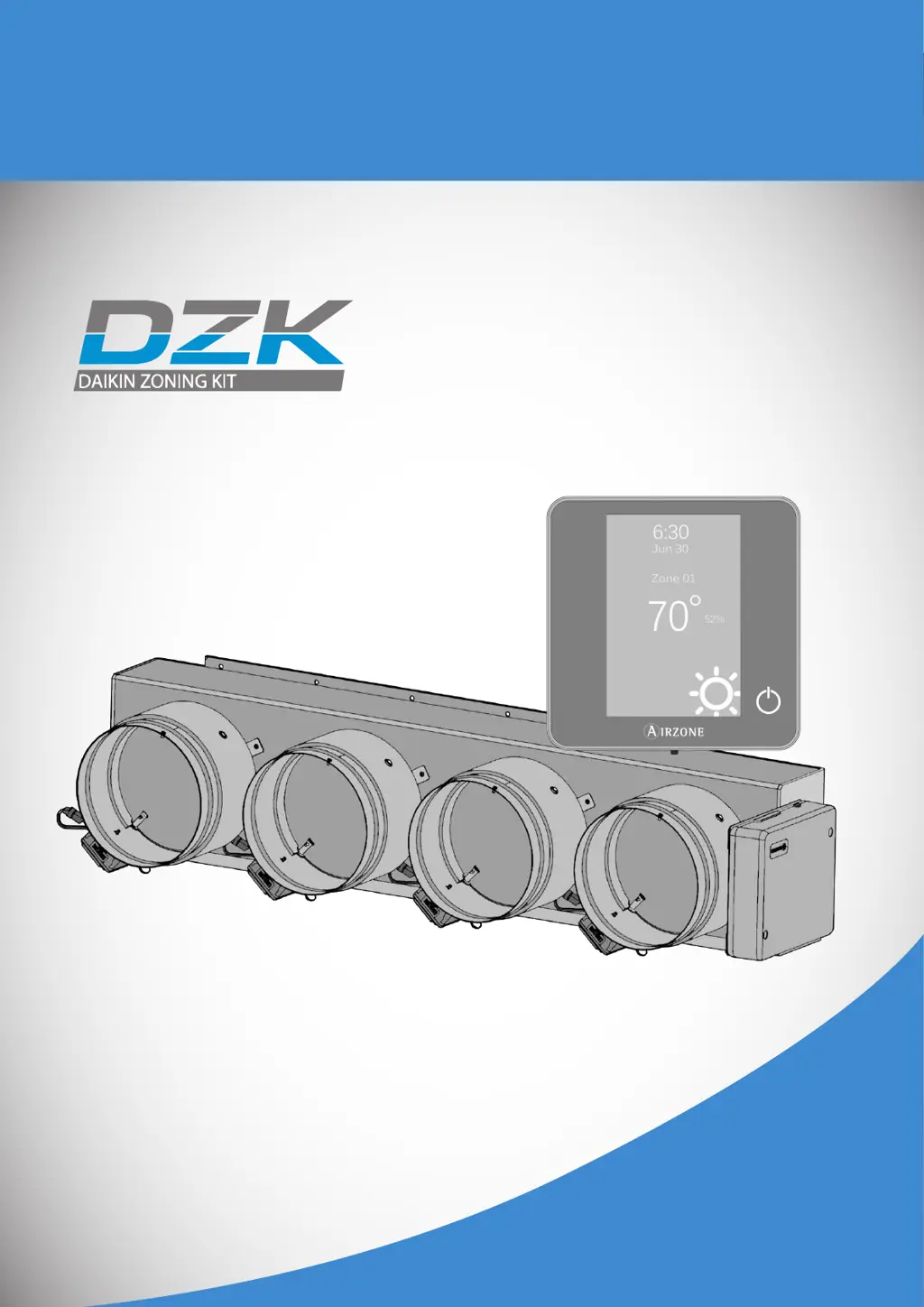
Installation Manual
Zoning Kit

Table of Contents

Questions and Answers

  • H
    Heather SimmonsSep 8, 2025
    What to do if my Daikin DZK030E4-3 is not supplying air to the grille?
    • N
      nicholas75Sep 8, 2025
      If no air is supplied to the grille(s) when activating a zone on your Daikin Air Conditioner Accessories unit, even with the fan coil on, check the following: 1. Verify that the damper assigned to the thermostat is not blocked by the insulation stopper. 2. Ensure the motor is electrically connected properly. 3. Confirm that when demand is created from the thermostat, there are 12VDC between the appropriate contacts for about 5 seconds. 4. Verify that the zone assigned to the thermostat is the correct one; if not, reset and reassign the thermostats to the correct zones.
  • P
    pettymariaAug 23, 2025
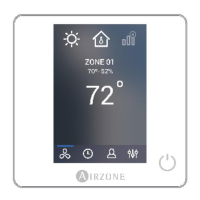
    What to do if my Daikin Air Conditioner Accessories wireless thermostat does not light up?
    • C
      Chad AndersonAug 23, 2025
      If your Daikin Air Conditioner Accessories wireless thermostat isn't lighting up, the first thing you should do is check the battery and replace it if necessary.
  • C
    Caleb KempAug 25, 2025
    What to do if Daikin Air Conditioner Accessories unit starts when set to off?
    • L
      Leah LoweAug 26, 2025
      If your Daikin Air Conditioner Accessories indoor unit starts even when the system is set to off (either off or user mode on Stop), verify that the Setback field setting on the Daikin indoor unit is disabled.
  • P
    peter11Aug 27, 2025
    What to do if my Daikin DZK030E4-3 Air Conditioner Accessories unit does not start in any mode?
    • D
      Diane McbrideAug 27, 2025
      If your Daikin Air Conditioner Accessories unit doesn't start even when everything seems okay, and the Wired Thermostat shows 'User mode STOP', verify that there is a jumper between the contacts of the Alarm connector.
  • D
    davidpattonAug 27, 2025
    What to do if one or more Daikin Air Conditioner Accessories zones do not control the temperature?
    • M
      mark17Aug 28, 2025
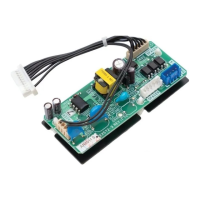
      If one or more zones do not control the temperature on your Daikin Air Conditioner Accessories, verify that the User mode is not set to Stop. Check the room and set point temperatures in the non-working zone thermostat to see if it is creating demand. Ensure that the damper actuator is connected properly. Also, verify that the LEDs D5 and D6 located in the DZK Interface Board mounted over the Control Board are blinking; if not, check the wiring between the DZK Interface Board and the Indoor Unit.
  • R
    Robert LinSep 23, 2025
    How to fix Error 6 on Daikin DZK030E4-3?
    • C
      Cheryl RobinsonSep 23, 2025
      Error 6 indicates that the temperature sensor is short circuited. Replace the device.
  • K
    kellyandersonSep 16, 2025
    What to do if my Daikin Air Conditioner Accessories system does not detect the DZK BACnet Interface?
    • A
      Adam RussellSep 16, 2025
      If the Daikin Air Conditioner Accessories system does not detect the DZK BACnet Interface, verify that the LED D9 is blinking and LEDs D7 and D8 are alternately blinking. If the above is not displayed, check the correct connection of the gateway on the DZK Control Board, verifying the 4-pin connector.
  • M
    mollybowmanSep 18, 2025
    How to fix Error 5 on Daikin DZK030E4-3?
    • N
      nguyenstevenSep 18, 2025
      Error 5 indicates that the temperature sensor is open. Replace the device.
  • W
    Walter HunterSep 7, 2025
    What to do if a Daikin DZK030E4-3 zone is not listed when accessing remote zones?
    • S
      Sergio GarciaSep 7, 2025
      If a zone is not listed when accessing remote zones on your Daikin Air Conditioner Accessories, verify that the thermostat of the missing zone is working correctly by activating/deactivating the zone and checking that the damper opens/closes correctly. Note that for zones controlled by Wireless or Wireless Lite Thermostats, it can take up to 4 minutes after a power supply failure for all zones to be remotely accessible.
  • S
    stephen20Sep 4, 2025
    What does Error 8 mean on my Daikin DZK030E4-3 wired thermostat?
    • R
      russelljillSep 4, 2025
      Error 8 on your Daikin Air Conditioner Accessories wired thermostat indicates that the Wireless Lite Thermostat was not found. Check which Wireless Lite Thermostat is not working properly. Verify the thermostat microswitch corresponds with the zone associated. If not, activate it using the tab with the value needed. Ensure the power supply is adequate by checking the battery and replacing it if necessary.

Summary

System Parameters and Commissioning

Initial System Setup

Power-up, communication verification, and zone assignment.

DZK Control Components

Installation Recommendations

General Installation Guidelines

Key guidelines for safe and proper installation practices.

DZK Zoning Box

Damper Settings

Connection Procedures

DZK Interface Board Configuration

DZK BACnet Interface

BACnet Configuration

Initial Configuration

Advanced Configuration - Wired

Auxiliary Heat Configuration

Zone Parameters

Commissioning Steps - Power On

Thermostat Verification

Verifying initial thermostat configuration screens.

Control Board LED Status

Checking LED indicators on the DZK Control Board for diagnostics.

Component LED Status

Interface Board & BACnet LEDs

Verifying LED status on interface and BACnet boards.

Indoor Unit Communications

Zone & Airflow Control

Zone Assignment Verification

Activating zones and verifying airflow.

Other Configuration Parameters

Auxiliary Heat Verification

Checking auxiliary heat installation and operation.

Exception Codes & Errors

Warnings and Errors Overview

Display of warnings and error codes on the screensaver.

Specific Error Codes

List of common communication and sensor errors.

Auto Diagnostics - Control Board

Auto Diagnostics - Interface Board

Auto Diagnostics - BACnet Interface

Troubleshooting - Wired & Wireless

Error 1: Communication Error

Diagnosing and resolving communication errors with the DZK Control Board.

Troubleshooting - Specific Errors

Error 5, 6, 8: Sensor;Device Issues

Resolving sensor errors and wireless lite thermostat not found issues.

Troubleshooting - Communication Failures

Error 9: Interface Board Failure

Diagnosing communication loss between interface and control boards.

Error 10: BACnet Interface Failure

Diagnosing communication loss with the BACnet interface.

Troubleshooting - System Errors

Error 11: AC Unit Communication

Resolving communication errors between interface board and AC unit.

Wireless Lite - Status LED Errors

Addressing status LED errors for wireless lite thermostats.

Troubleshooting - System Incidences

Thermostat Not Lighting Up

Troubleshooting wired/wireless thermostats that do not power on.

Troubleshooting - Zone Control Issues

Zone Not Accessible; No Airflow

Resolving issues where zones are inaccessible or have no airflow.

Temperature Control Failure

Diagnosing issues with zones not controlling temperature.

Troubleshooting - Functional Issues

Damper & Mode Functionality

Addressing problems with damper modulation and mode switching.

BACnet & System Start Issues

Resolving BACnet detection and system start-up problems.

Wiring Diagram

System Connections Overview

Visual representation of all system electrical connections.

Daikin DZK030E4-3 Specifications

General IconGeneral
Voltage24V
ModelDZK030E4-3
CategoryAir Conditioner Accessories
BrandDaikin
CompatibilityDaikin Air Conditioners

Related product manuals