39
Installation Manual
Rev. 2.00 Date 01-2019
ZONE ASSIGNMENT
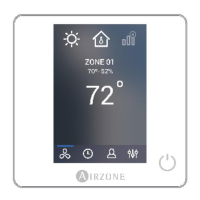
Activate each thermostat, one at a time, and set it for demand by
Zone Navigation menu (see the section Zone Navigation from the
User’s Manual). Verify that the zone where the thermostat is located
is receiving air. Change the set point to eliminate the demand, and
verify that the airflow stops.
AIRFLOW CONTROL SELECTION
• Check the change of the fan speed depending on the
number of demand zones with the Standard mode.
• Remember that the Airflow control function is available in
the Main Wired Thermostat to adapt the velocity map
according to the installation requirements.
• Check with an anemometer that the air supply to each zone
is the desired amount. Verify the airflow with all zones open,
and also with each zone individually open.
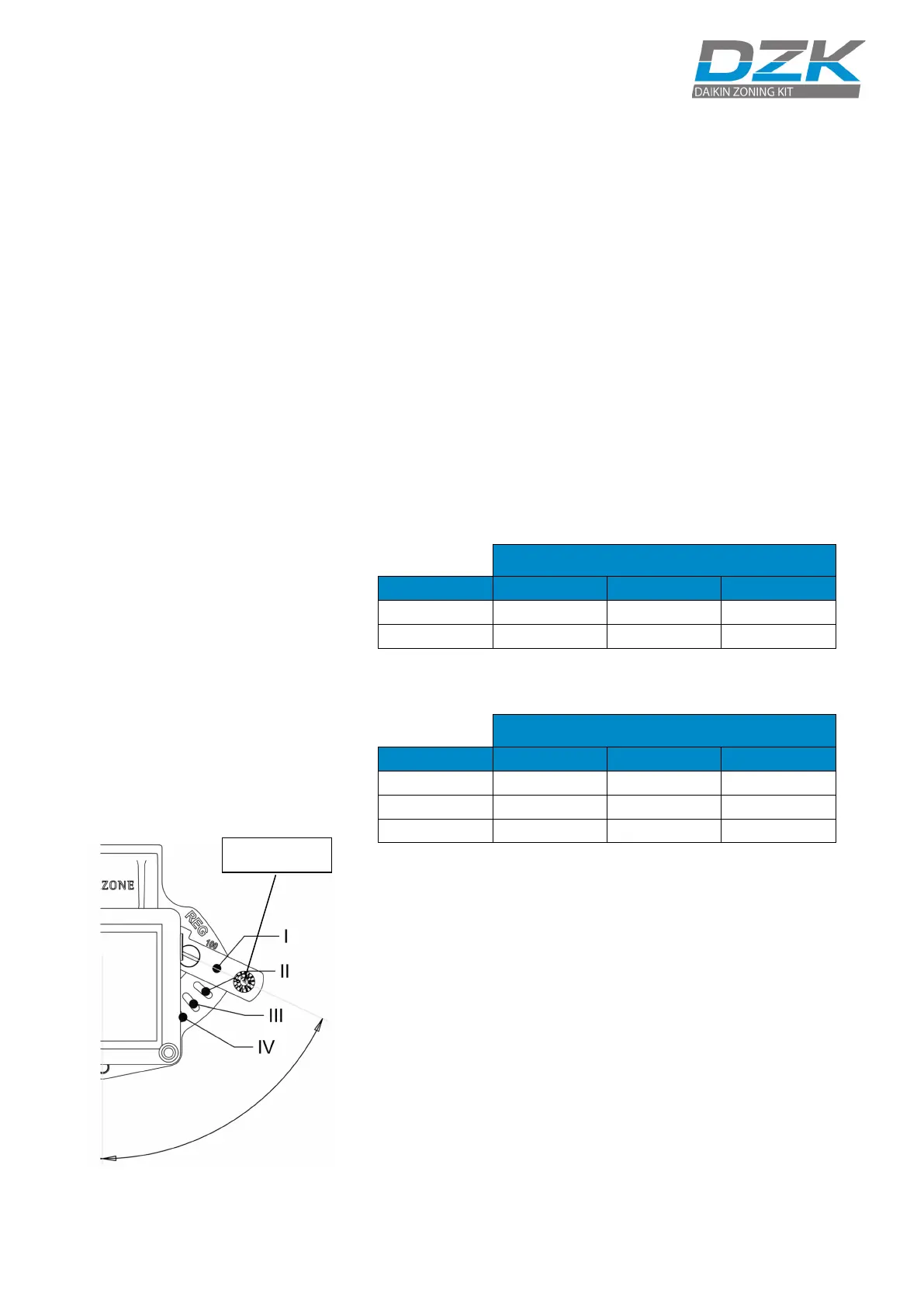
• Before mechanically adjusting the maximum opening (REG),
ensure that the zone damper is closed. To do this turn off the
zone to be adjusted while keeping any other zone calling
demand.
Total weight (Zones calling demand)
Total weight (Zones calling demand)


 To Next Page
 Loading...