27
Installation Manual
Rev. 2.00 Date 01-2019
WIRELESS LITE THERMOSTAT CONFIGURATION
Zone ID
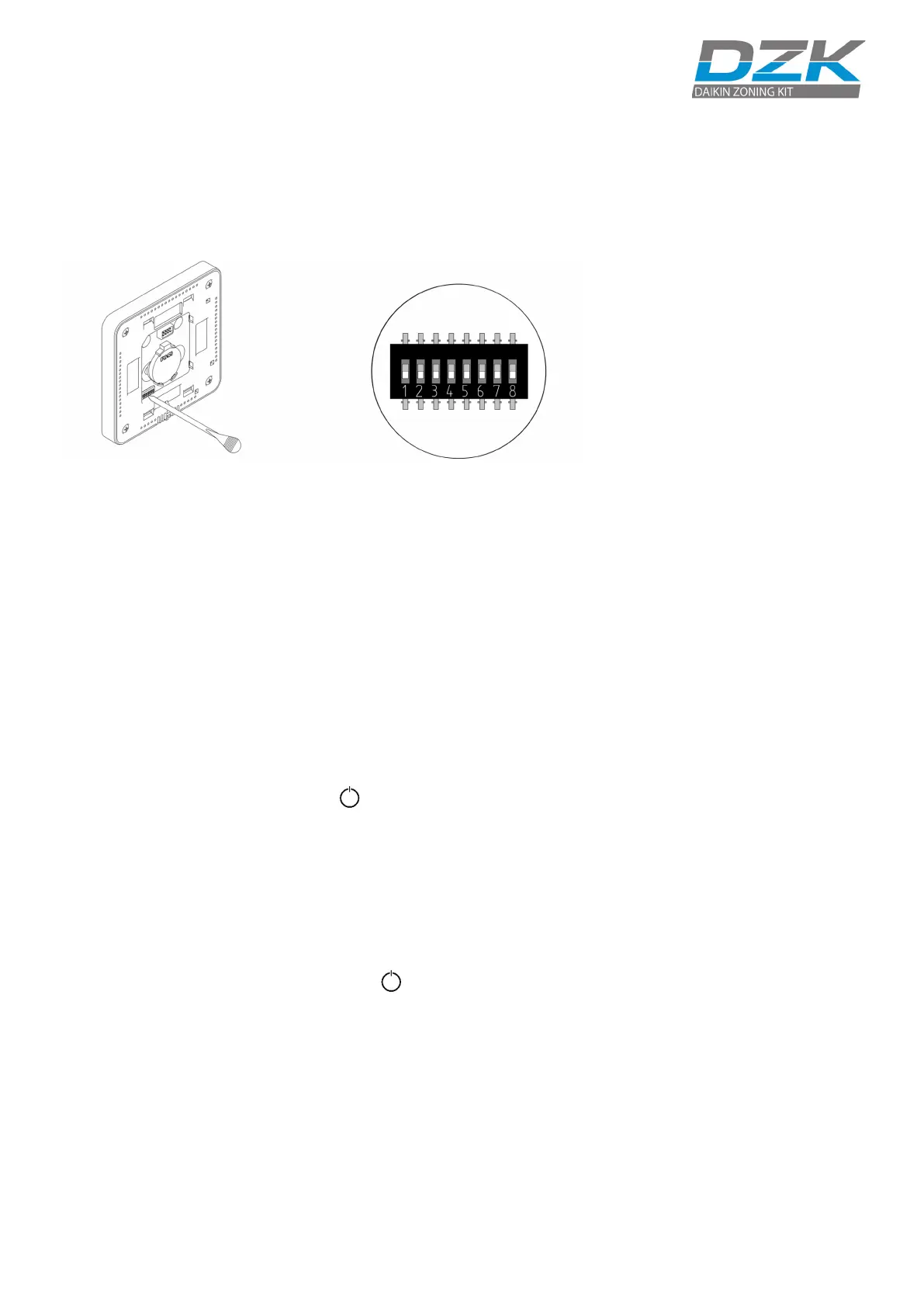
Select the zone associated to the thermostat by switching on the
corresponding dip switch number.
Linked Zones
If required, select other control outputs associated to the zone by
adjusting the corresponding dip switches. The address zone will
be the one with a lower value.
Other Settings
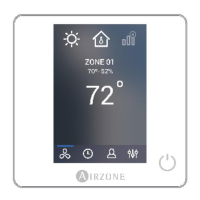
Configure other functionalities of the Wireless Lite Thermostat from
the Advanced Configuration menu of any Wired Thermostat (refer
to the Zone Parameters settings of the Wired Thermostat).
If the association is correct, the LED will flash green 5 times. If it
flashes red, it means the zone is already occupied. If it flashes red
twice, it means the thermostat is out of range.
Wireless Lite Thermostat Reset
If you want to return your Wireless Lite Thermostat to factory values,
pull down all the microswitchs. Press on and the LED will flash
green twice when the reset process is completed.
Remember: if you need to change
the zone number, reset the
thermostat, and start association
process.



 To Next Page