38
Installation Manual
Rev. 2.00 Date 01-2019
COMMUNICATIONS WITH THE INDOOR UNIT – MODES /
TEMPERATURE
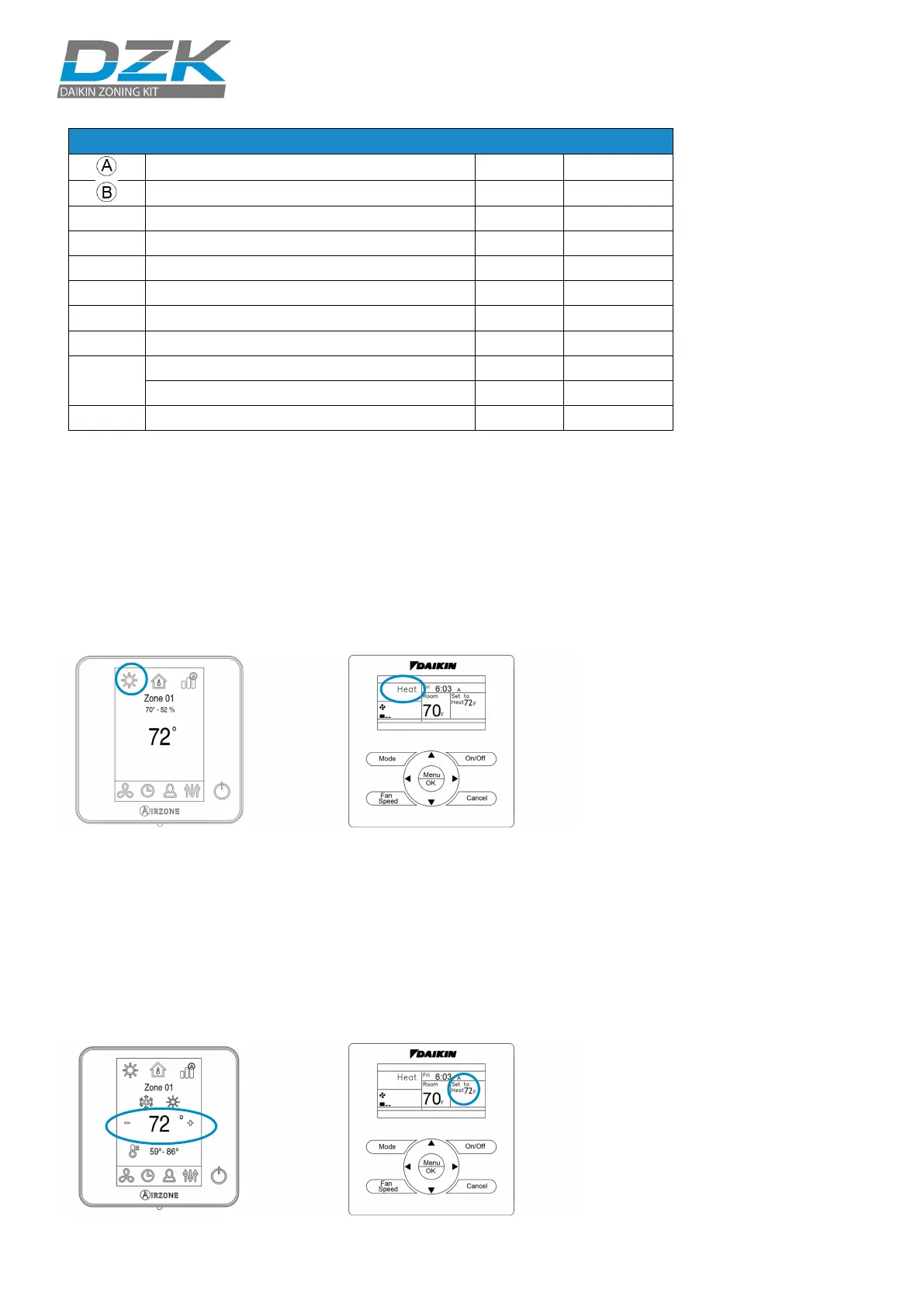
Check that the Navigation Remote Controller receives the operation
mode change from the zoning system. To verify that, change the
operation mode on the Main Wired Thermostat and verify that the
new mode appears in the Navigation Remote Controller.
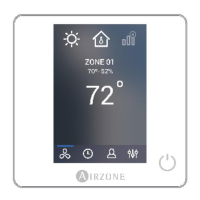
DZK Wired Thermostat Daikin Navigation Remote Controller
Check that the Daikin Navigation Remote Controller receives the
temperature changes from the zoning system. To do this, deactivate
all thermostats but the Main Wired Thermostat. Change the Main
Wired Thermostat set point, and verify that the set point in the
Daikin Navigation Remote Controller follows the specified set point
changes.
DZK Wired Thermostat Daikin Navigation Remote Controller
Ethernet connected Blinking Green
Data transmission from automation
Data reception from automation bus
Connected to the Internet
Network data transmission
D13
Configured as IP address through DHCP
Configured as Fixed IP address
Power supply


 To Next Page
 Loading...