43
Installation Manual
Rev. 2.00 Date 01-2019
LED D5 does not blink
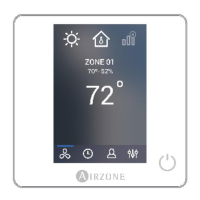
- The board is not receiving information from the Wired Thermostat. Verify the wiring between the
Wired Thermostat and the Control Board. Never use solid wires for this connection.
LED D11 is not ON
- Verify that the Control Board is powered.
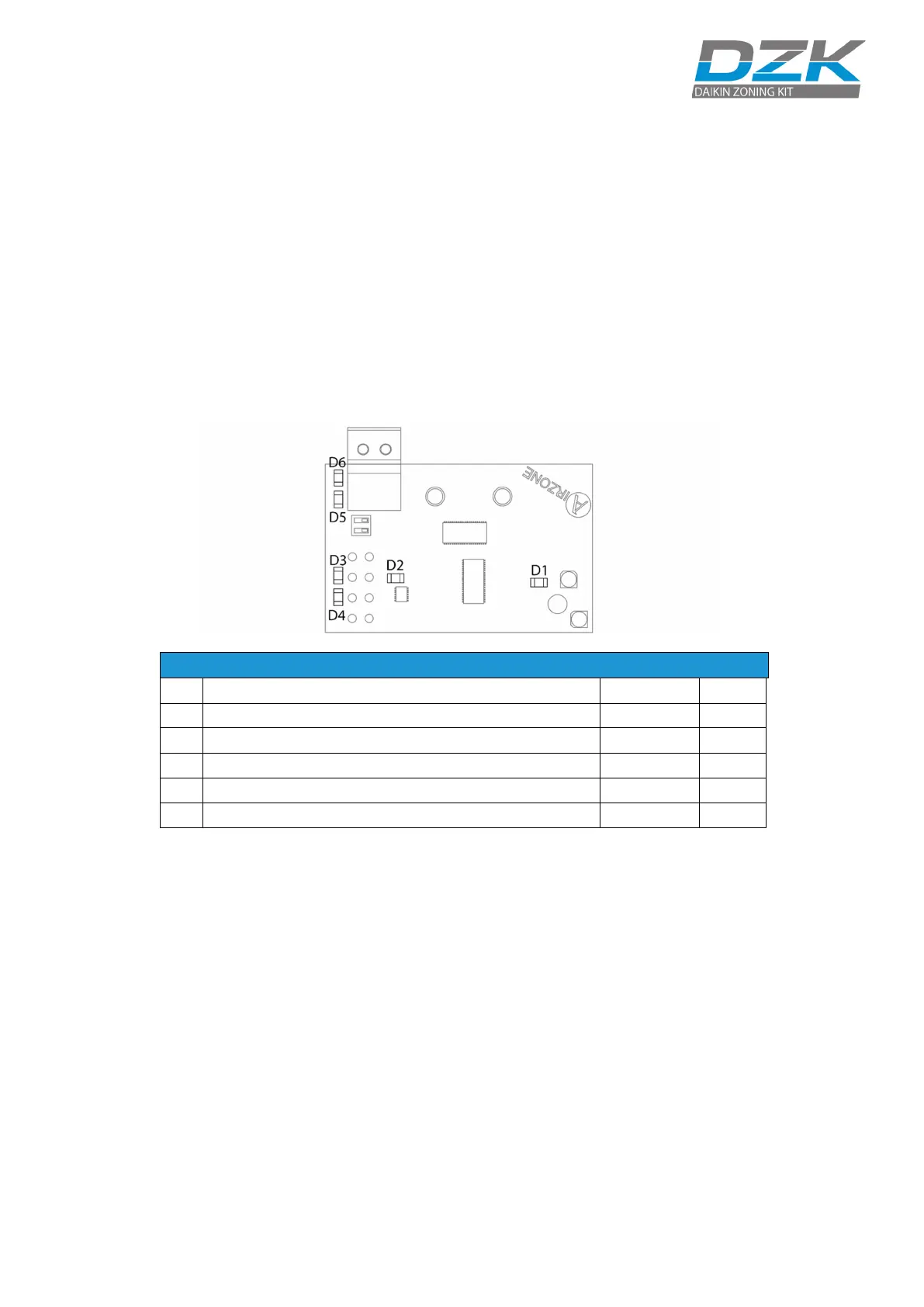
DZK INTERFACE BOARD AUTO DIAGNOSIS
DZK Interface Board has integrated LED’s that provide information about abnormal conditions.
LED D1 is not ON
- Verify the AC Unit Power Supply.
- Verify the correct connection between the Daikin Indoor unit and the DZK Interface Board.
LED D2 does not blink
- Contact Technical Support.
LED’s D3/D4 do not blink
- Check the connection between the DZK Interface board and the DZK Control Board.
LED’s D5/D6 do not blink
- Check the correct connection between the Daikin Indoor unit and the DZK Interface Board.
DZK Interface Board internal bus activity
Data transmission to Zoning box control board
Data reception from Zoning box control board
Data transmission to Daikin navigation controller
D6
Data reception from Daikin navigation controller
Blinking Green



 To Next Page
 Loading...