4 Operation
User reference guide
8
EHBH/X04~16CB + EHVH/X04~16S18+26CB
Daikin Altherma – Low temperature split
4P384964-1 – 2015.01
Leaving water temperature control
Leaving water temperature control means that you only control the
leaving water temperature. To control the leaving water temperature,
you can do the following:
You can… Location
Read out the desired leaving water
temperature (main + additional).
Leaving water
temperature home
pages (main +
additional)
▪ Adjust/overrule the leaving water
temperature (main).
▪ Adjust the leaving water temperature
(additional).
Select which leaving water temperature
schedule (main + additional) you want to
use.
Menu structure
Program leaving water temperature
schedule (main + additional).
Define preset values that are used by the
leaving water temperature schedule (main).
See also:
▪ "Using the leaving water temperature home pages (main +
additional)"on page9
▪ "4.7Preset values and schedules"on page16
External room thermostat control
External room thermostat control means that you control the
following:
▪ Room temperature on the external thermostat control
▪ Leaving water temperature on the user interface (Daikin)
To control the leaving water temperature, you can do the following:
You can… Location
Read out the desired leaving water
temperature.
Leaving water
temperature home
pages (main +
additional)
Adjust the desired leaving water
temperature.
Only change this if the desired room
temperature cannot be reached.
See also: "Using the leaving water temperature home pages (main +
additional)"on page9.
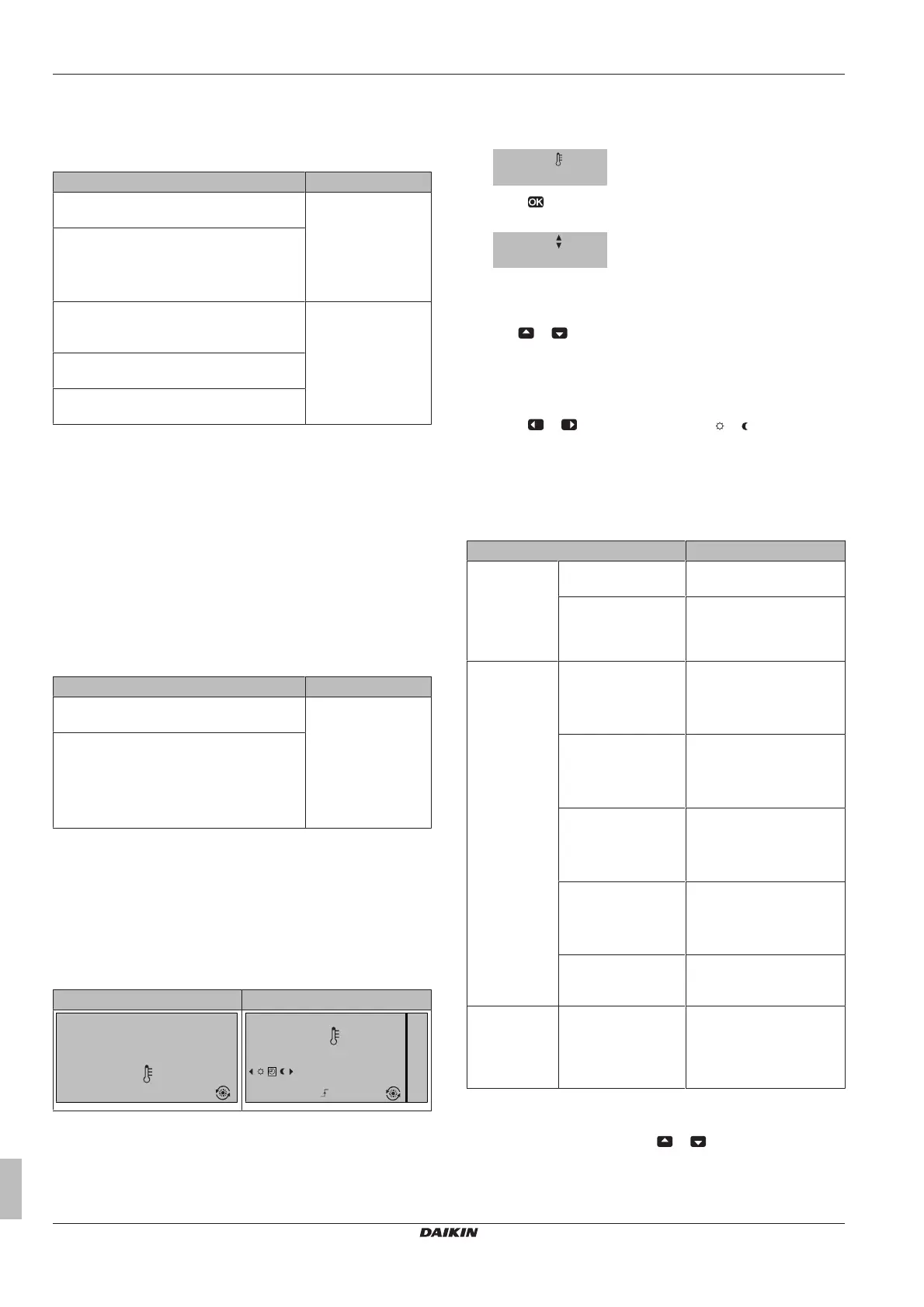
Using the room temperature home page
Typical room temperature home pages
Depending on the user profile, the user interface gives you either a
basic or a detailed home page. To set the user profile, refer to
"4.6.6Configuring user profile and home pages"on page15.
User profile = Basic User profile = Detailed
15:20
20.0°C
Mon
Room
Actual temperature
15:20
20.0°C
17:30
Actual temperature
Room
Scheduled
Mon
Tue
To read out the actual and desired room temperature
1 Go to the room temperature home page (Room).
Result: You can read out the actual temperature.
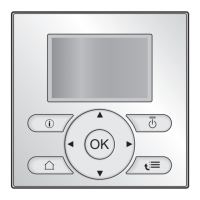
2 Press .
Result: You can read out the desired temperature.
22.0°C
Desired temperature
To temporarily overrule the room temperature schedule
1 Go to the room temperature home page (Room).
2 Use or to adjust the temperature.
To change the mode from scheduled to preset value
Prerequisite: User profile = Detailed.
1 Go to the room temperature home page (Room).
2 Press or to select a preset value ( or ).
Result: The mode will return to Scheduled according to the overrule
period.
Example: Temporarily overruling the schedule AND changing
the mode to preset value
You have configured the following settings:
Settings Description
Preset values Comfort (heating) =
20°C
Desired temperature when
you are at home.
Eco (heating) = 18°C Desired temperature:
▪ When you are away
▪ During the night
Schedule 07:00 Comfort You are at home.
Desired temperature =
preset value (Comfort
(heating)).
09:00 Eco You are away.
Desired temperature =
preset value (Eco
(heating)).
17:00 Comfort You are at home.
Desired temperature =
preset value (Comfort
(heating)).
19:00 21°C You are at home and want
it to be a little warmer.
Desired temperature =
custom temperature.
23:00 Eco Desired temperature =
preset value (Eco
(heating)).
Overrule period
(Temperature
lock)
2hours If you temporarily overrule
the schedule by a preset
value, after 2hours the
schedule will be used
again.
If user profile = Basic, then you can temporarily overrule the room
temperature schedule by pressing or .


 To Next Page