About the lamps
1
About the water supply lamp
• When the water supply lamp lights up, the Humidifying operation will stop (the Air purifying operation will continue) but the humidier ON/OFF
lamp will remain lit up.
• After lighting up, the water supply lamp may be on and off a few times, however, this is normal (not a malfunction).
• Stop operation of the unit and unplug the power supply, then ll the water tank with water and re-insert it into the unit. After a while, the water
supply lamp will be off and the Humidifying operation will resume.
►
Page 13
• To stop the notication tone (3 long beeps) from sounding, change the settings.
►
Page 21
2
About the child proof lock lamp
• When lit up, operations will be restricted. When buttons are pressed, only a tone (3 short beeps) will sound, preventing misoperation by small
children.
►
Page 19
3
About the dust/PM2.5 sensor lamp
• After operation is started, the lamp will light green for the rst minute
(approx.) regardless of air impurity level.
• If the responsiveness of the dust/PM2.5 sensor is poor, change the sensitivity
setting of the sensor.
►
Page 21
• The responsiveness of the dust/PM2.5 sensor may be poor during FAN setting
“Turbo” or when airow is high in AUTO FAN MODE or MOIST MODE. The strong
airow causes dust to be drawn into the air inlets before it can be detected by the
dust/PM2.5 sensor. This is normal (not a malfunction).
Dust/PM2.5 sensor detection range
Detectable matter
house dust, tobacco smoke, pollen, mite droppings
and remains, pet hairs, diesel particulate matter
Sometimes detectable
steam, oil smoke
4
About the odour sensor lamp
• If operation is started immediately after the power supply plug is inserted, the
lamp will light green for the rst minute (approx.).
• If odour intensity levels are unchanging, the sensor may not respond even if there
is a strong odour in the air.
• The following types of odours may not be detected:
pet odours that do not include ammonia, garlic odours, etc.
• As odour perception varies by person, in some cases an odour may be sensed
even when the lamp is green.
If the odour bothers you, switch to manual airow rate, and select a high airow
rate.
►
Page 16
The basic sensitivity of the odour sensor will be determined by odour levels in the
rst minute (approx.) after the power supply plug is inserted every time. Insert the
power supply plug when the air is clean (odour-free).
Odour sensor detection range
Detectable matter
tobacco odours, cooking odours, pet odours, toilet
smells, waste smells, mould odour, sprays, alcohol
Sometimes detectable
sudden changes in temperature/humidity, steam, oil
smoke, gas emitted from combustion-based heating
devices
5
About the HUM monitor lamps
• When the humidity level is below 30%, the “30” lamp will light up. When the humidity level is above 70%, the “70” lamp will light up.
• The lamp will light up even when only the Air purifying operation is active.
At times the humidity level indicated on the unit may differ from other hygrometers.
• This is because the ow of air causes temperature and humidity to vary throughout the room. Please consider the indications to be a rough
estimate of ambient humidity.
6
About the streamer lamp
• During streamer operation, this lamp lights up. Streamer operation is conditional on the degree of air impurity.
• If the hissing sound generated by the streamer discharge or the odour of ozone bother you, set streamer output to low.
►
Page 20
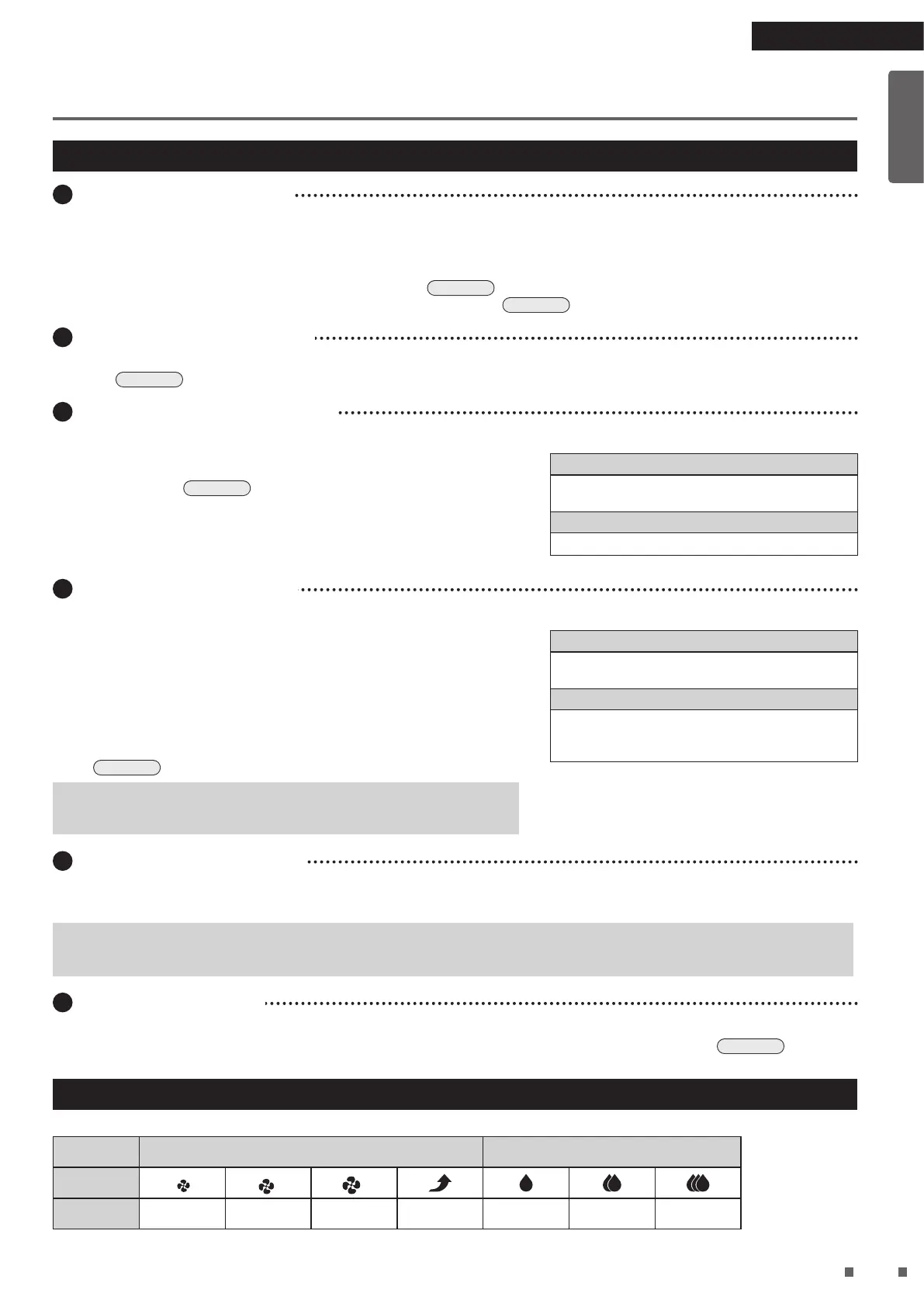
About the FAN and Humidity symbols
Symbol table *The size of the symbols varies in accordance with the airow rate setting.
FAN Humidity
Symbol
*
*
*
Setting Quiet Low Standard Turbo Low Standard High
Read First
01_EN_3P595628-1.indd 10 2019/12/13 15:56:55



 To Next Page