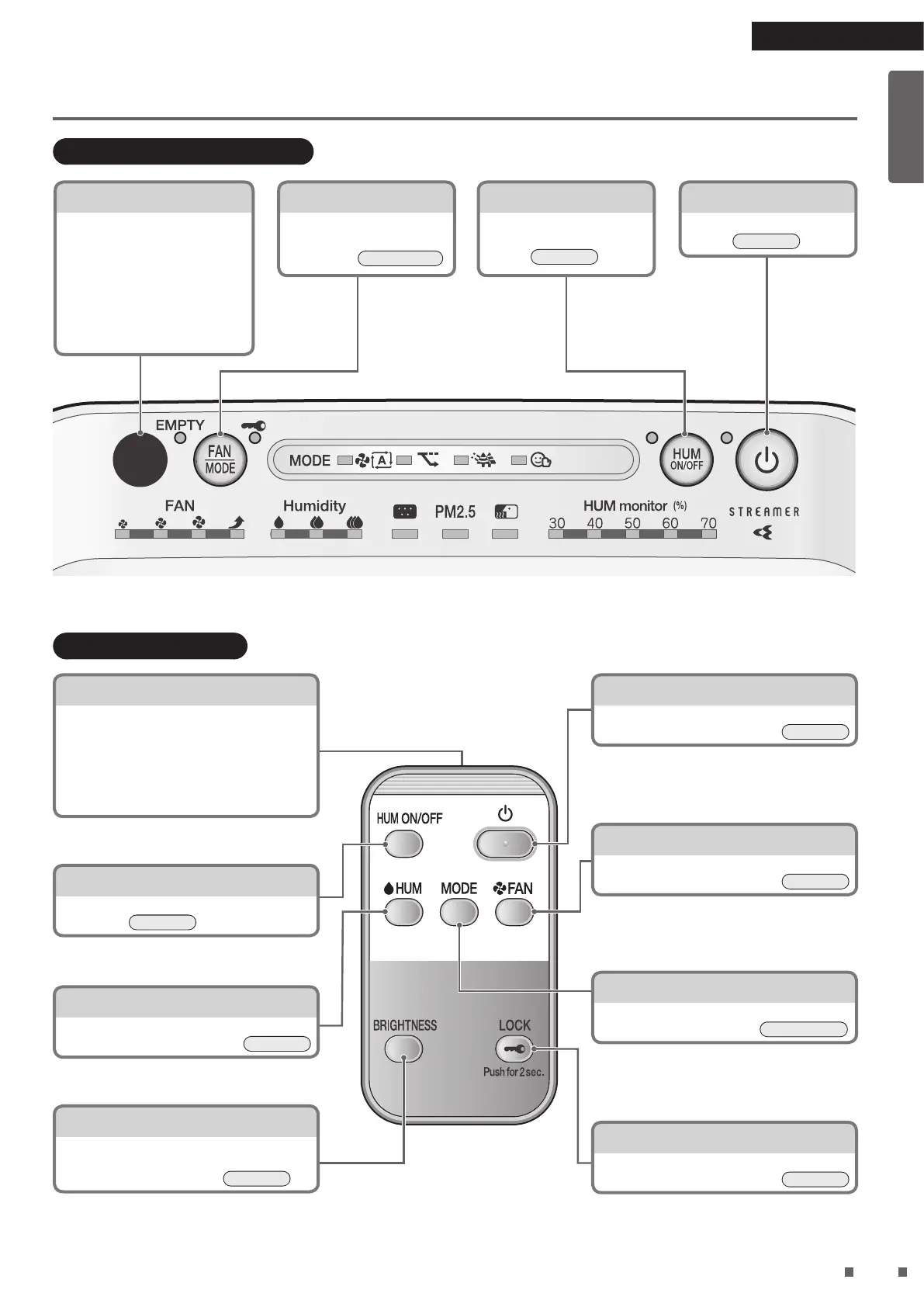
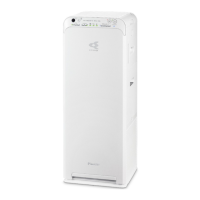
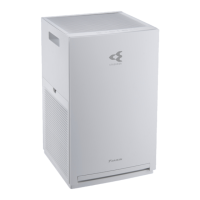
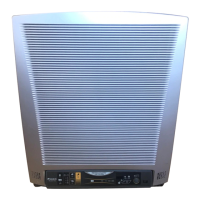
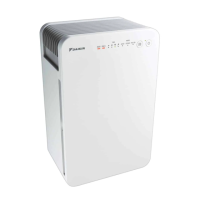
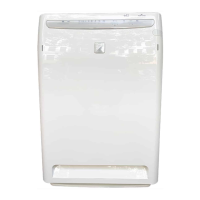
Operating/Indicator panel
Signal receiver
Receives signals from the
remote controller. Receiving
tones sound when signals are
received, conrming successful
reception.
• Operation start...2 short beeps
• Setting change...1 short beep
• Operation end...1 long beep
Signal transmitter
• Transmits signals to the unit.
• The unit may fail to receive signals if
anything is blocking the signals, such as a
curtain.
• Maximum transmission range is approx.
6m (straight line).
FAN/MODE button
Press to cycle between FAN
settings and MODEs.
►
Page 16-18
HUM ON/OFF button
Each press turns the
Humidifying operation ON
or OFF.
►
Page 16
ON/OFF button
Press to turn the power ON
or OFF.
►
Page 15
ON/OFF button
Press to turn the power ON or OFF.
►
Page 15
HUM ON/OFF button
Each press turns the Humidifying operation
ON or OFF.
►
Page 16
FAN button
Press to cycle between FAN settings.
►
Page 16
HUM button
Press to cycle between humidity settings.
►
Page 16
MODE button
Press to cycle between MODEs.
►
Page 17, 18
BRIGHTNESS button
Press to cycle through brightness levels
(BRIGHT, DIM, OFF*).
*Not all lamps are turned off.
►
Page 19
LOCK button
Prevents misoperation by small children.
►
Page 19
Read First
01_EN_3P595628-1.indd 8 2019/12/13 15:56:55



 To Next Page