EasyManua.ls Logo

Daikin REYA20A7Y1B - User Manual

Daikin REYA20A7Y1B
56 pages
Print Icon
To Next Page IconTo Next Page
Loading...
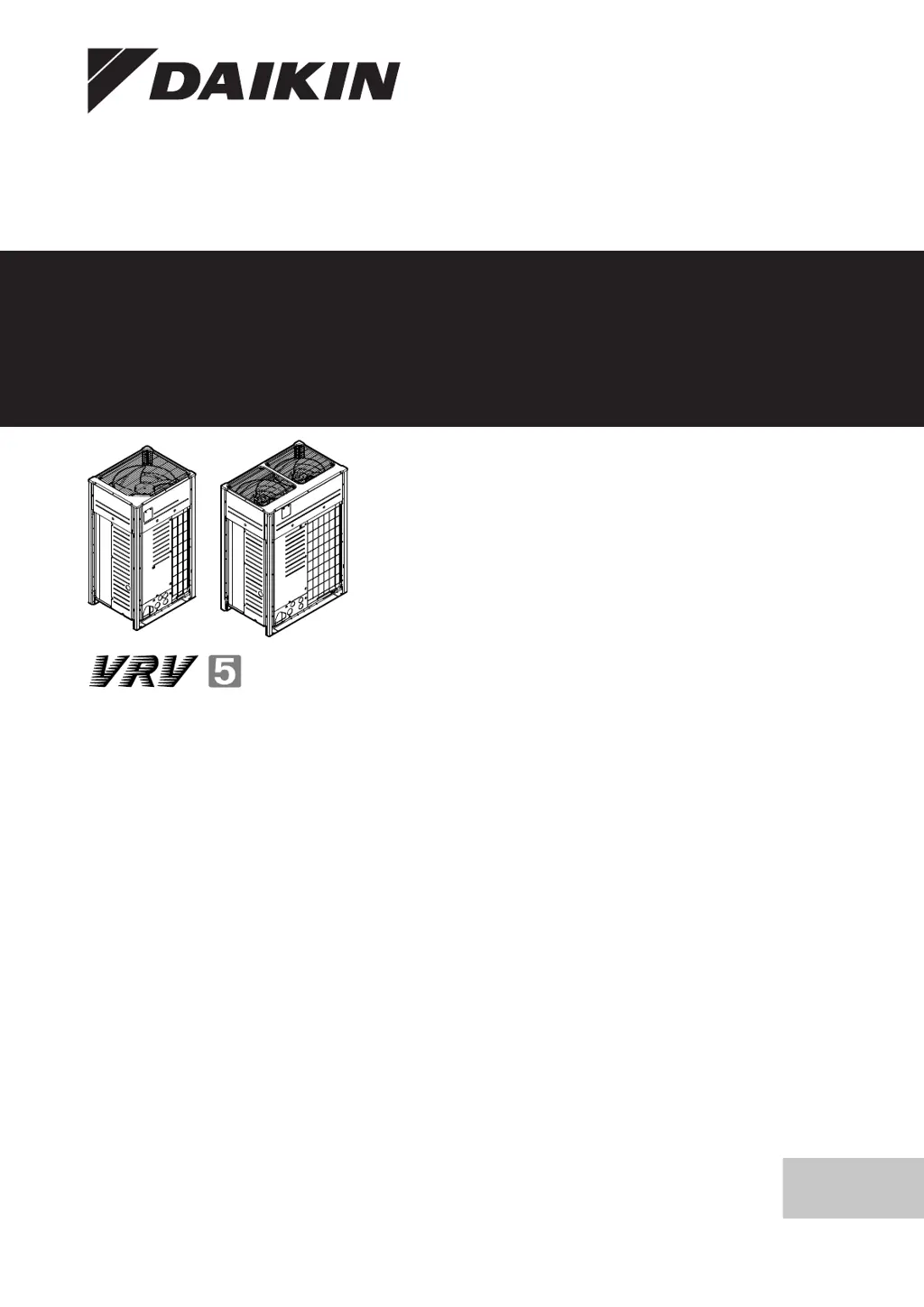
Installation and operation manual
VRV 5 heat recovery
English
Installation and operation manual
VRV 5 heat recovery
REYA8A7Y1B
REYA10A7Y1B
REYA12A7Y1B
REYA14A7Y1B
REYA16A7Y1B
REYA18A7Y1B
REYA20A7Y1B
REMA5A7Y1B

Table of Contents

Questions and Answers

  • K
    Kenneth JamesAug 9, 2025
    Why is my Daikin REYA20A7Y1B not cooling or heating enough?
    • J
      John SmithAug 9, 2025
      There could be several reasons why your Daikin Heating System isn't providing sufficient cooling or heating: * Check for any obstructions blocking the air inlet or outlet of either the outdoor or indoor unit. Remove any obstacles to ensure free airflow. * Make sure the air filter is clean. * Verify that the temperature setting is correct. * Adjust the fan speed setting on the user interface. * Ensure all doors and windows are closed to prevent drafts. * Consider if there are too many people in the room or excessive heat sources. * Block direct sunlight using curtains or blinds. * Confirm the air flow angle is properly adjusted.
  • A
    Ashley BakerAug 18, 2025
    What to do if my Daikin Heating System doesn't operate at all?
    • J
      Jessica ReedAug 18, 2025
      If your Daikin Heating System isn't operating, there are a couple of things you can check: 1. First, verify that there is no power failure and wait for the power to be restored. The system should automatically restart after power is restored. 2. Next, check if a fuse has blown or a breaker has tripped. If necessary, replace the fuse or reset the breaker.
  • D
    Daniel MossAug 28, 2025
    What to do if my Daikin REYA20A7Y1B goes into fan only operation and then stops?
    • B
      Brett RangelAug 28, 2025
      If your Daikin Heating System enters fan-only mode and then stops when attempting to heat or cool, check the following: * Ensure that neither the air inlet nor the outlet of the outdoor or indoor unit is blocked by any obstacles. Clear any obstructions to allow for unrestricted airflow. * Verify that the user interface display shows on the home screen. Refer to the installation and operation manual delivered with the indoor unit for instructions.

Summary

Specific installer safety instructions

Connecting the refrigerant piping

Details on connecting refrigerant piping.

Charging refrigerant

Details on refrigerant charging procedures.

Electrical installation

Details on electrical installation requirements.

Commissioning

Details on system commissioning procedures.

Troubleshooting

Details on troubleshooting system issues.

Instructions for equipment using R32 refrigerant

User safety instructions

Instructions for safe operation

About the system

User interface

Operation

Maintenance and service

Setting the master user interface

Designate one of the user interfaces as the master user interface.

Troubleshooting

Error codes: Overview

In case a malfunction code appears on the indoor unit user interface display, contact your installer.

Solving problems based on error codes

Perform correcting actions as explained in the malfunction code table.

Symptoms that are NOT system malfunctions

About the units and options

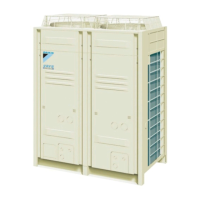
About the outdoor unit

This installation manual concerns the VRV 5, full inverter driven, heat recovery system.

Special requirements for R32 units

Installation space requirements

Specifies installation space requirements for R32 refrigerant appliances.

System layout requirements

Details requirements for R32 refrigerant system layout and safety measures.

Piping requirements

Instructions for installing piping according to standards and protecting it.

About the charge limit

To determine the charge limit

Unit installation

Preparing the installation site

The appliance shall be stored in a room without continuously operating ignition sources.

Installation site requirements of the outdoor unit

Additional installation site requirements of the outdoor unit in cold climates

Opening the unit

To open the electrical component box of the outdoor unit

Mounting the outdoor unit

Piping installation

Preparing refrigerant piping

Guidance on preparing refrigerant piping, including requirements and materials.

Refrigerant piping requirements

Piping and other pressure-containing parts shall be suitable for refrigerant.

Refrigerant piping material

Specifies phosphoric acid deoxidised seamless copper for refrigerant piping.

To select the piping size

Determine the proper pipe size using the following tables and reference figure.

To select refrigerant branch kits

Multiple outdoor units: Possible layouts

Connecting the refrigerant piping

Using the stop valve and service port

To remove the pinched pipes

Checking the refrigerant piping

To perform a leak test

To perform vacuum drying

To insulate the refrigerant piping

Charging refrigerant

Precautions when charging refrigerant

Details safety warnings and precautions for charging refrigerant.

About charging refrigerant

To determine the additional refrigerant amount

To charge refrigerant: Flow chart

To charge refrigerant

Error codes when charging refrigerant

Checks after charging refrigerant

To fix the fluorinated greenhouse gases label

To check for refrigerant leaks after charging

Electrical installation

To route and fix the transmission wiring

To connect the transmission wiring

To connect the power supply

To connect the external outputs

To check the insulation resistance of the compressor

Configuration

Commissioning

Precautions when commissioning

Checklist before commissioning

Refrigerant leak

Requirements for R32 equipment

Field settings

Checklist during commissioning

About the BS unit test run

About the test run

To perform a test run

Hand-over to the user

Error codes: Overview

Leak detection function related error codes

Refrigerant leak detection system

Technical data

Wiring diagram: Outdoor unit

Daikin REYA20A7Y1B Specifications

General IconGeneral
BrandDaikin
ModelREYA20A7Y1B
CategoryHeating System
LanguageEnglish

Related product manuals