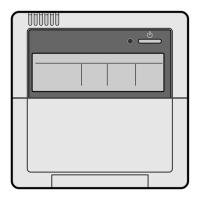
ON/OFF TIMER Operation
•
The timer is operated by the following two ways.
Programming the stop time ( ) ........ The system stops operating after the time setting has elapsed.
Programming the start time ( ) ......... The system starts operating after the time setting has elapsed.
•
The timer can be programmed for a maximum of 72 hours.
•
The start and the stop time can simultaneously be programmed.
1.
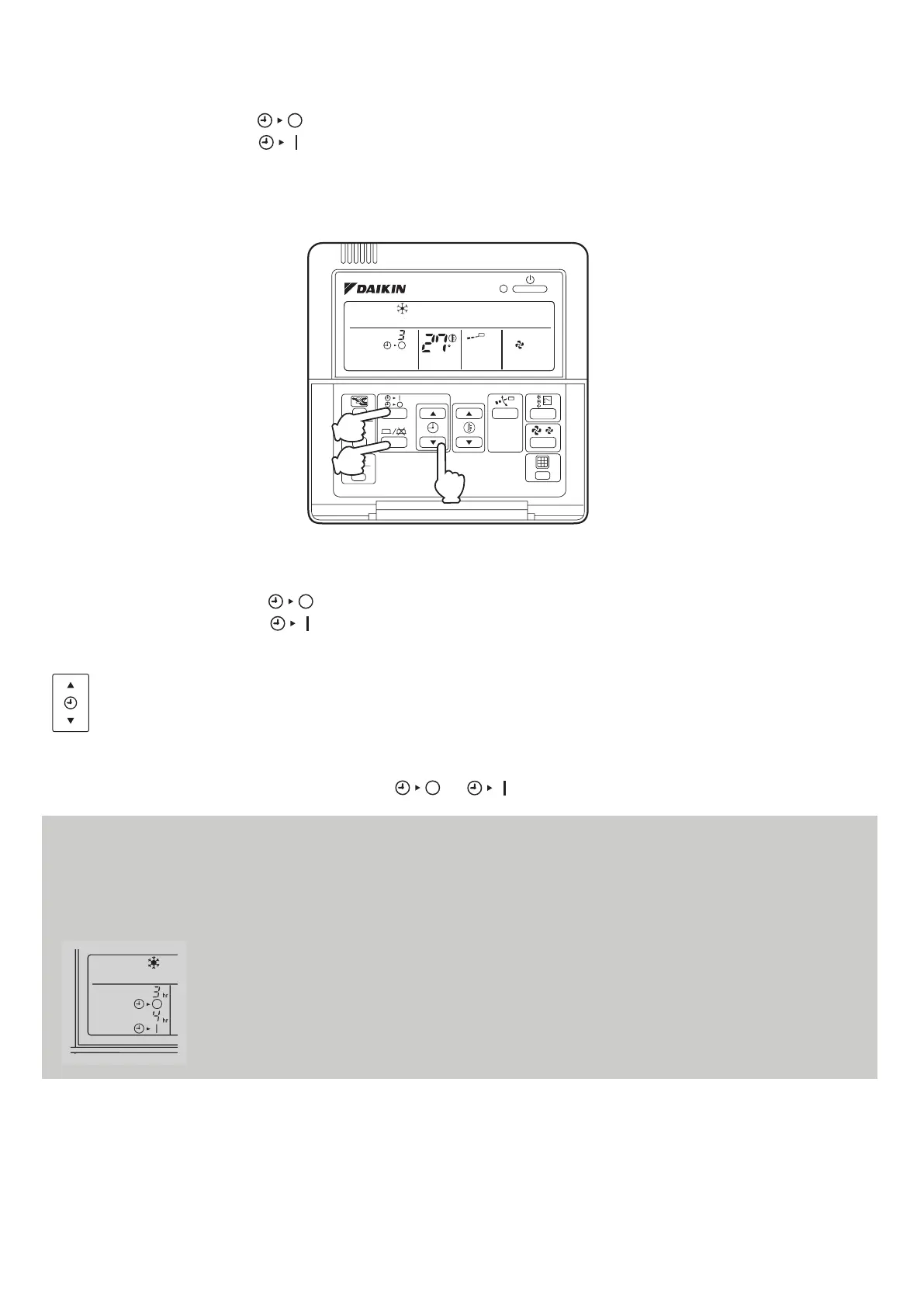
Press the TIMER MODE START/STOP button several times and select the mode on the display.
The display flashes.
For setting the timer stop...“ ”
For
setting the timer start...“ ”
2.
Press the PROGRAMMING TIME button and set the time for stopping or starting the system.
When this button is pressed, the time advances by 1 hour.
When this button is pressed, the time goes backward by 1 hour.
3.
Press the TIMER ON/OFF button.
The timer setting procedure ends. The display “ or ” changes from flashing light to a constant light.
TEST
C
H
hr
2
1
3
BRC1C62
NOTE:
•
When setting the timer Off and On at the same time, repeat the above procedure (from 1 to 3) once again.
•
After the timer is programmed, the display shows the remaining time.
•
Press the TIMER ON/OFF button once again to cancel programming. The display vanishes.
For example:
When the timer is programmed to stop the system after 3 hours and start the system after 4
hours, the system will stop after 3 hours and then 1 hour later the system will start.
12



 To Next Page