15
(1) if a position contact is connected.
(2) Gate access can be operated using (see HANDSET/CONFIGURATION/OPEN BUTTON menu).
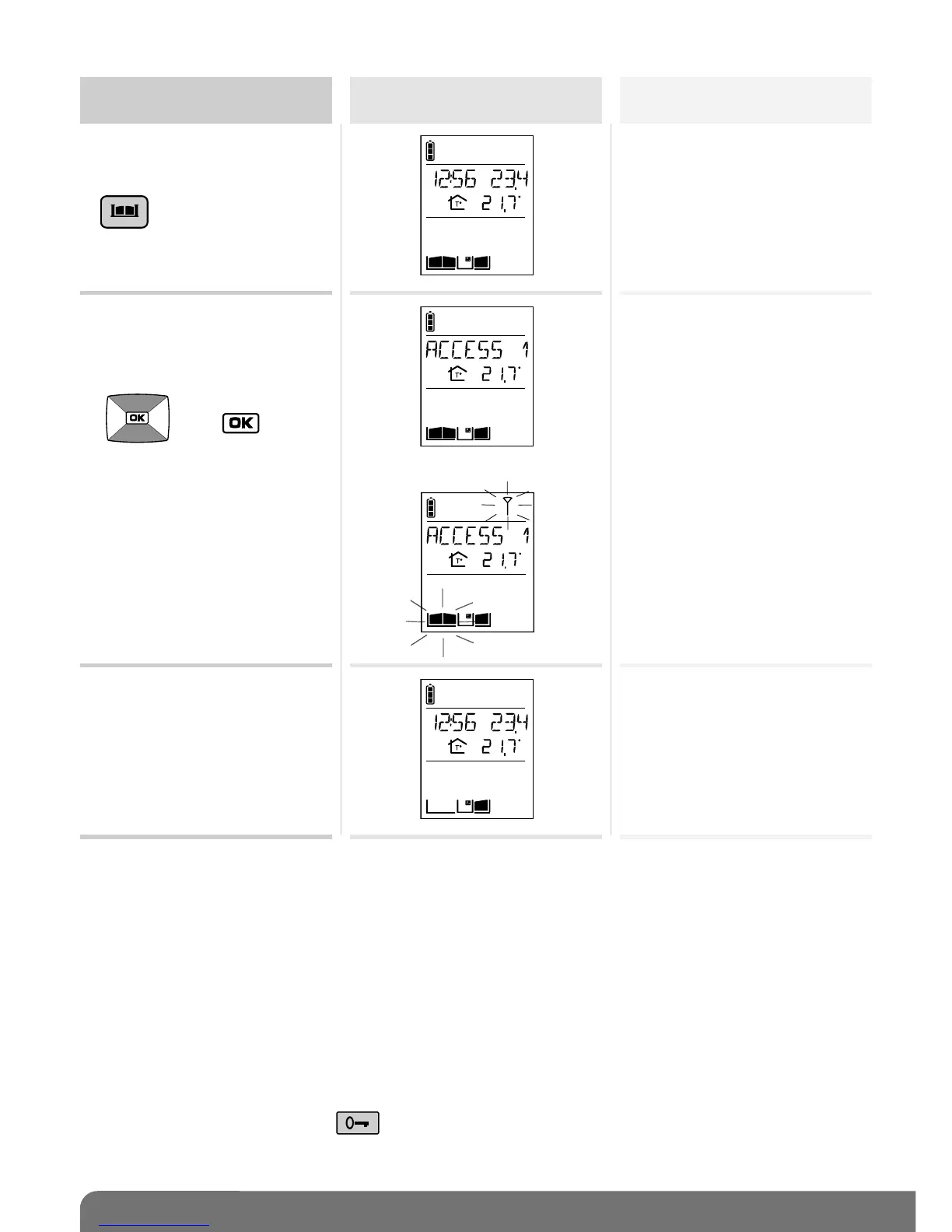
Activate the outdoor
caller unit
Status display
on the handset (1)
Gate access status
1. Pick up the handset (if it is
on the base), open the flip
cover and quickly press
(2).
2. If you have several gate
access points,
select the access point to
be opened using the keys
then .
Closed
Closed



 To Next Page