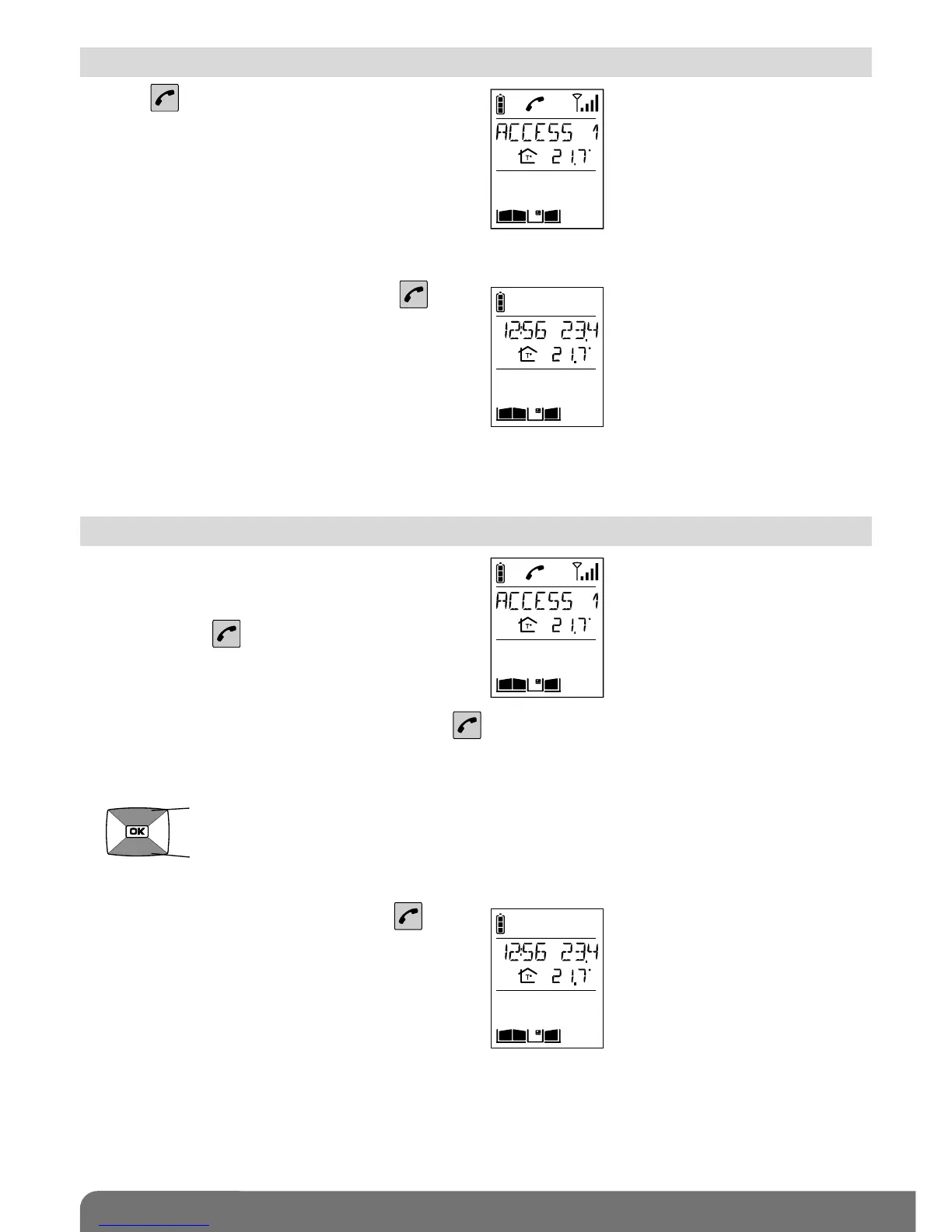
1. Press .
2. You can now talk.
3. At the end of communication, press .
If no button is pressed, communication is
automatically cut off after 3 minutes.
You can switch to “handheld” mode at any time by taking the handset off the base.
1. If the handset is on the base, pick it up:
- if the automatic handheld mode has been
activated, communication is established,
- if not, press .
2. If the handset is already off the base, press .
2. Open the flip cover to talk and adjust the volume using the keys
3. At the end of communication, press
and/or put the handset back on the base
(the handset beeps 3 times if it is correctly
positioned on the base).
If no button is pressed, communication is automatically cut off after 3 minutes.
volume +
volume –
2.1 Using the handset in handsfree mode (handset on base)
2.2 Using the handset in handheld mode (handset off base)



 To Next Page