8
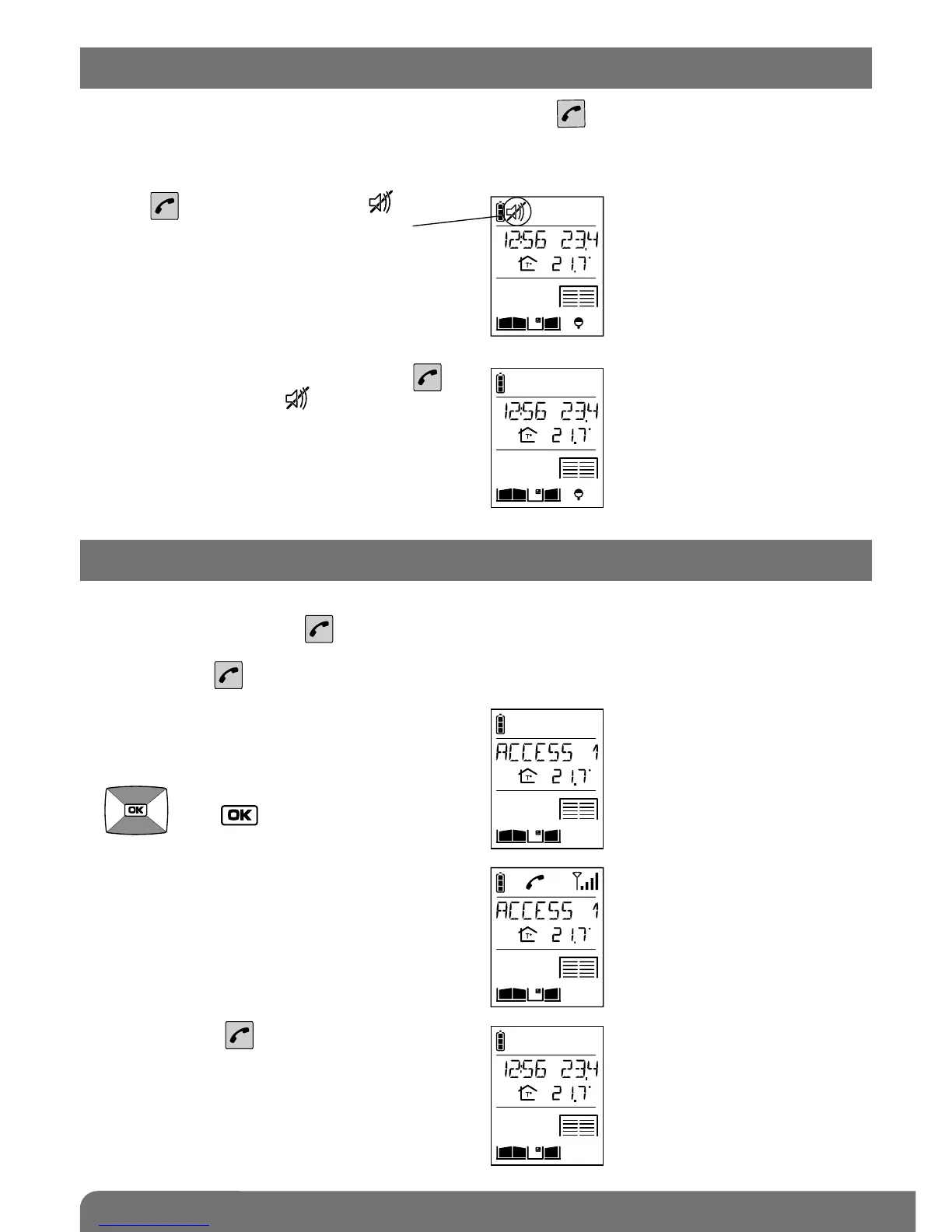
The handset can be switched to silent mode using the key .
The handset then remains in silent mode for 12 hours or until it is switched back to ringing mode.
1. Press for 5 seconds until the icon is
displayed.
2. To switch back to ringing mode, press
for 5 seconds until the icon disappears.
You can listen in to background sounds at the different access points where the outdoor caller
units are installed using the key.
1. Quickly press .
2. If you have more than 2 access points,
select the one you wish to listen in to using
the keys
then .
3. If you only have one access point
Listen-in begins and you will hear what is
happening at the selected outdoor caller
unit and the person in front of the unit will
be able to hear you too.
3. Press again on to end listen-in.
3. Switching the handset to silent mode
4. Listen-in function



 To Next Page