Introduction for buttons on remote controller
Function introduction for combination buttons
Replacement of batteries in remote controller
9
WiFi button
12
This function is only available for some models.●
Press " WiFi " button to turn on or turn off WiFi function. When WiFi function is
turned on, the " WiFi " icon will be displayed on remote controller; Under status of
unit off, press "Mode" and " WiFi " buttons simultaneously for 1s, WiFi module will
restore to factory default setting.
Temperature display switchover function
Under OFF status, press "-" and "Mode" buttons simultaneously to switch temp-
erature display between °C and °F
Light function
Under switch-on or switch-off state, you may hold "+"and "FAN" buttons
simultaneously to set the lamp on or off and send the code. After being energized
the lamp is defaulted on.
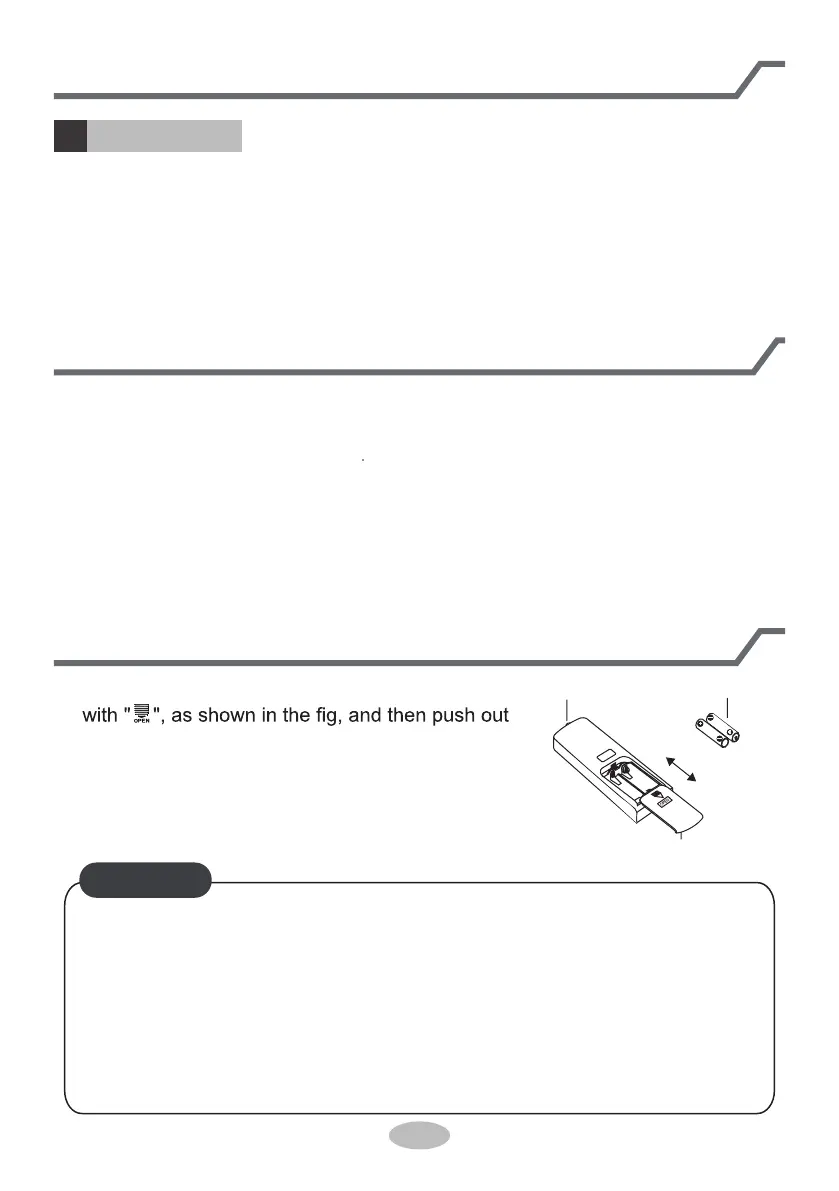
1. Press the back side of remote controller marked
the cover of battery box along the arrow direction.
2. Replace two 7# (AAA 1.5V) dry batteries, and
make sure the position of "+" polar and "-" polar
are correct.
Reinstall the cover of battery box.3.
signal sender battery
Cover of battery box
remove
reinstall
● As the signal will be interfered in the room with electronic fluorescent lamp,
● The distance between signal sender and receiving window should be no
●
●
Replace new batteries of the same model when replacement is required.
When you don’t use remote controller for a long time, please take out the
batteries.
more than 8m, and there should be no obstacles between them.
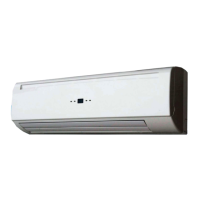
conversion fluorescent lamp or wireless phone, please get closer to the air
conditioner when using the remote controller.
NOTICE


 To Next Page