Commissioning and Local Login
12 www.dallmeier.com
► Observe the appropriate Operation and Configuration documentations.
Commissioning
► Connect the device and relevant peripherals to the voltage supply.
► Ensure that a monitor and a mouse are connected.
► Switch on the monitor, the peripherals and the device.
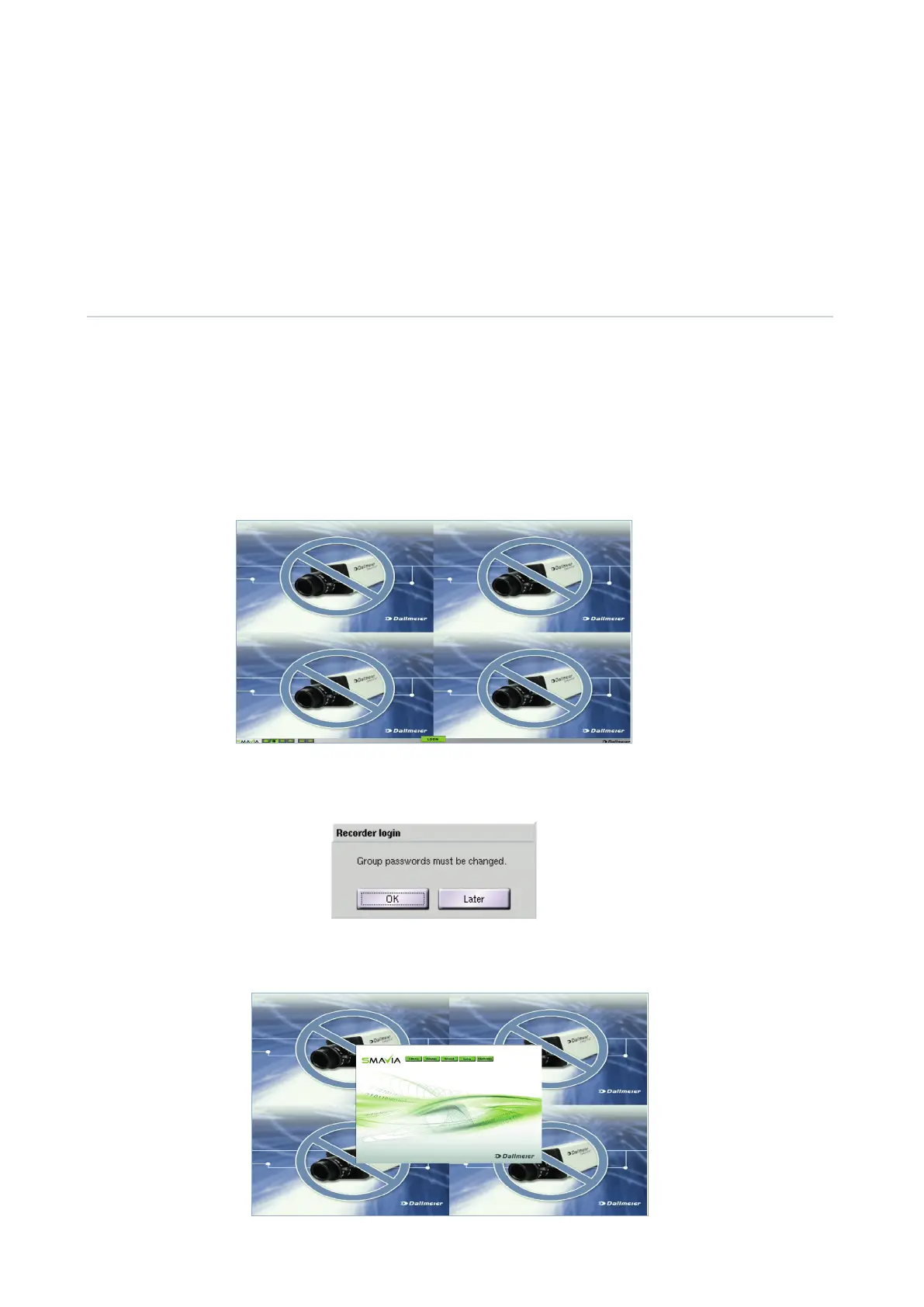
The user interface is displayed in the initial state after the start is complete.
In the initial state cameras are displayed with wildcards on the user interface.
Login
In the initial state it is possible to login without a password. The rights of the Administrator group are valid.
Note that the definition of the passwords and of the network parameters are necessary for remote access
(SMAVIA Viewing Client).
► Drag the mouse pointer to the lower screen edge.
The task bar with the LOGIN button is displayed.
► Click the LOGIN button.
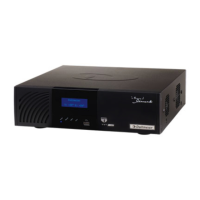
The Recorder login dialogue is displayed.
► Click Later to login without changing a password.
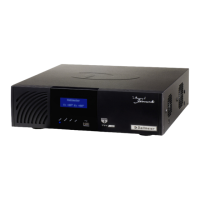
The configuration interface is displayed.


 To Next Page