14 www.dallmeier.com
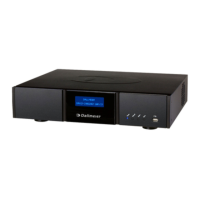
Indicators on the Front Side
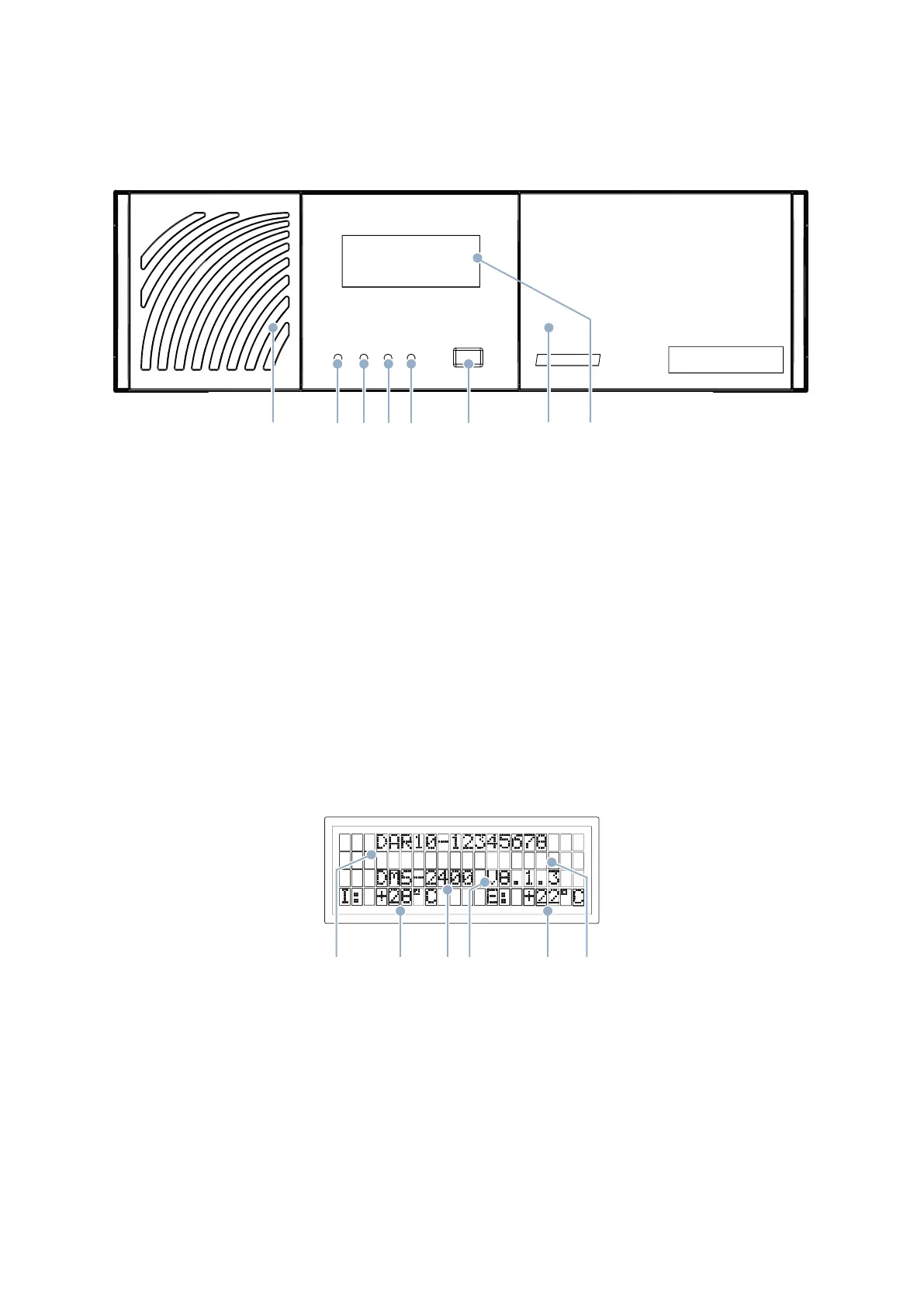
A Air filter
Behind the flap
B Power (blue)
Always lights up while the device is switched on.
C Record (green)
Indicates the recording activity (hard disk activity) of the device.
D Alarm (orange)
Indicates the alarm status of the device.
E Error (red)
Indicated failures, e.g. camera failures or hard disk faults.
F USB interface
USB 2.0, type A
G HDD, DVD-RW drives
Behind the flap
H Display
Shows information and status messages.
Indicators
Information and status messages are output with a display and status LEDs on the front side of the device. Air filter and
drives (HDD, DVD-RW) can be accessed conveniently with the integrated flaps.
A B C D E F G H
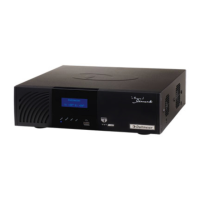
I J K L M N
I Serial number
J Internal temperature
K Model
L Version number SMAVIA Recording Server
M External temperature
N Line for status messages


 To Next Page