19
SERVICE – DMS 2400 (MK 3) | REV 1.0.0 | © 2022 Dallmeier
Term of License
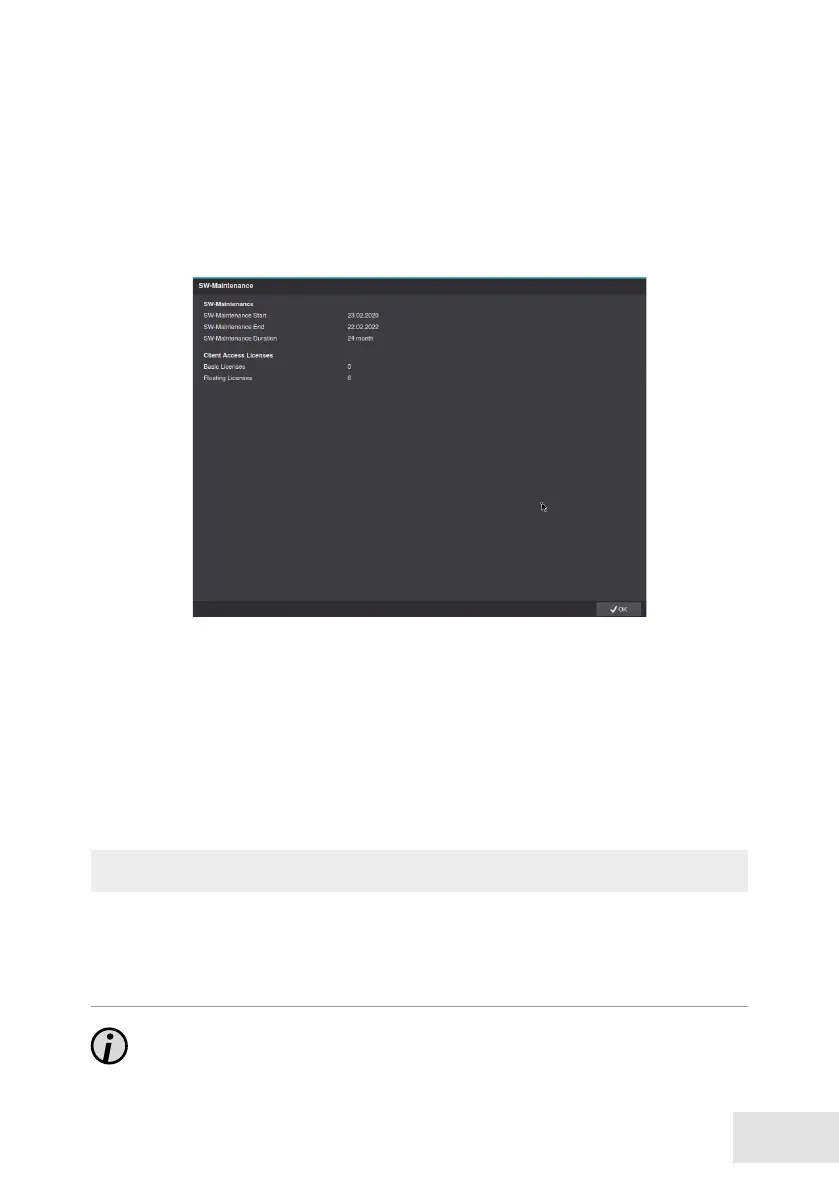
The duration of the maintenance license is displayed in the software‘s info
dialog and can be accessed via the network (PService).
Open the SW-Maintenance dialog via Setup > System > Info > Service.
➡
Check the term of the maintenance license.
➡
Conrm with OK.
Implementation
The update can be performed over the network with the software PService
or directly to the appliance using an USB stick.
NOTICE
Risk of serious system failure!
➡
Make sure that the appliance is not switched o during the perfor-
mance of the update or restart.
Note that a reboot of the appliance can be triggered by an unstable



 To Next Page