27
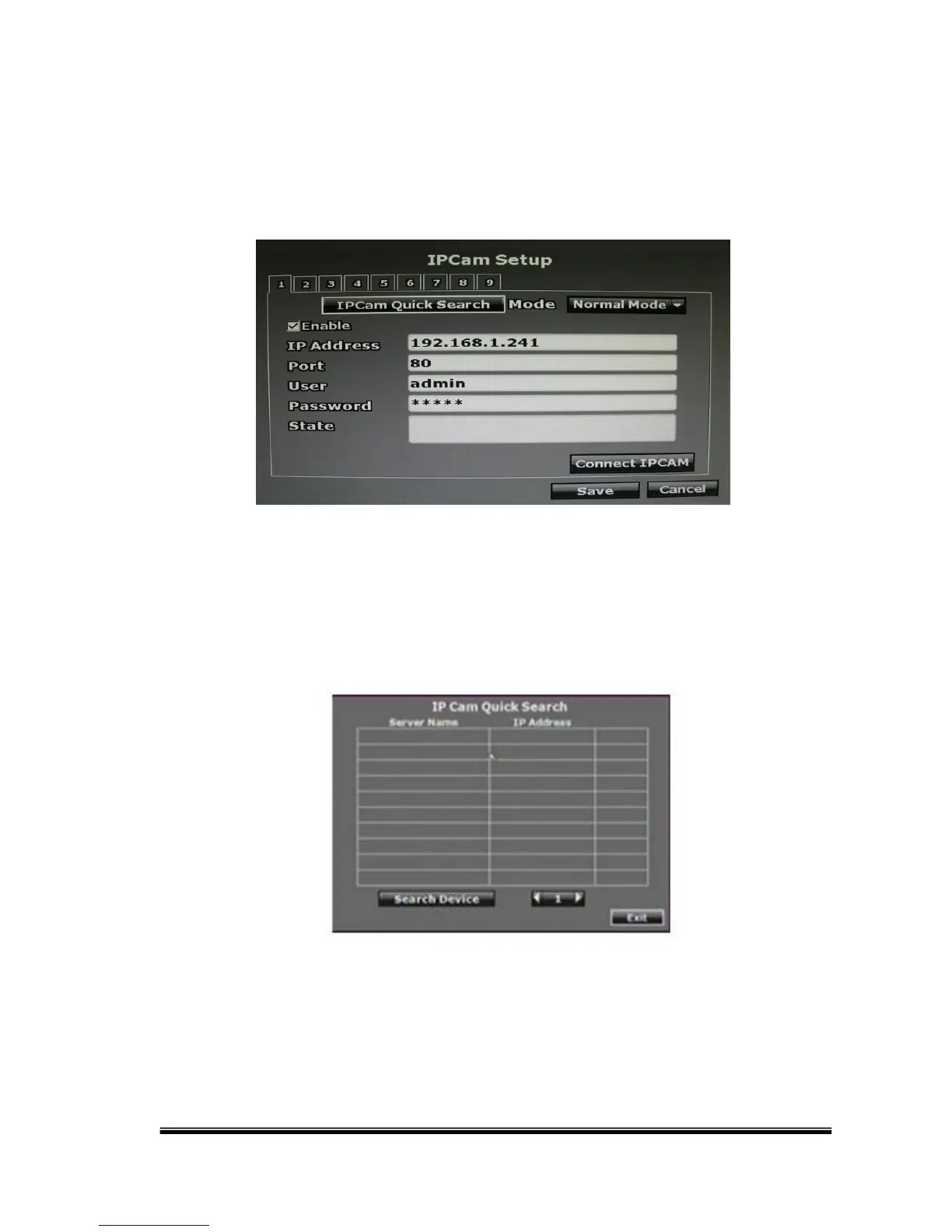
B. IP Cam Setup
CH 7, 8: optional
CH 9: IP camera
B-1. IP Cam Quick Search
Press the “IP Cam Quick Search” button and click the “Search Device”
button. The NVR will search the IP CAM devices which IP address are
setup as the same domain as the NVR IP address. Moreover, by clicking on
the IP Cam on the list will import the device information to the channel
automatically without any manual key-in step.



 To Next Page