71
4. NVR PLAYBACK
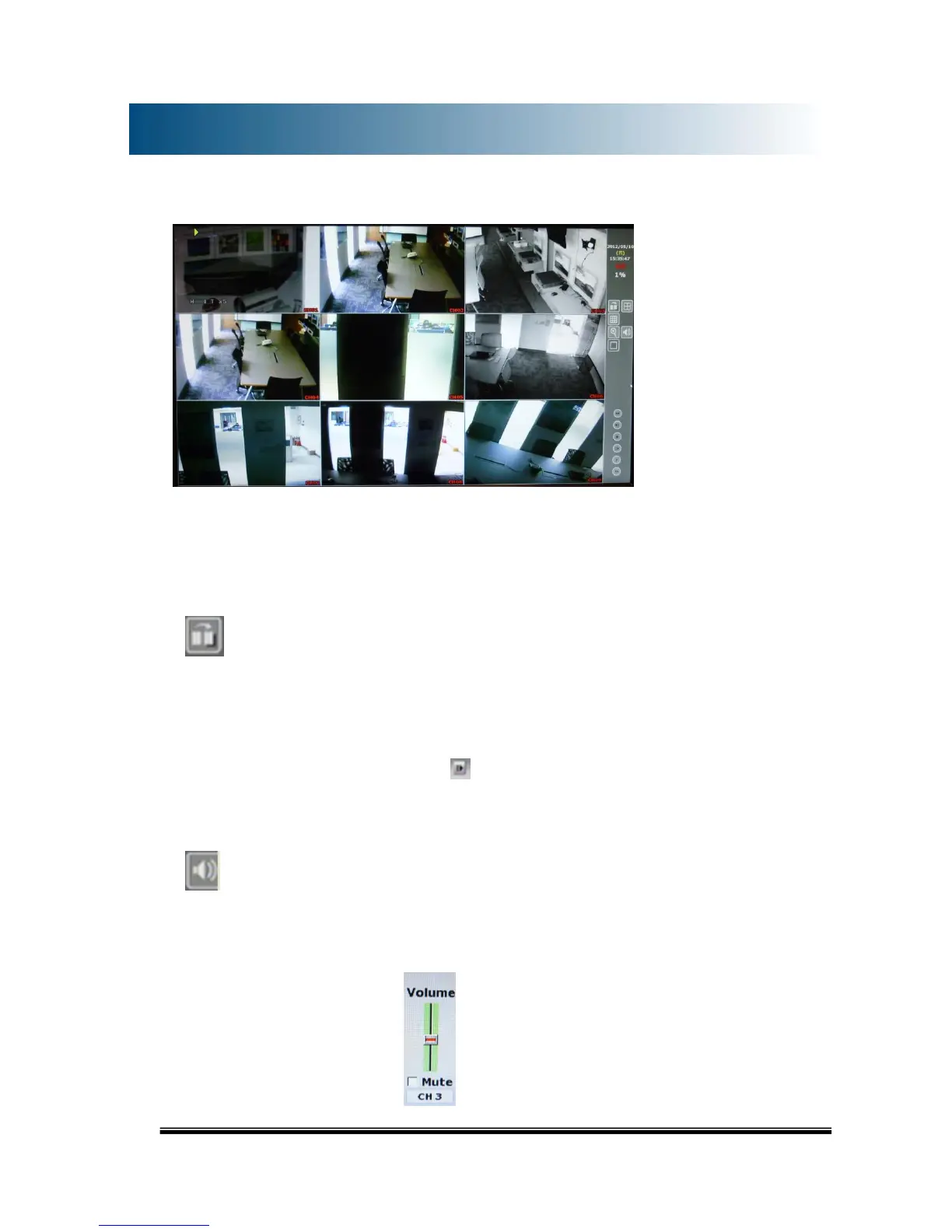
Note: Under playback mode, the sound output is only enabled on full screen mode.
A. RECORD BACKUP
On playback mode, press this button to backup recording (.ha0 video) to the USB
disk .Press this button again to finish the backup. To perform a single image backup
(.jpg single image backup), press first and then click the “Record Backup” button
to back up the necessary image.
B. AUDIO VOLUME
Press this button for the audio volume control board to pop up.



 To Next Page