68
L. IPcam Search Setup
The DVR automatically starts locating any unconnected IP Cam within its
LAN if there is still some channel available. Choose your Auto Search Item by
ticking the ‘System Start’ and ‘Detect IPcam’.
3.10. EX DEBUG MESSAGE
The purpose of the following procedure is to export a HDD debug message file. If the
user has problems with the NVR, the technician can analyze the file and find the
cause of problem.
Plug in a USB disk.
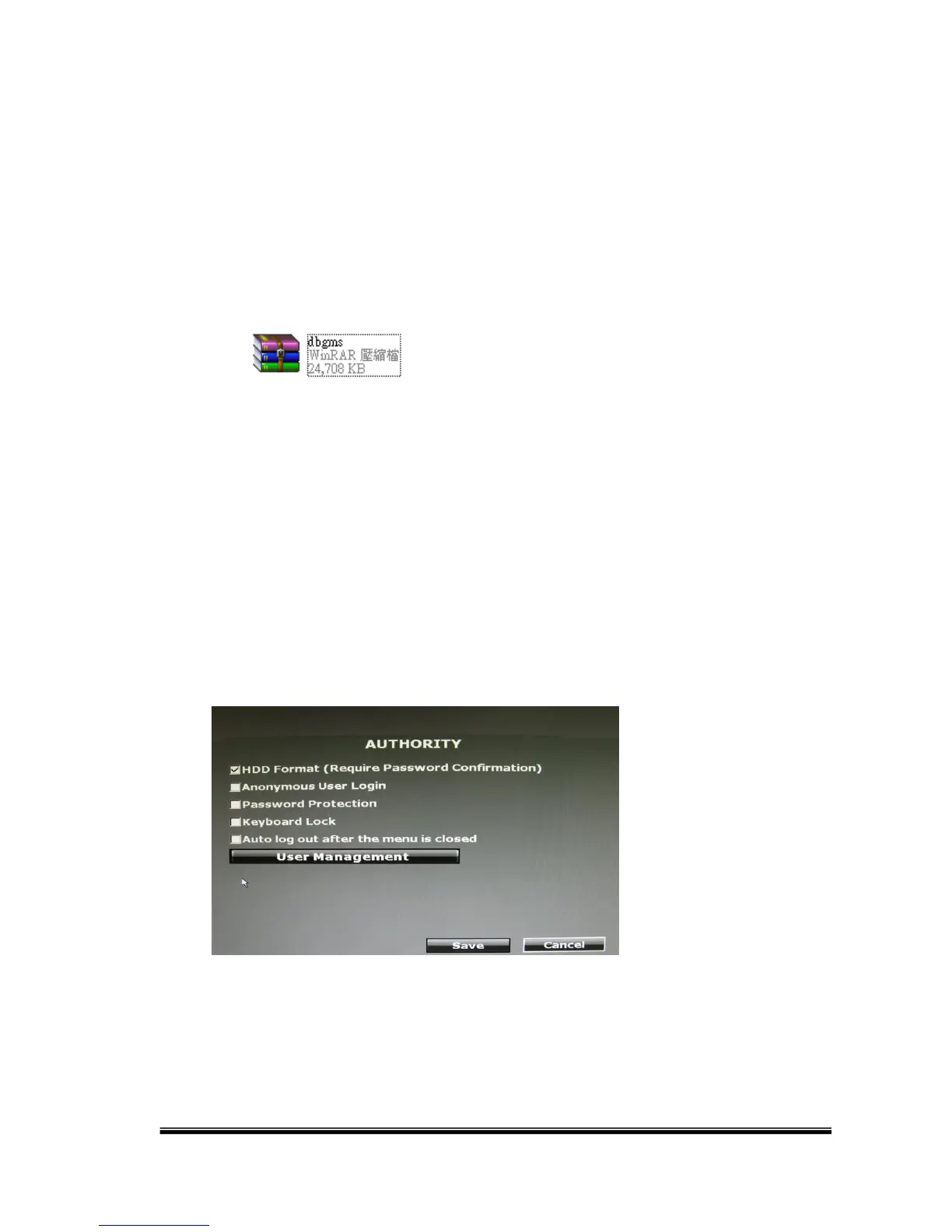
Enter the Authority Setup page and make sure the option “HDD Format (Require
Password Confirmation)” is ticked.
Enter the Disk Setup page. Click “Format HDD”.



 To Next Page