67
the setting, please click the button to save the settings.
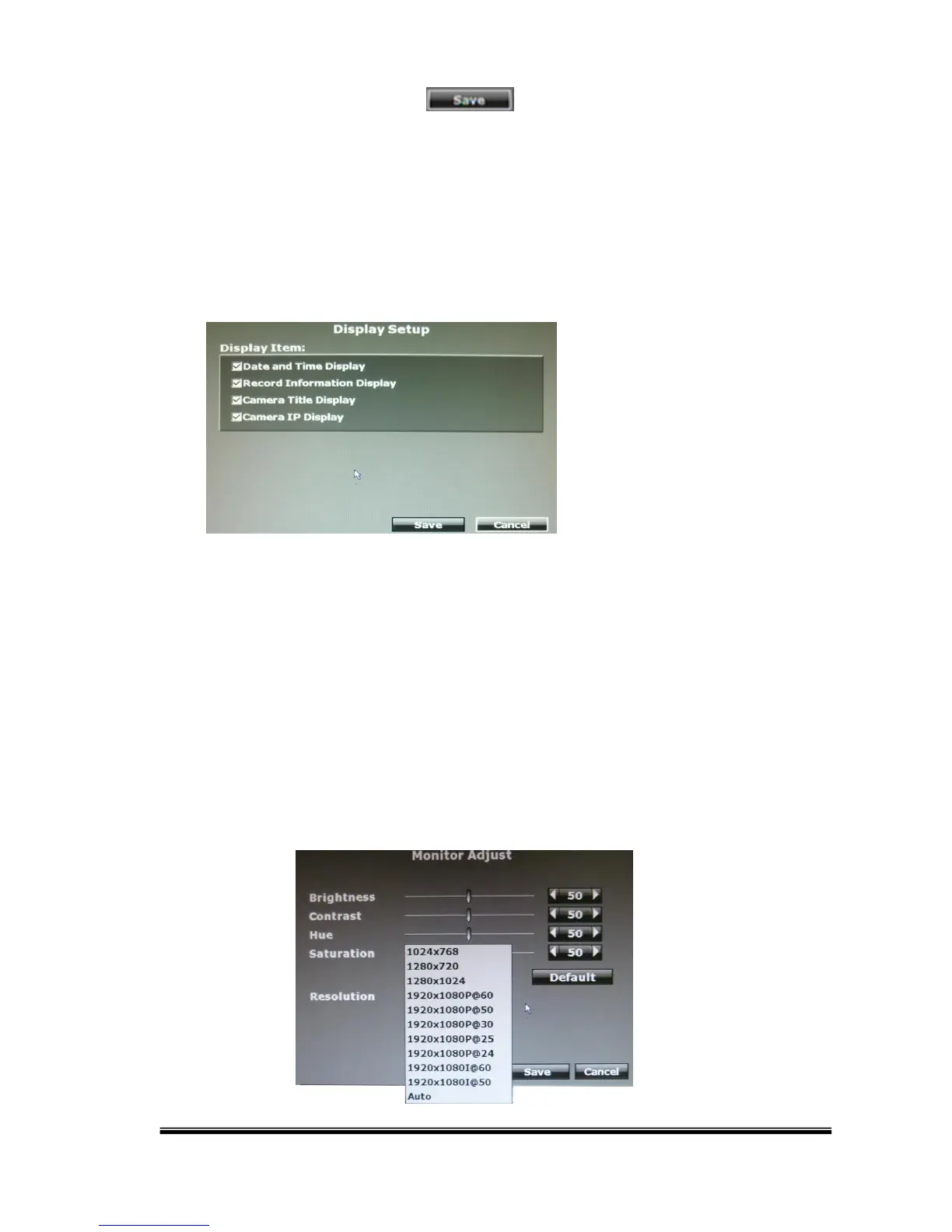
J. Status Display Setup
Use the mouse to click the options, which are including “Date and Time Display”,
“Record Information Display” and “Camera Title Display”.
K. Monitor Adjust
The user can use ◄ or ► to adjust the monitor settings: “Brightness”, “Contrast”,
“Hue” and “Saturation”.
The Resolution can be adjusted. Please check the frame rate that your LCD
monitor support before any adjustment. If you select a resolution not compatible
with the LCD monitor, the system will automatically undo the recent changes.



 To Next Page