64
3.9. SYSTEM SETUP
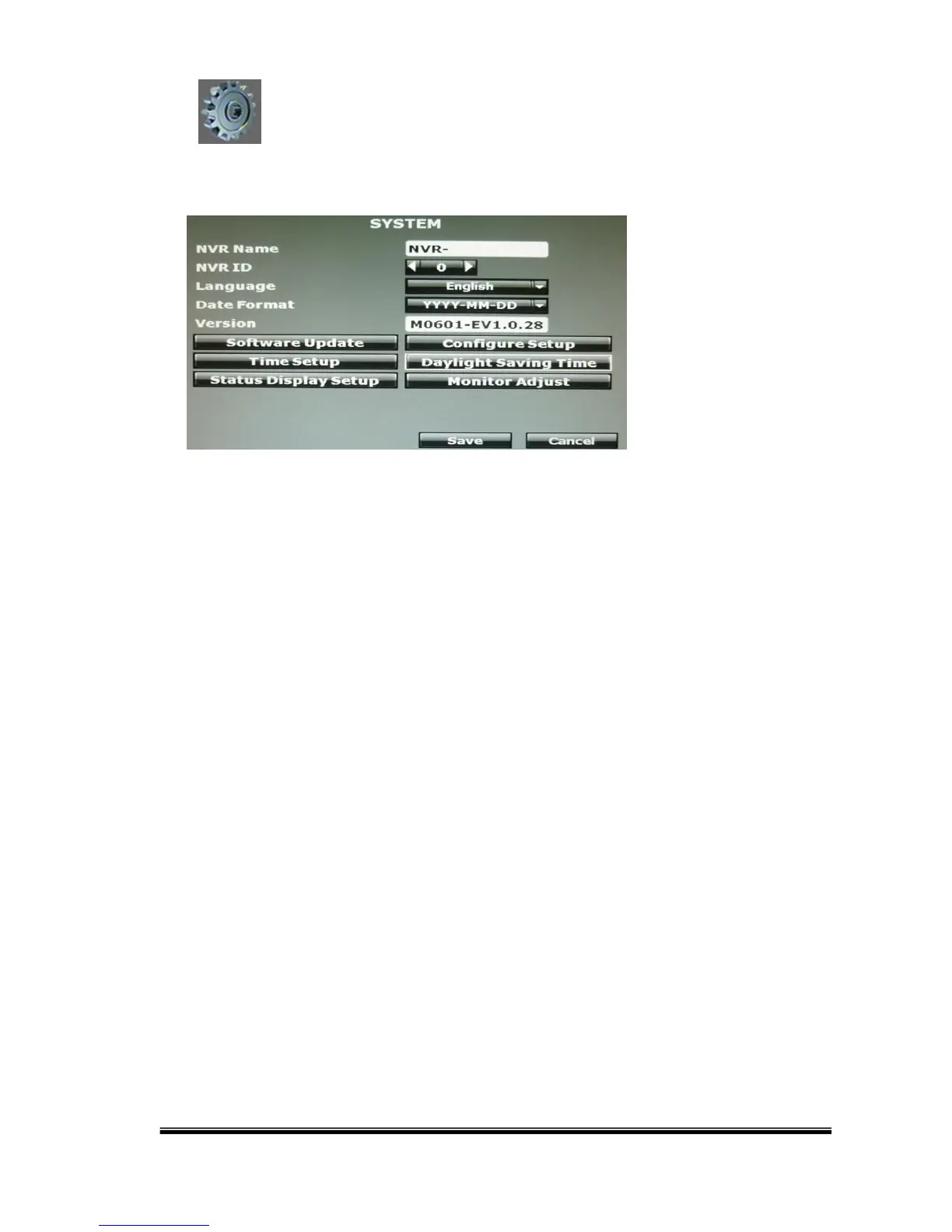
A. NVR Name
Use the virtual keypad to insert the name of the NVR.
B. NVR ID
Use ◄ or ► to setup the NVR ID. The adjustment value is between 0~32
C. Language
Use the drop down list to change the NVR language. Currently, there are English,
Traditional Chinese and Simplified Chinese as the available three options.
D. Date Format
Use the drop down list to change DATE. There are three modes: DD/MM/YYYY,
YYYY/MM/DD and MM/DD/YYYY.



 To Next Page