66
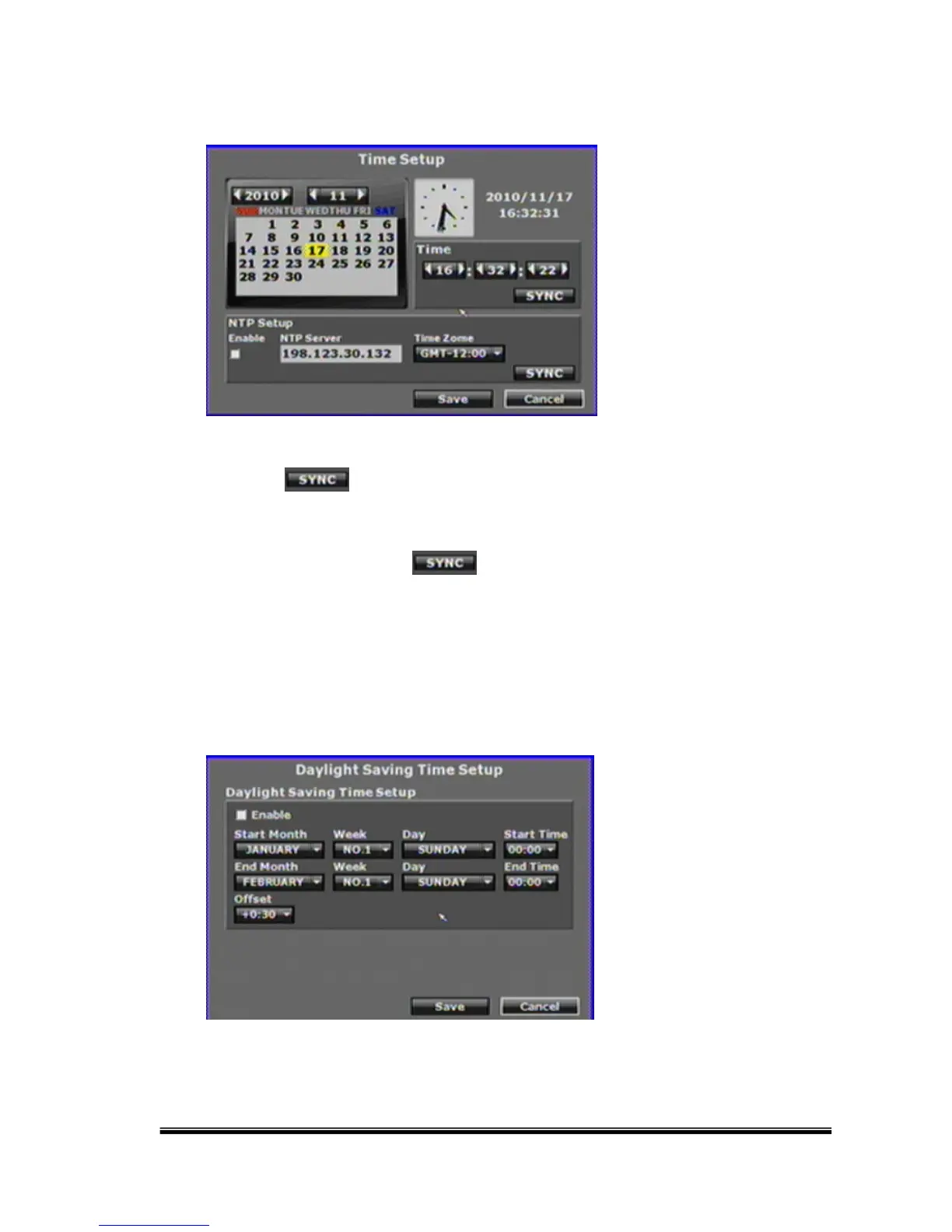
H. Time Setup
Click the button within the “Time” block for adjusting and synchronize
the time of the NVR as the system time of the PC. Moreover, if the user clicks the
enable checkbox and the button within the “NTP Setup” block, the time
of the NVR will be synchronized with the NTP Server.
I. Day Light Saving Time
After enabling the daylight saving time function, the user can use the drop down
list to select the start time and the end time of daylight saving time. After complete



 To Next Page