33
Setup for IP Camera
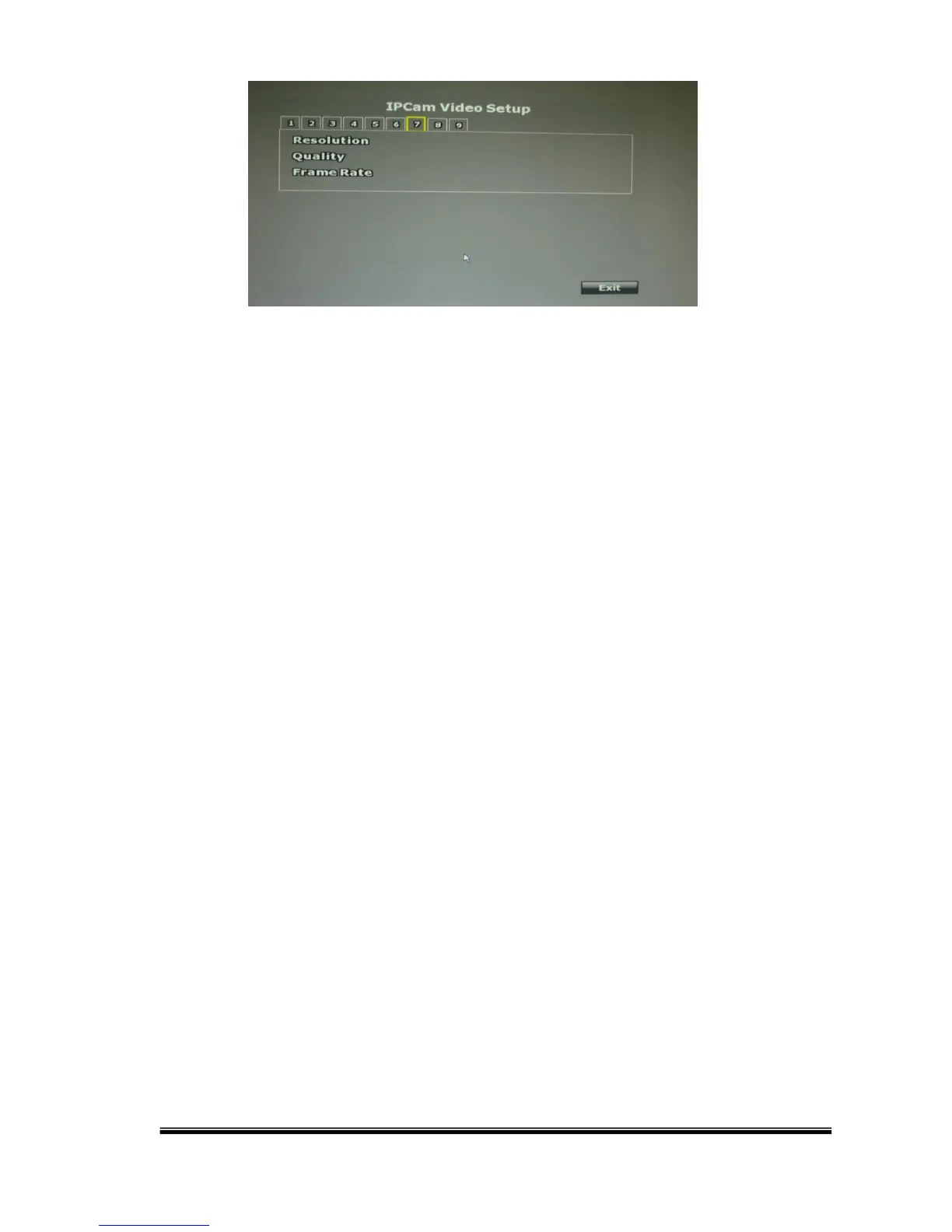
C-1. Resolution
Click the drop down list to change the resolution of connecting device.
C-2. Quality
Click the drop down list to change the image quality. For H.264 IP Cam
above 1 Megapixel, the resolution options support “1M, 2M, 4M, 6M, 8M”.
For H.264 IP Cameras less than 1 Megapixel, the resolution options
include ”Best, High, Standard, Medium, Low”
For MPEG IP Cam, the resolution options support “Standard, Medium, Low”.
(The highest resolution option is “standard” due to the chip performance
limits of IP Cam)
C-3. FrameRate
Click drop down list to change the frame rate of connecting device.



 To Next Page