37
E-3. Area1 Sensitivity
Press ◄ or ► to change the sensitivity of setup motion area in Area1. Click
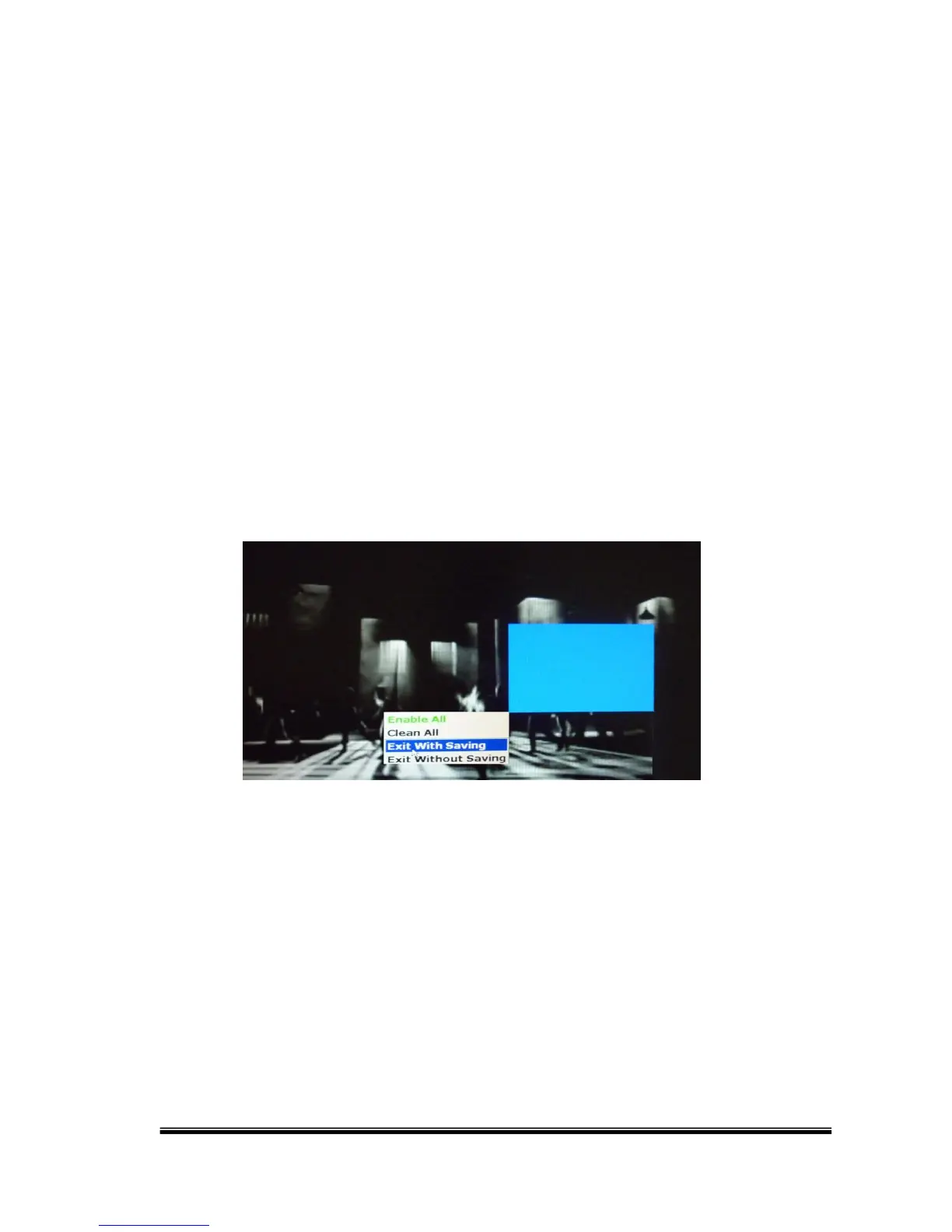
“Motion Area Setup” and drag a blue area for motion detection.
E-4. Area2 Sensitivity
Press ◄ or ► to change the sensitivity of setup motion area in Area2. Click
“Motion Area Setup” and drag a green area for motion detection.
E-5. Area3 Sensitivity
Press ◄ or ► to change the sensitivity of setup motion area in Area3. Click
“Motion Area Setup” and drag a red area for motion detection
After dragging an area, right-click and select “Exit with saving” to complete
the area setup.
Select “Enable All” to set up global motion detection.
Select “Clean All” to clean the area of the current color in the view.
Select “Exit Without Saving” to go back to motion setup menu and not saving
any change.



 To Next Page