44
A-2. Video Loss Detection
Use the drop down list to switch the video loss detection. When the video loss
is detected, the alarm will be triggered.
A-3. Digital Input (IP Cam)
Use the drop down list to switch on /off the Digital Input from IP camera.
When the DI signal is received from the camera, the alarm will be triggered.
A-4. Ext. Alarm Detection
Use the drop down list to switch the external alarm detection. When the
external alarm is detected, the alarm will be triggered.
A-5. Ext. Alarm Mode
Use the drop down list to switch the external alarm mode. If the external alarm
is setup for normal open, the option has to switch to N.O.; for the contrary, the
option has to switch to N.C.
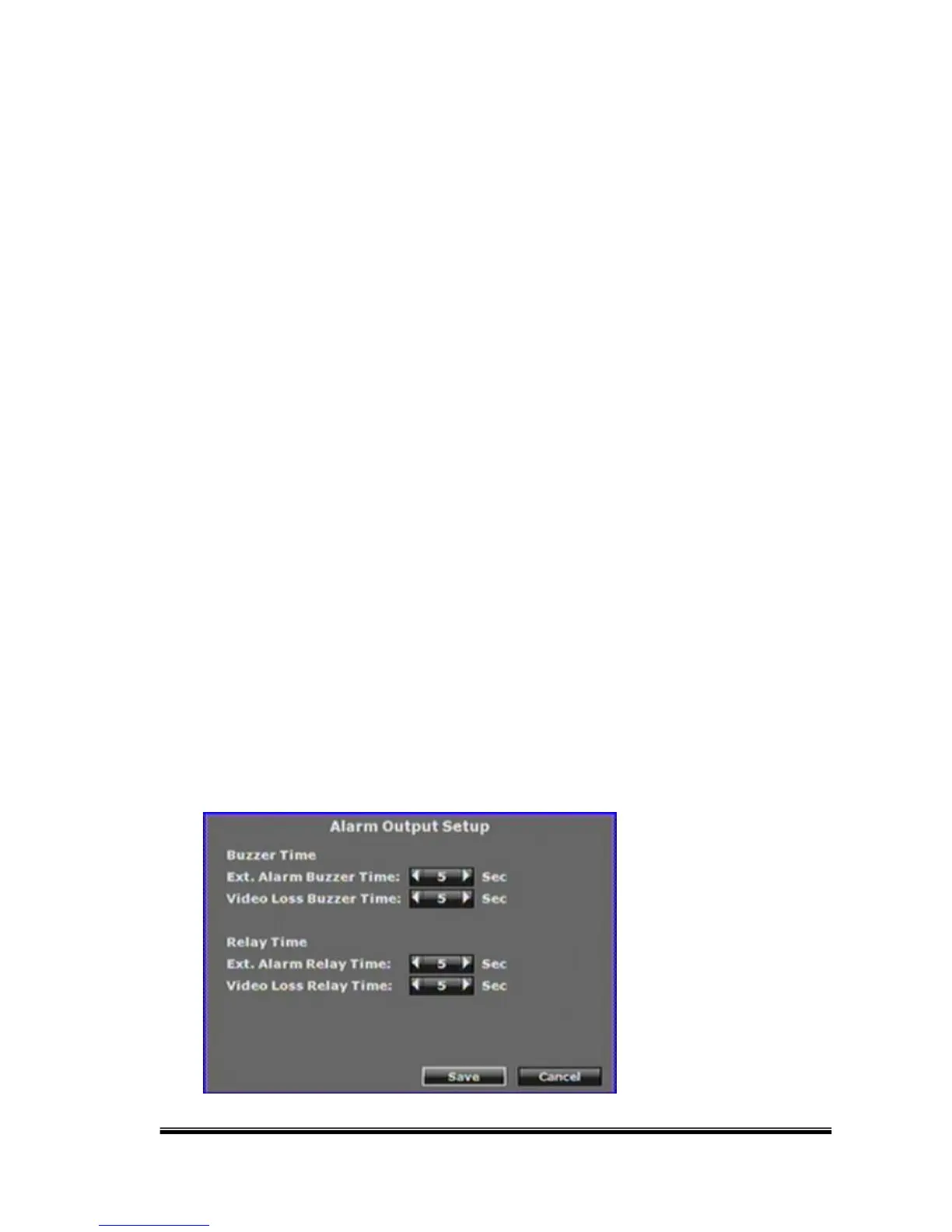
B. Alarm Output Setup



 To Next Page