57
G-1. Enable
Use the checkbox to enable or disable the DHCP Server function. When the
function is activated, the NVR can be act as the DHCP server. The NVR will
assign or distribute one of the IP address which is according to the setup IP
address range (start and end IP Address.) to the connecting IP CAM (setup
DHCP function as well).
G-2. Start IP Address
Use the virtual keypad to insert the start IP Address of DHCP server.
G-3. End IP Address
Use the virtual keypad to insert the end IP Address of DHCP server.
G-4. Lease Time
Press ◄ or ► to change the lease time of DHCP server.
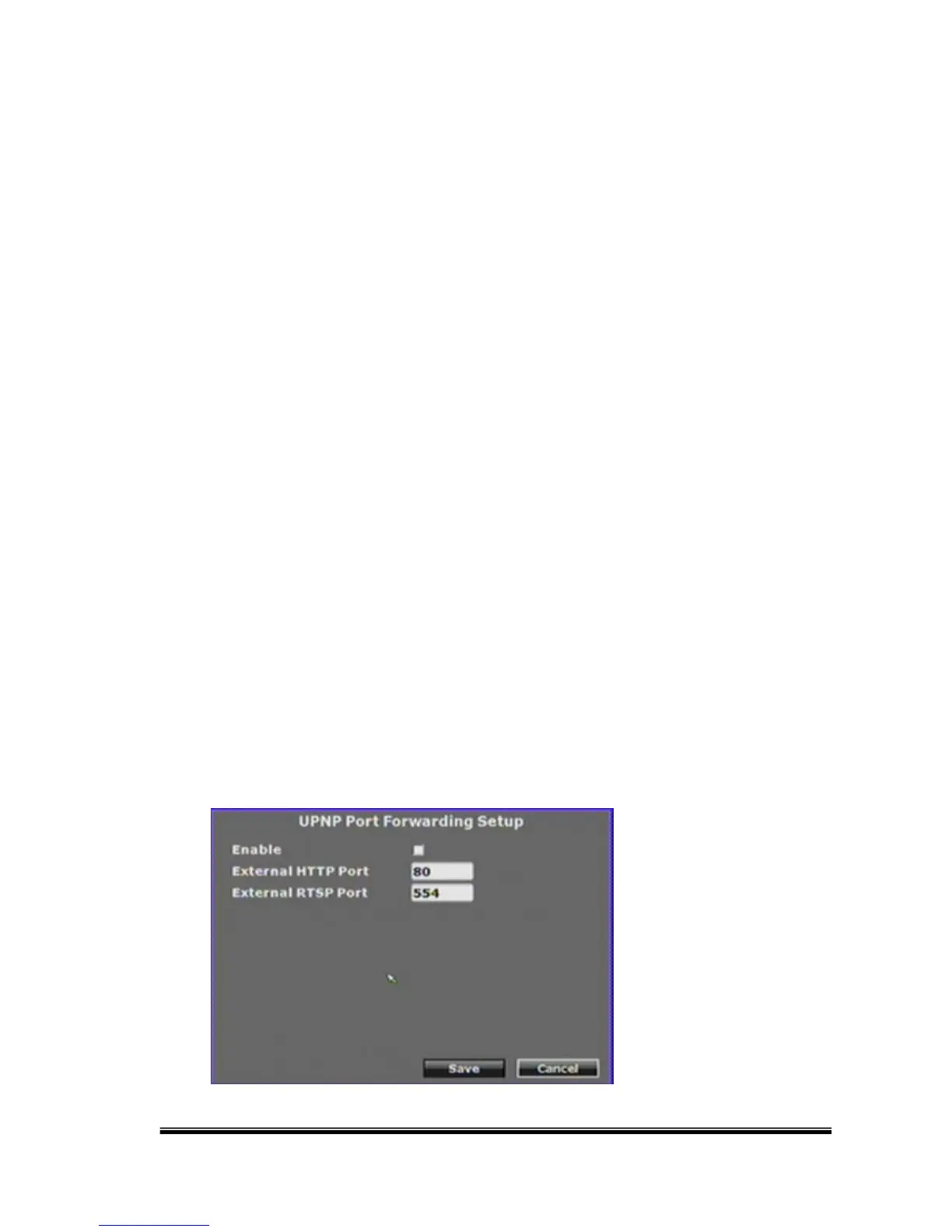
H. UPNP Port Forwarding Setup



 To Next Page