78
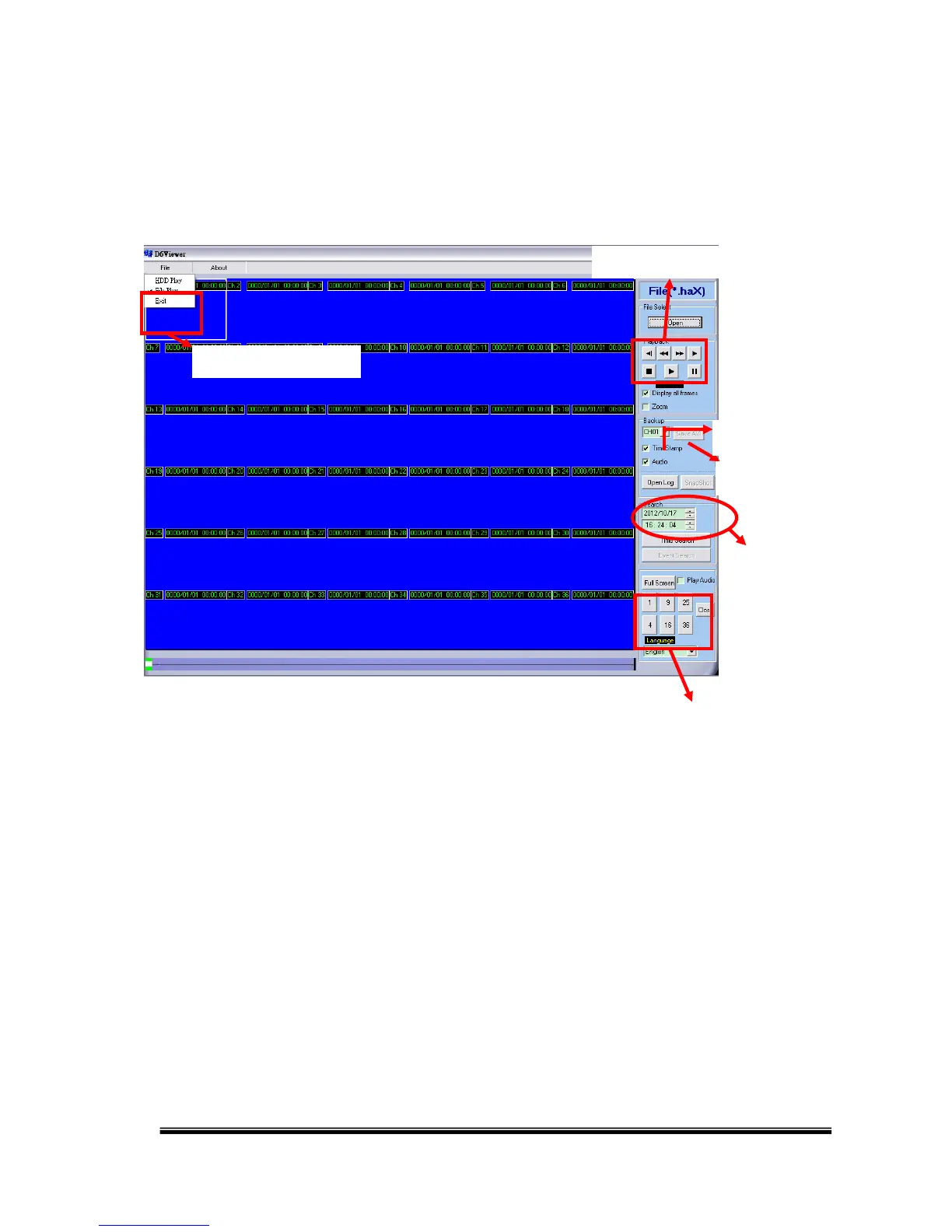
A. MAIN SCREEN
Open the D6Viewer. Use Overlay mode can improve the system resource
performance.
B. HDD PLAY
1. Remove the NVR HDD and connect it to the PC. The NVR HDD uses a Linux
format, so the Windows system may not read it. Please use the software
“Ext2Fsd” to assign a drive letter to the HDD. “Ext2Fsd” is in the attached CD
or can be downloaded from the Internet.
Start the Ext2Fsd, and it will detects all the disks connected with your PC.
Right-click on the NVR HDD and choose “Change Drive Letter”.



 To Next Page