How to program the Airlab
Airlab from D&R Phone +31 294 418014, email: info@d-r.nl Page 63
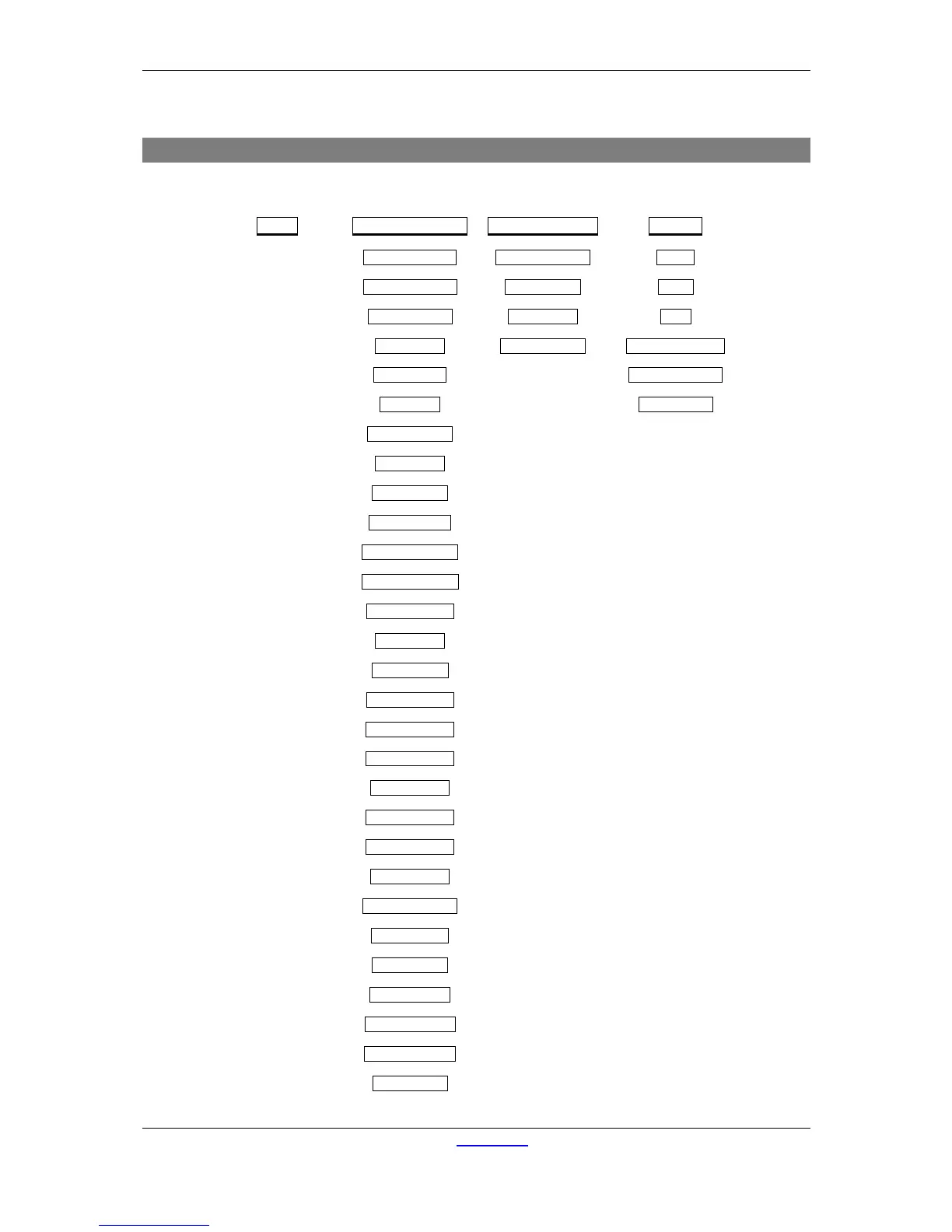
14.5 MENU DIAGRAM
The menu diagram displays the menu structure as it is programmed in the Airlab.
Timer
Module Settings Master Settings System
| | |
LineA Timerstrt? Auto Cue Reset? Config
| | |
LineB Timerstrt? CUE to CRM? Recall
| | |
Mic. Timerstrt? Auto Comm. Store
| | |
LineA Start? Enable RS232? Recall Mem. Card
| |
Line B Start? Store Mem. Card
| |
Mic. Start? Eprom String
|
Start by Fader?
|
Start by On?
|
Start by Cue?
|
Puls */Cont 0 ?
|
LineA Rem. Cue?
|
LineB Rem. Cue?
|
Mic. Rem. Cue?
|
DJ. Module?
|
Ann. Module?
|
Studio Module?
|
LineA On Air-1?
|
LineB On Air-1?
|
Mic. On Air-1?
|
LineA On Air-2?
|
LineB On Air-2?
|
Mic. On Air-2?
|
ON at Power up?
|
MIC at LineA?
|
Mic at LineB?
|
MIC Rem. On?
|
LineA Rem. On?
|
LineB Rem. On?
|
Switch Start?



 To Next Page