1.
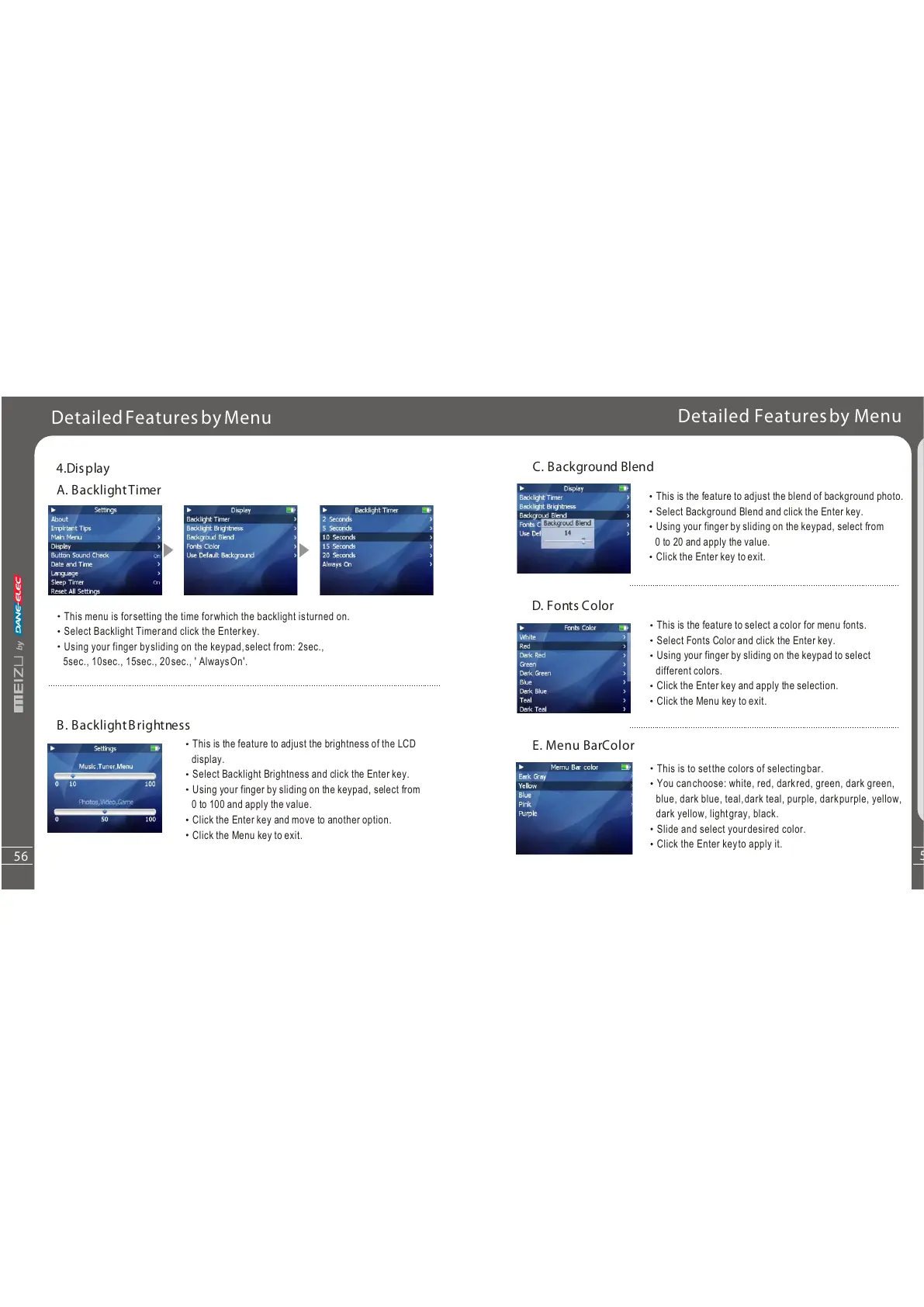
A. BacklightTimer
B. BacklightBrightness
1.
4.Display
This is the feature to adjust the brightness of the LCD
display.
Select Backlight Brightness and click the Enter key.
Using your finger by sliding on the keypad, select from
0 to 100 and apply the value.
Click the Enter key and move to another option.
Click the Menu key to exit.
DetailedFeaturesbyMenu
Men u
4
57
56
This menu is forsetting the time forwhich the backlight isturned on.
Select Backlight Timerand click the Enterkey.
Using your finger bysliding on the keypad,select from: 2sec.,
5sec., 10sec., 15sec., 20sec., ' AlwaysOn'.
Detailed Featuresby Menu
C. Background Blend
This is the feature to adjust the blend of background photo.
Select Background Blend and click the Enter key.
Using your finger by sliding on the keypad, select from
0 to 20 and apply the value.
Click the Enter key to exit.
D. Fonts Color
This is the feature to select a color for menu fonts.
Select Fonts Color and click the Enter key.
Using your finger by sliding on the keypad to select
different colors.
Click the Enter key and apply the selection.
Click the Menu key to exit.
This is to setthe colors of selectingbar.
Youcanchoose:white,red,darkred,green,darkgreen,
blue, dark blue, teal,dark teal, purple, darkpurple, yellow,
dark yellow, lightgray, black.
Slide and select yourdesired color.
Click the Enter keyto apply it.
E. Menu BarColor



 To Next Page