5VI.UH.R1.80
Produced by Danfoss Floor Heating Hydronics 01.2006
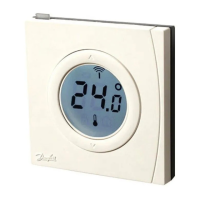
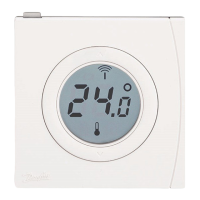
Instruction CF-RF Room Thermostat with InfraRed Floor Sensor
2. Installation
Note:
• To activate batteries in the Room Thermostat,
please remove enclosed strips from the batteries.
• The assignment of the Room Thermostats to the
Master Controller should be within 1½ m distance
Activate Install mode on
Master Controller - g. 1.
• Use the menu selection button to select the
Install mode. Install LED ashes
• Activate Install mode by pressing OK . Install
LED goes ON
Activate Install mode on
Room Thermostat
• Press the push button . LED and icker
during communication
Select output on Master Controller
• All available output LEDs on Master Controller
light up, and the rst of them ashes
• Press output selection button , to select
desired output (ashes) and accept with OK
• All output LEDs go OFF. Selected output
stays ON shortly


 To Next Page