* Mirrorcast does not support iOS devices.
Homeshare only supports apps with DLNA protocol.
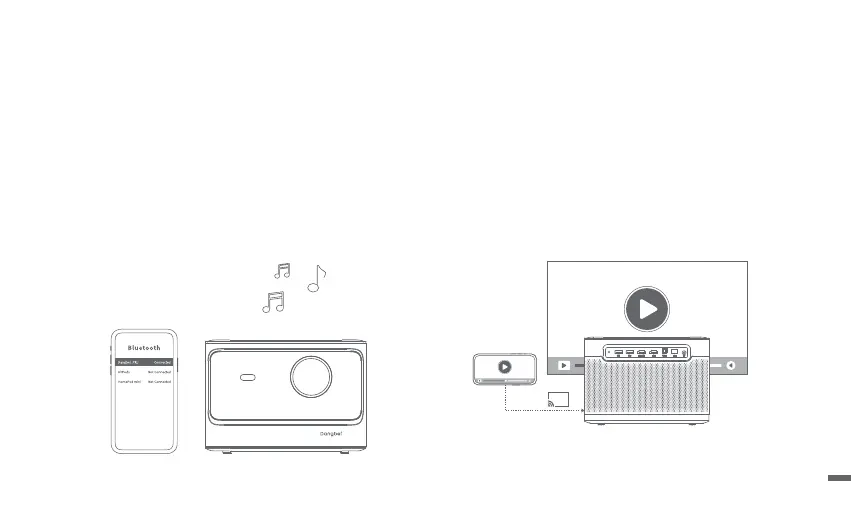
Bluetooth Speaker Mode Screen Mirroring & Casting
ㆍOpen the Bluetooth Speaker application on the device.
ㆍTurn on the Bluetooth of your mobile phone/tablet/laptop,
select the device of [Dangbei_PRJ], and connect to it.
ㆍUse the projector to play audio from the devices mentioned
above, or connect the projector to a speaker/headphone to
play the audio from the projector.
1.Mirrorcast
To mirror the screen of an Android/Windows device to the
projector, open the app Mirrorcast, and follow the on-screen
instructions.
2.Homeshare
To stream content from an iOS/Android device to the projector,
open the app Homeshare, and follow the on-screen instructions.
11


 To Next Page