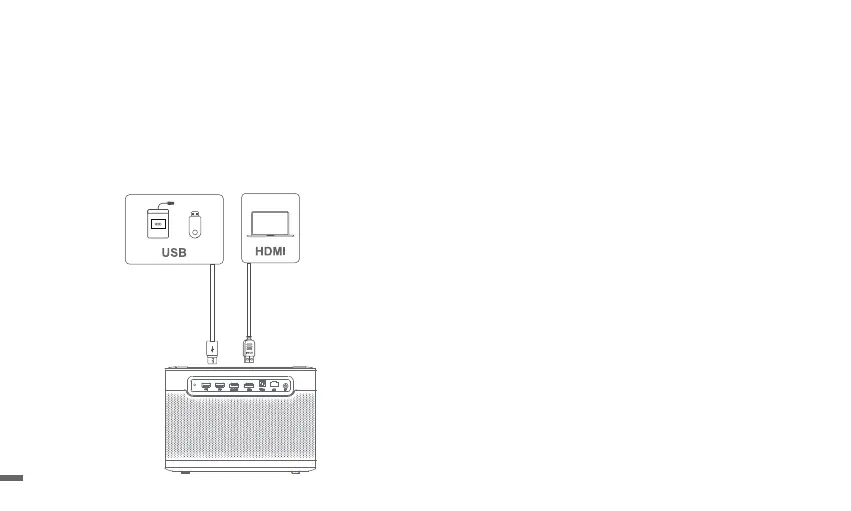
Inputs
ㆍGo to [Inputs] -- HDMI/HOME/USB.
ㆍWatch the content from the different signal sources.
1.Picture Mode
Go to [Settings] -- [Picture Mode] to choose a picture mode from
[Standard/Custom/Cinema/Sport/Vivid].
2.Sound Mode
Go to [Settings] -- [Audio] to choose a sound mode from
[Standard/Sport/Movie/Music].
3.Projection Mode
Go to [Settings] -- [Projection] to choose the placement method
of the projector.
4.Zoom
Go to [Settings] -- [Zoom] to decrease the image size from 100%
to 50%.
5.Product Info
Go to [Settings ]-- [About] to check the product information.
More Settings
12


 To Next Page