Focus Settings
ㆍGo to [Settings] -- [Focus].
ㆍTo use Auto focus, select [Auto], and the screen will
automatically become clear.
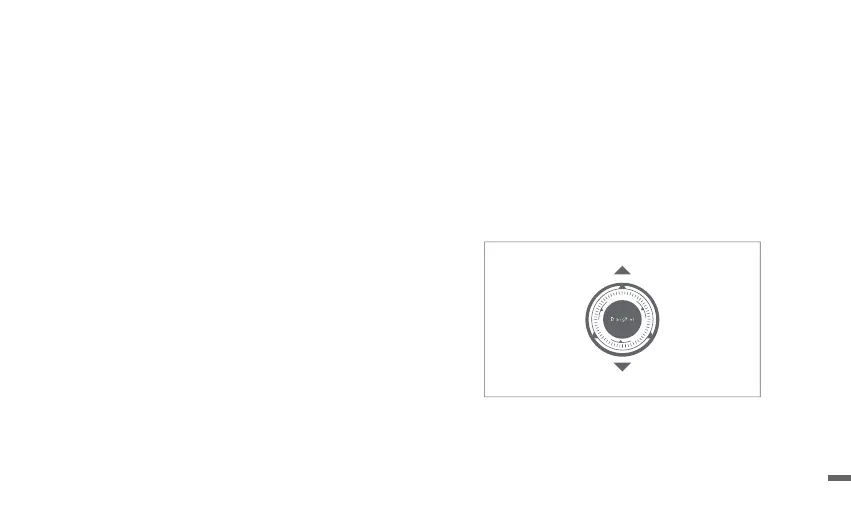
ㆍTo use Manual focus, select [Manual], and use the up/down
buttons on the navigation keys of the remote control to adjust
the focus based on what is displayed.
Network Settings
Go to [Settings] -- [Network].
09


 To Next Page