6 | DANGEROUS MUSIC
3. HEADPHONE SETUP (TOGGLE TO LATCH MODE)
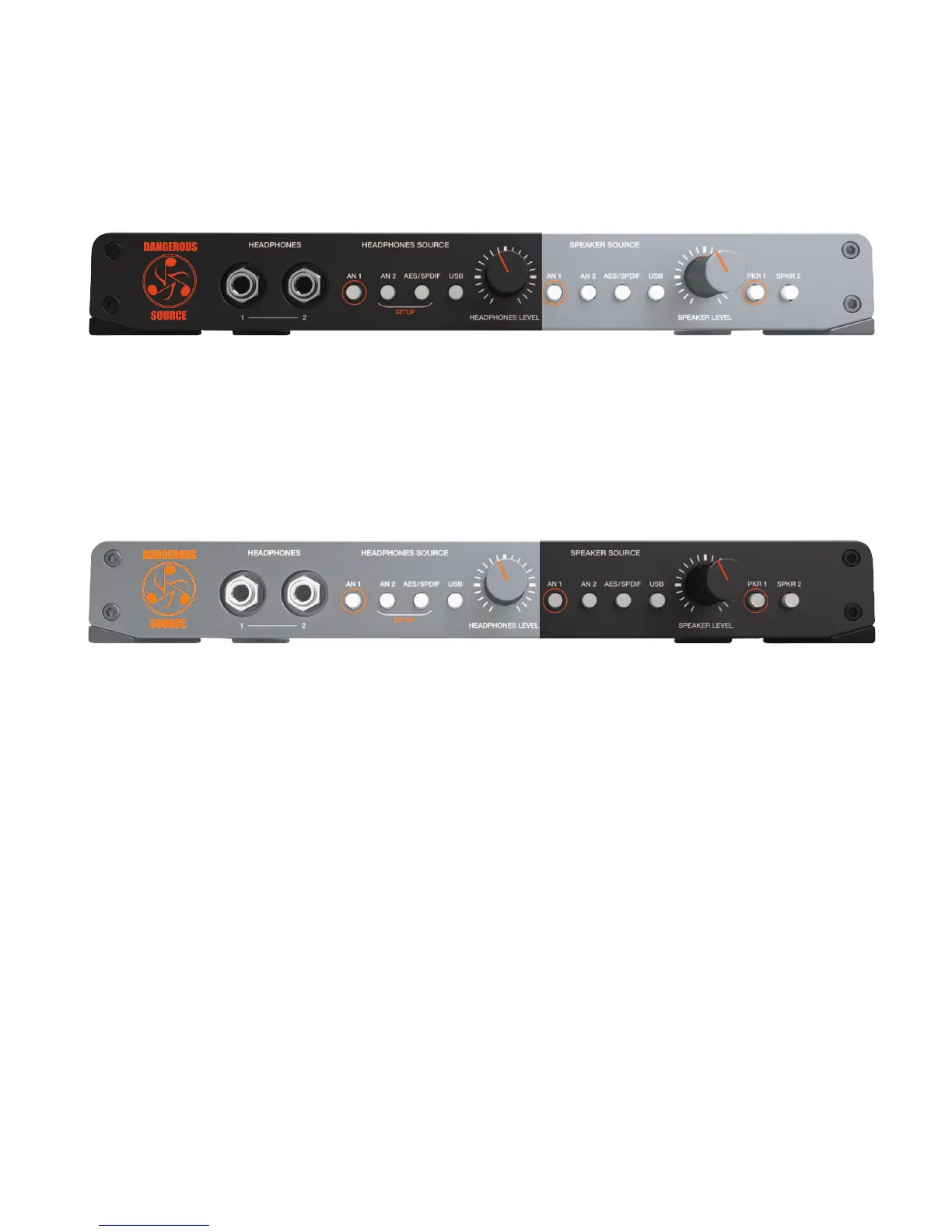
[headphone setup source buttons pictured above]
Feature: Set the desired behavior for the headphone source buttons: either toggle or latch mode.
Operation: Simultaneously press and hold the bracketed setup buttons (an 2 and aes/spdif) on the headphone source side. The setup
lights will blink. Then press the button with the orange circle (an 1) on the headphone source side to switch between
toggle mode (button unlit) and latch mode (button lit). Press either of the blinking setup buttons (an 2 or aes/spdif) to
store and exit setup mode.
4. SPEAKER SOURCE BUTTONS (TOGGLE & LATCH MODE)
[speaker source buttons pictured above]
TOGGLE
Feature: Instantly and silently switch between four input sources that feed your speakers (analog 1, analog 2, aes/spdif and usb).
Benefit: While mixing, flip between a reference track (i.e. cd source or iPod) and your mix. Or setup two master faders in your
recording software to compare two mixes: one with plug-ins instantiated and the original. (Just two suggestions).
Note: This is the default setup.
LATCH
Feature: Silently select or deselect any combination of 1, 2, 3 or 4 speaker sources (i.e. analog 1, analog 2, aes/spdif and usb).
Benefit: Monitor multiple audio inputs simultaneously. For example, feed the master mix into the usb input and the drummer’s
click track into analog 1. Now you can turn the click off when you realize he’ll never lock to it or continue to monitor
it for places to punch-in and rescue. (See appendix for more examples from DJ’s to Producers).
Tip: , Headphone sources and Speakers sources are completely independent. (i.e. listen to different things from each).


 To Next Page