8 | DANGEROUS MUSIC
Benefit: Simultaneously press and hold the bracketed setup buttons (an 2 and aes/spdif) on the headphone source side. The setup
lights will blink. Then press the button with the orange circle (spkr 1) on the speaker selector side to switch between
toggle mode (button unlit) and latch mode (button lit). Press either of the blinking setup buttons (an 2 or aes/spdif) to
store and exit setup mode.
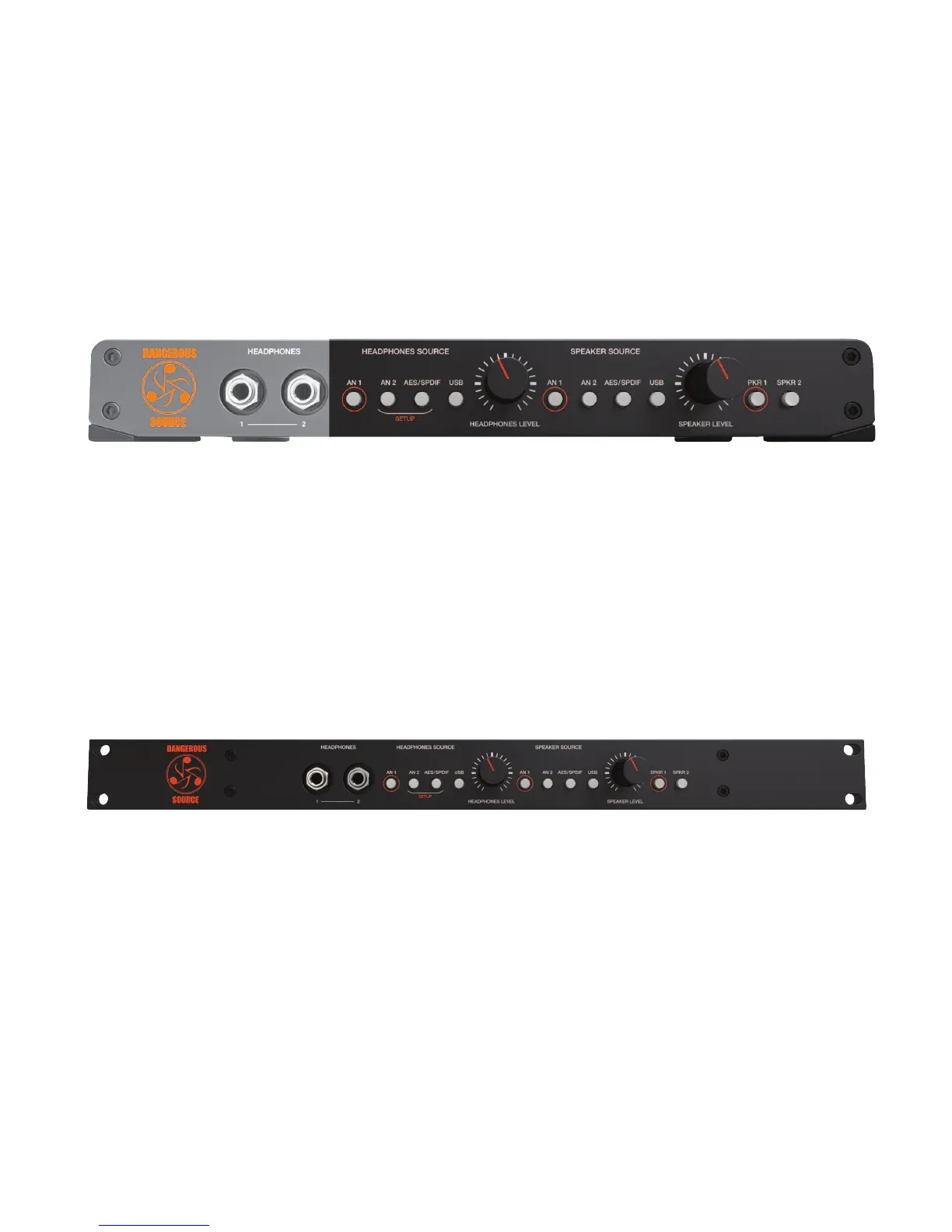
8. MOMENTOGGLE (HEADPHONES SOURCE • SPEAKER SOURCE • SPEAKERS)
[headphones source, speaker source and speaker selection buttons pictured above]
Feature: momentoggle is built into all of the buttons above. It provides either a momentary or latching mode, at the user’s
discretion.
Operation: latch mode. If the buttons are pressed and released quickly, they will latch.
toggle mode. If pressed and held for more than a second, the function remains locked until the button is released.
Uses: Create a talkback mic: Plug a mic and preamp into analog input two (an 2). To communicate with the talent, just hold
the an 2 button on the headphones source side to speak directly into their cans. Release and it deactivates.
Subwoofer check: Plug your main monitors into spkr 1 and the sub(s) into spkr 2. Then hold the spkr 2 button for as long
as you’d like to check the low frequency content.
9. OPTIONAL RACK KIT
[optional srk rack kit pictured above]
Feature: Mount source in traditional racks or road cases with the optional 19” faceplate (part number srk).
Benefit: Ability to tuck source into a 19” rack bag or into a fixed installation.
Operation: Remove the desktop front and install the single rack space faceplate as explained below.
(1) Gently pull off the two knobs
(2) Remove the two nuts from around phones jacks Remove the four main hex screws from the faceplate
(3) Remove the four main hex screws from the faceplate
(4) Remove the four feet
(5) Replace the phillip head screws in the former holes where the feet had been
(6) Install the one space rack panel


 To Next Page