DB-70 Automatic Wheel Balancer 42 P/N 5900261 — Rev. A1 — January 2021
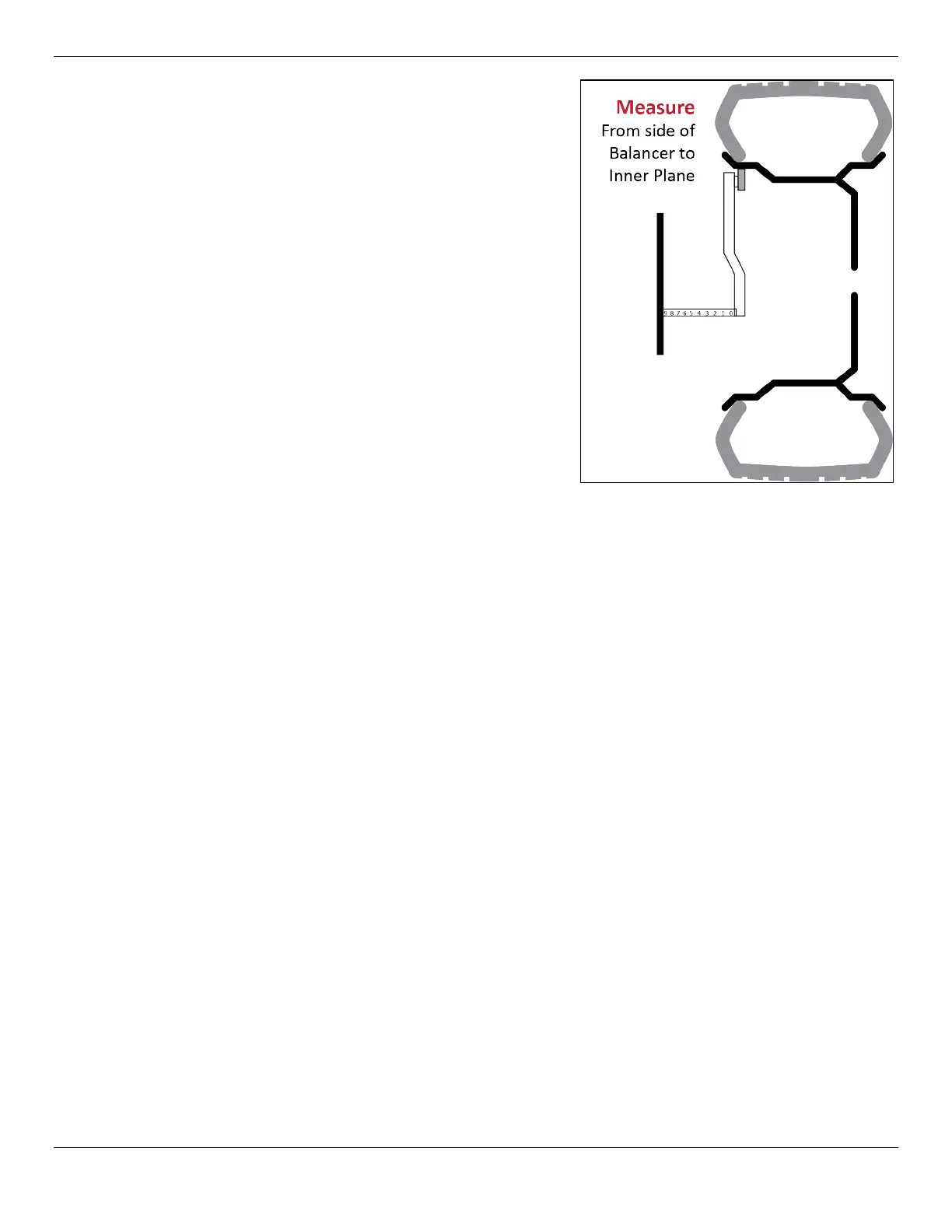
the wheel diameter. These parameters are
entered into the Balancer’s memory. The value
should appear in the Outer Display Window.
You may also enter the values manually using the
A and D keys.
Note: If the values appear incorrect you can
turn off the power to reset the machine
and start the process over.
h. Determine the width of the wheel using the wheel
caliper and input this value using the front panel
button labelled B. The value should appear in the
Outer Display Window.
When all three measurements are correct, you are
done entering measurements.
i. Close the Tire Cover; the Wheel spins briefly.
⚠ WARNING Stay clear and do not touch the
Wheel or the Tire while it is
rotating.
j. The Balancer will automatically rotate and test the wheel for balance, unless the Tire Cover
switch is in the off position. If the Tire Cover switch is off, then lower the Tire cover and
manually start the test using the start button on the control panel.
The front panel display will show the unbalanced weight correction values for both the inner
plane and the outer wheel edge. These values are rounded to the nearest .25 oz. Press F to
view the actual unbalanced weight without rounding. If either window displays 0.0 no
corrective weights are required on that plane.
k. Check the value on the Inner Window.
• If the value is 0.0, you do not need to add weight to the Inner Plane.
• If there is a value—.25, for example—you need to add that amount of Weight to the Inner
Plane.
l. To add Weight, break off the appropriate number of Adhesive Weight sections.
m. Manually turn the Wheel, watching the indicators to the right of the Inner Display Window.
The Indicators light up or go out as you move the Wheel.
n. When all of the Indicators are lit, press the Brake Pedal to hold the Wheel at that position.
o. Pull the backing off the Adhesive Weights, then add the Weight at Top Dead Center on the
Wheel (12 o’clock high) on the Inner Plane. If you are adding Adhesive Weight with multiple
sections, center them on Top Dead Center.
p. Check the value on the Outer Display Window:
• If the value is 0.0, you do not need to add Weight to the Outer Plane.
• If there is a value—.25, for example—you need to add that amount of Weight to the Outer
Edge for ALU 5).
q. Manually turn the Wheel, watching the indicators to the
of the
. The
Indicators light up or go out as you move the Wheel.


 To Next Page
 Loading...