EasyManua.ls Logo

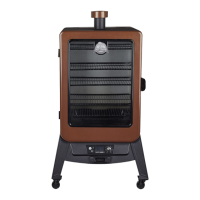
Dansons Group Pit Boss Copperhead 5 Series - User Manual

Dansons Group Pit Boss Copperhead 5 Series
62 pages
Print Icon
To Next Page IconTo Next Page
Loading...
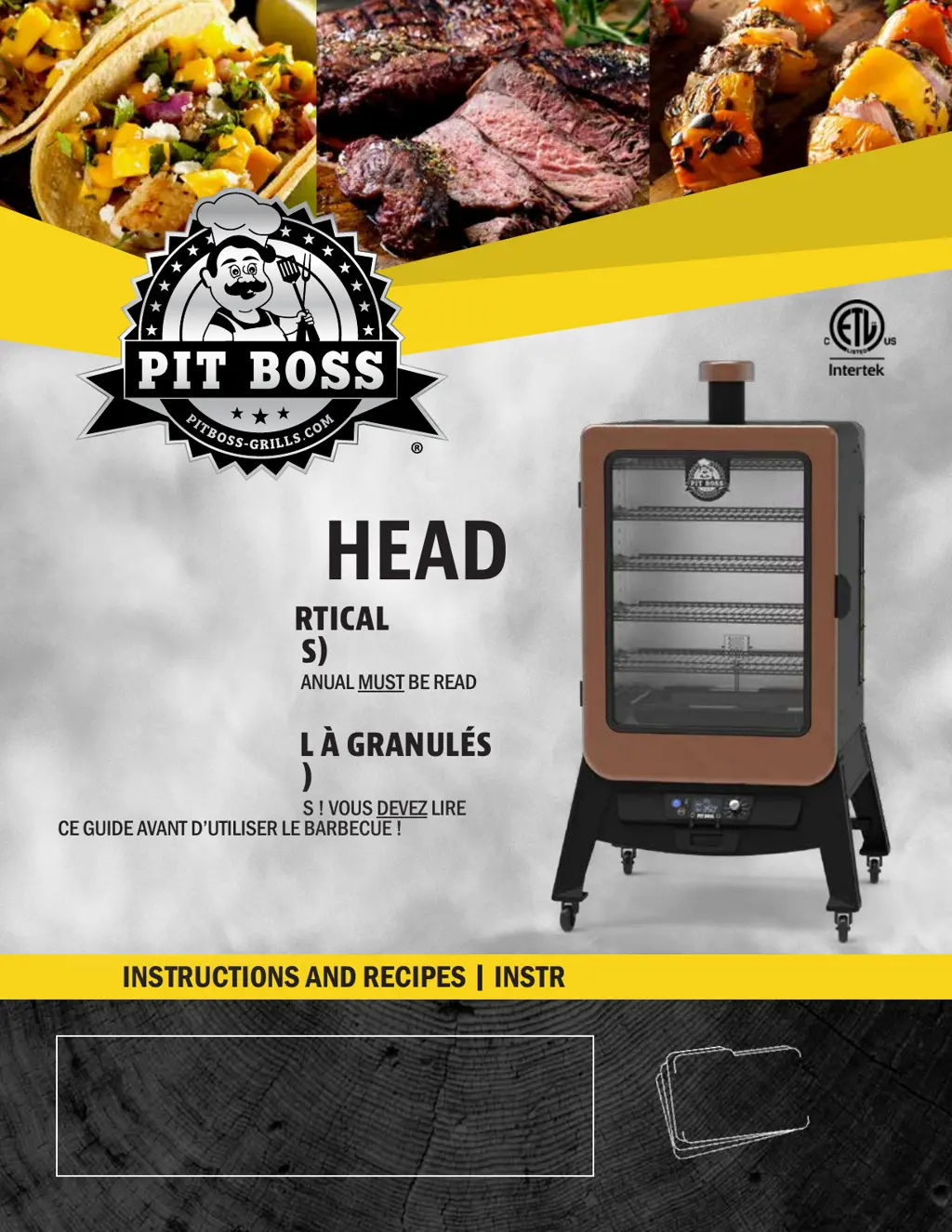
INSTRUCTIONS AND RECIPES
|
INSTRUCTIONS ET RECETTES
WARNING: Please read the entire manual before installation and use of this electric, pellet fuel-burning
appliance. Failure to follow these instructions could result in property damage, bodily injury or even death.
Contact local building or fire officials about restrictions and installation inspection requirements in your area.
AVERTISSEMENT : Veuillez lire l’intégralité du manuel avant l’installation et l’utilisation de cet appareil
électronique à granules. Le non-respect de ces instructions peut entraîner des dommages aux biens, des
blessures ou même la mort. Communiquez avec les autorités locales en matière d’incendie et de bâtiment
concernant les restrictions et les exigences d’installation dans votre région.
 
 

  
 5
SAVE THESE INSTRUCTIONS! MANUAL MUST BE READ
BEFORE OPERATING!
   
  5 
CONSERVER CES INSTRUCTIONS ! VOUS DEVEZ LIRE
CE GUIDE AVANT D’UTILISER LE BARBECUE !
FOR OUTDOOR AND HOUSEHOLD USE ONLY. NOT FOR COMMERCIAL USE.
RÉSERVÉ À L'USAGE EXTÉRIEUR ET RÉSIDENTIEL UNIQUEMENT.
NON DESTINÉ À UN USAGE COMMERCIAL.
MODEL/ MODÈLE : PBV5PW1
PART / PARTE: 77551
5005166

Table of Contents

Questions and Answers

  • M
    Matthew ThorntonAug 14, 2025
    Why is the temperature flashing on my Dansons Group Smokers LCD screen?
    • M
      Mr. Thomas AdamsAug 14, 2025
      If the LCD screen on your Dansons Group Smoker is flashing a temperature, it indicates that the smoker temperature is below 65°C / 150°F. This suggests there's a risk the fire could go out. To address this, check the hopper for sufficient fuel or any obstruction in the feed system. Remove the pellets and follow the care and maintenance instructions. Also, check the grill probe and clean it if dirty. Inspect the burn pot for ash build-up or obstructions, and clean as needed. Finally, check the fan to ensure it's working correctly and the air intake isn't blocked, and verify the auger motor is rotating without any blockages in the auger tube.
  • J
    Jeffrey MercadoAug 21, 2025
    What to do if my Dansons Group Smoker shows an "ErH" error code?
    • L
      Luis HuntAug 21, 2025
      If your Dansons Group Smoker displays an "ErH" error code, it means the smoker has overheated, possibly due to a grease fire or excess fuel. Turn the unit off by pressing and holding the power button for two seconds, and allow the smoker to cool down. Follow the care and maintenance instructions. After maintenance, remove the pellets and confirm the correct positioning of all component parts. Once cooled, press the power button to turn the unit on, then select your desired temperature. If the error code is still displayed, contact Customer Care.
  • J
    Jessica WoodAug 25, 2025
    Why is my Dansons Group Smoker producing too much smoke or discolored smoke?
    • A
      Alexander ReynoldsAug 25, 2025
      If your Dansons Group Smoker is producing excess or discolored smoke, start by addressing potential grease build-up by following the care and maintenance instructions. If the wood pellets are moist, remove them from the hopper and clean it out according to the care and maintenance instructions, then replace them with dry wood pellets. Also, clear the burn pot of any moist wood pellets, following the hopper priming procedure. Finally, check the fan to ensure it's working properly and the air intake isn't blocked, cleaning it if dirty.
  • E
    Erin YoungAug 28, 2025
    How to stop frequent flare-ups in my Dansons Group Smokers?
    • P
      patrick60Aug 28, 2025
      If your Dansons Group Smoker experiences frequent flare-ups, try cooking at a lower temperature, keeping it under 176°C / 350°F when cooking highly greasy food, as grease has a flash point. Also, address grease build-up on cooking components by following the care and maintenance instructions.
  • J
    Jonathan ThompsonSep 6, 2025
    What does the "Er1" error code mean on my Dansons Group Smoker?
    • P
      Paul RojasSep 6, 2025
      If your Dansons Group Smoker displays an "Er1" error code, it indicates that the grill probe wire is not making a connection. Access the electrical components on the base of the unit and check for any damage to the grill probe wires. Ensure the grill probe spade connectors are firmly connected, and connected correctly, to the control board.
  • S
    Spencer BrockSep 9, 2025
    What does the "noP" error code mean on my Dansons Group Smokers?
    • B
      Barry RobinsonSep 10, 2025
      If your Dansons Group Smoker displays a "noP" error code, it could be due to a bad connection at the connection port. Disconnect the meat probe from the connection port on the control board and reconnect it, ensuring the meat probe adapter is firmly connected. Check for signs of damage to the adapter end. If the issue persists, it might be caused by a damaged meat probe. Check the wires of the meat probe for any signs of damage. If damaged, contact customer care for a replacement part. If the problem continues, the control board may be faulty and needs to be replaced. Contact customer care for a replacement part.
  • G
    Gregory SmithNov 16, 2025
    Why won't my Dansons Group Smokers maintain a stable temperature?
    • T
      Thomas TurnerNov 16, 2025
      If your Dansons Group Smoker isn't achieving or maintaining a stable temperature, start by checking the burn pot for ash build-up or obstructions, following the care and maintenance instructions for cleaning. Next, check the fan to ensure it's working properly and the air intake isn't blocked, cleaning if dirty. Also, check the auger motor to confirm it's operating correctly and there's no blockage in the auger tube. Once these steps are done, start the smoker, set the temperature to SMOKE, and wait for 10 minutes, ensuring the flame is bright and vibrant. Also, check the hopper to ensure the fuel level is sufficient, replenishing if low. Poor quality or overly long pellets can cause feed system obstructions, so remove the pellets and follow the care and maintenance instructions. Finally, ...
  • C
    Catherine SteeleDec 1, 2025
    Why won't the fire in my Dansons Group Smokers burn pot light?
    • C
      Cody FarleyDec 1, 2025
      If the fire in the burn pot of your Dansons Group Smoker won't light, and the unit is being used for the first time or the hopper was completely emptied, the auger may not be primed, preventing pellets from filling the burn pot. Follow the hopper priming procedure. Also, check if the auger motor is jammed. Remove the cooking components, turn the unit on, set the temperature control dial to SMOKE, and inspect the auger feed system to confirm that the auger is dropping pellets into the burn pot. If it's not operating properly, call customer care for assistance or a replacement part. Another potential cause is igniter failure. Remove the cooking components, turn the unit on, set the temperature control dial to SMOKE, and inspect the igniter. Confirm it's working by placing your hand above the...

Summary

Safety Information

Dangers and Warnings

Details hazards, precautions, and emergency procedures for safe operation.

Wood Pellet Fuel

Information on the type of fuel to use, storage, and properties of wood pellets.

Carbon Monoxide Safety

Information about carbon monoxide risks and preventive measures.

Safety Listing and Compliance

Parts and Assembly

Assembly Preparation

Steps to prepare parts and workspace before assembling the smoker.

Operation and Maintenance

Cooking Guidelines

Recommendations for different cooking styles, temperatures, and times.

Dansons Group Pit Boss Copperhead 5 Series Specifications

General IconGeneral
BrandDansons Group
ModelPit Boss Copperhead 5 Series
CategorySmokers
LanguageEnglish

Related product manuals