29
975672 • Version 3.3 • 28.10.2010
Display, continued
Push buttons
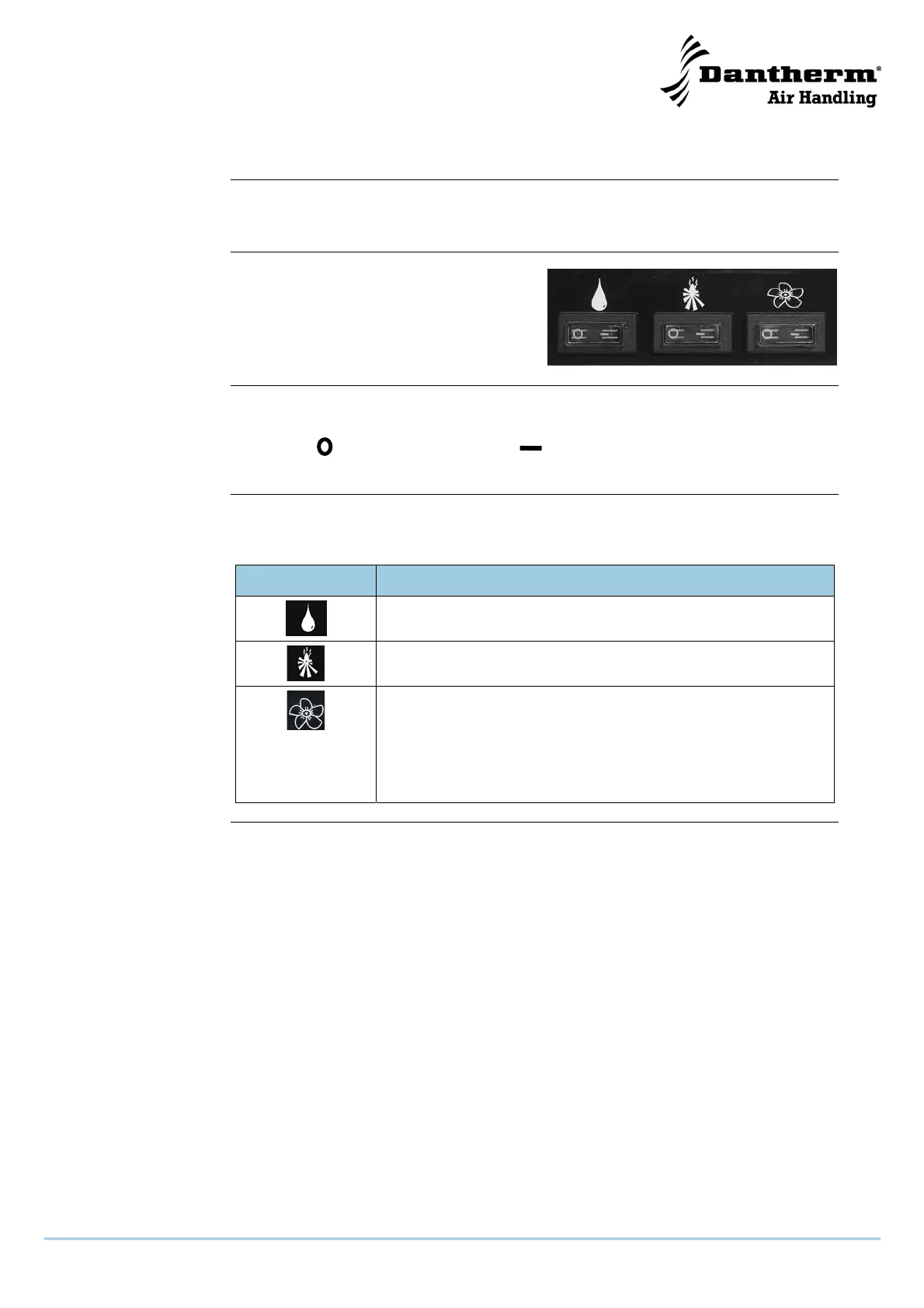
Push-buttons on the inspection side of the unit allows switching on and off dehumidifi-
cation, heating coil and fan.
Illustration
The illustration shows the push buttons:
An overview of the meaning of the push but-
tons is given below
Positions of the
push buttons
To switch on or off the functions, the setting of the push-buttons should be as follows:
Functions of the
push button
The table gives an overview of the push button functions:
Push button Description
By means of the push-button with a Drop symbol, dehumidifica-
tion can be switched off (A) or on (B)
By means of the push-button with a Fire symbol, the heating coil
can be switched off (A) or on (B)
In position (A) the Fan is switched off and only runs if required –
i.e. in accordance with the demand for dehumidification and/or
heating
In position (B) the fan run continuously – i.e. independent of the
demand for dehumidification and/or heating
OFF (A) Resetting (B)


 To Next Page