20
LOCATION 204: SILENT ENTRY ENABLE
Programming a "1" in location 204 will disable the pre-alarm during entry delays. The silent entry time applies to all
entry/exit and Partial Arm zones. Factory default for this location is "0", making the entry delay pre-alarm audible.
LOCATION 205: PARTITION SIREN INHIBIT / CONTACT I.D GROUP DIGIT REPORTING
Factory default is "0" this feature is disabled, meaning a valid code entered from a Code Pad in any partition will silence the
siren regardless of what partition caused the alarm. If a "1" is programmed, only the Code Pad set for the partition which
the alarm was activated or an LCD code pad set for master mode can silence the siren. Programming a "2" in this location
will cause the DL250 to report the partition group information when reporting in Contact I.D. (When using the Contact I.D
group information, only one account code is required to be programmed for the individual reportion of partition information).
A "3" will enable partition siren inhibit and partition group information to be reported.
LOCATION 207: RADIO REMOTE ARMING
Location 207 enables the Radio Remote arming feature for the DL250. If a "1" is programmed in this location, the siren,
the 12 volt siren and the strobe outputs will pulse for a single 50 ms burst, when the DL250 is disarmed. The speaker
output will also pulse two, 50 ms bursts when the DL250 is armed. This output will not activate in the partial arming or
disarming. Factory default is a "0" and the Radio Remote Arming feature is disabled.
LOCATION 210: AUTO HOME ENABLE
Location 210 is used to enable the unique Auto Home feature. This feature can not be utilised when the Partial Arm feature
is enabled and must be left at its default of "0". If a "1" is programmed into this location, it will cause the DL250 to
automatically enter the Auto Home mode and isolate handover zones (Zone Type 5). If a fault is not detected on an
entry/exit zone during the exit delay, I.E. entry/exit zone will be instant.
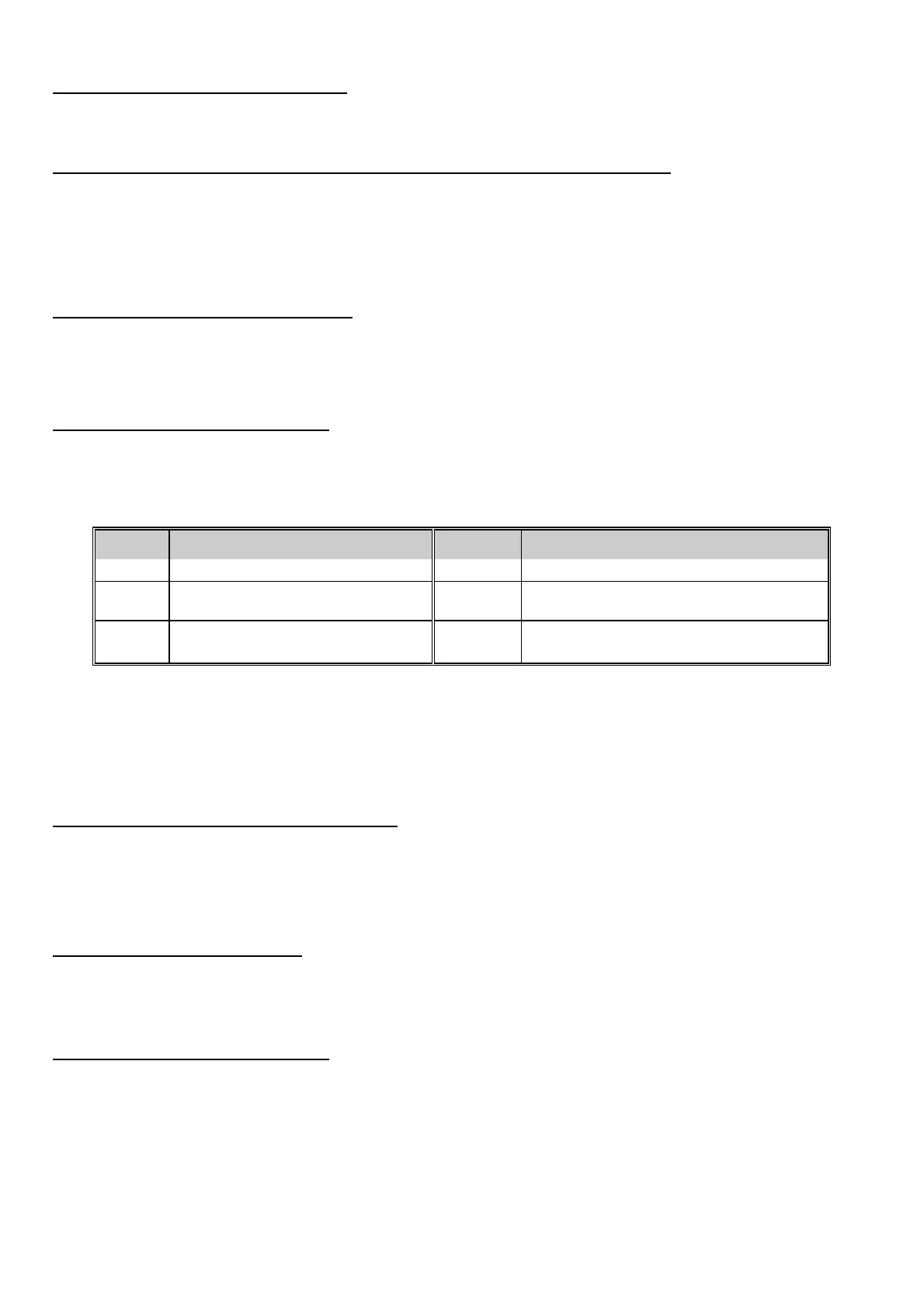
VALUE AUTO-HOME VALUE AUTO-HOME
0 PARTIAL ARM OPTION 4 SET FOR INSTANT TOGGLE ENABLE
1 SET FOR AUTO HOME ENABLE 5 SET FOR AUTO HOME ENABLE
SET FOR INSTANT TOGGLE ENABLE
2 SET FOR AUTO ISOLATE ONLY 6 SET FOR AUTO ISOLATE ONLY
SET FOR INSTANT TOGGLE ENABLE
Programming a "2" into this location will cause the DL250 to automatically enter the Auto Home mode and isolate handover
zones if a fault is not detected on an entry/exit zone during the exit delay, but will not change the status of the entry/exit zone,
I.E. entry/exit zone will still be delayed.
If a "4" was to be added to the value in this location, then pressing the [¬] key when the system is armed will cause the
partial light to toggle. When the partial light is on, the entry/exit zones are instant; when off, the entry/exit zones are delayed.
This option can be used in conjunction with options 1 and 2 of this feature only.
LOCATION 211: SWINGER SHUTDOWN COUNT
Location 211 is used to enable the burglary zone swinger shutdown. The number programmed in this location will
determine the number of trips the DL250 will allow before isolating all burglary zones (1-16) which have tripped during the
arming cycle. The isolated zones will not report trips to a base station, and the local siren or bell will not sound for these
zones. A zone trip will not be added to the number count until the zone has tripped more than once. For this feature to be
valid, sirens and or the communicator must be set to unlimited in location 195. Factory default is "0" disabled.
LOCATION 212: QUICK ARM DIGIT
The DL250 can be programmed to Quick Arm with one digit by programming a digit (1-9) in location 212. This number
cannot be the first digit of the Go To Program code or the Chime enable digit. If enabled the Quick Arm digit will arm the
DL250. When reporting Closing, the Quick Arm digit will report user "13". Factory default is "0", no Quick Arm.
LOCATION 213: CHIME ENABLE DIGIT
Location 213 is used to program the Chime mode digit. The Chime digit can be any digit between 1 and 9. Factory default
is "1" and this feature is enabled. If you do not wish to enable the Chime feature at this installation, program a "15" in this
location. NOTE: The appropriate zones must be enabled for Chime mode in the Audible Characteristics Locations 175-182.
The Chime digit must not be the same as the Quick Arm digit or the Partial Arm digit.


 To Next Page
 Loading...