Inserting the ribbon cassette User guide
12
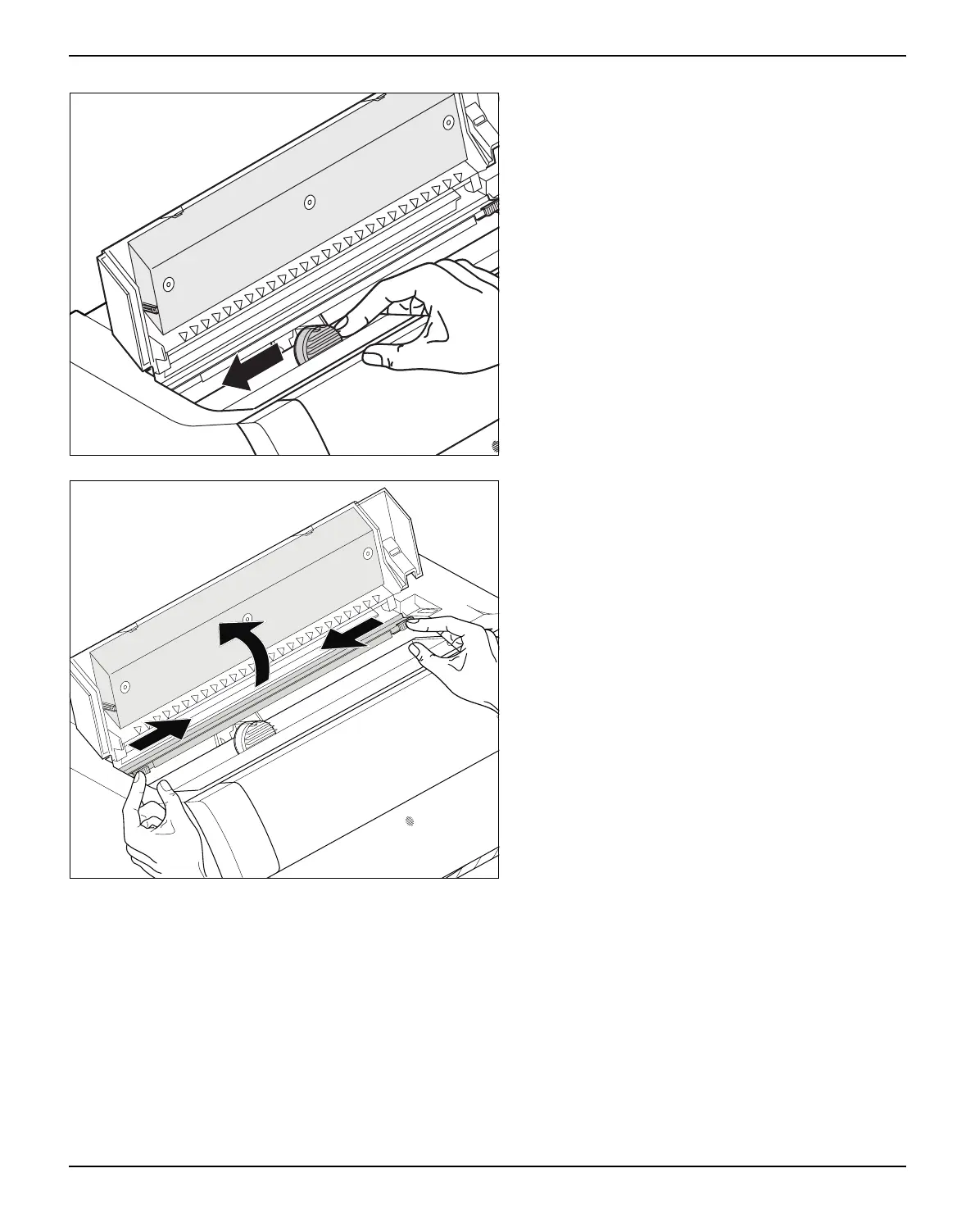
Cautiously slide the print head carriage to the left
stop (viewed from the printer front).
Move the coloured friction tabs to the left and right
(direction of the arrows) as shown in the figure and
raise the friction mechanism.



 To Next Page