∙ 8 ∙
∙ 9 ∙
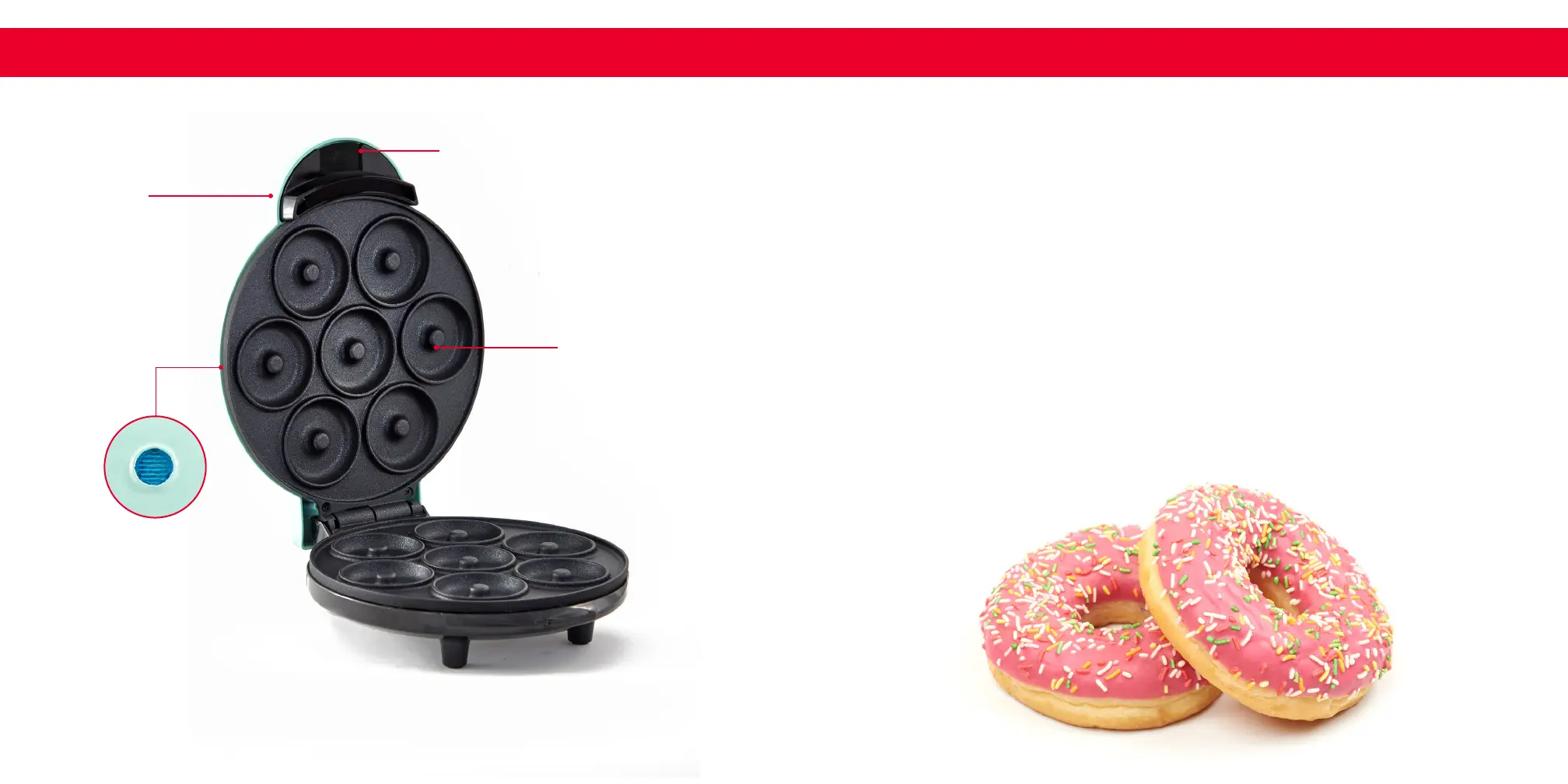
PAR TS & FEATURES
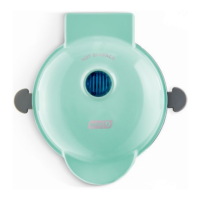
Nonstick Donut
Mold Plate
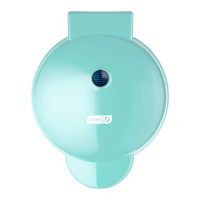
Cover Lid
Cover Lid Handle
Indicator Light
(Top of Cover)
using the Mini Donut Maker
BEFORE USING YOUR EXPRESS MINI DONUT MAKER
1
Remove all packaging materials.
2
Check that the Express Mini Donut Maker has no visible damage and that
no parts are missing.
3
Before using the Express Mini Donut Maker for the rst time or after
prolonged storage, wash and dry the appliance and any accompanying
accessories.
4
If the appliance is preheated before use, donuts will cook faster. To
preheat, plug the polarized power cord into a wall socket, at which point
the Indicator Light will light up. This indicates that the Maker is heating in
preparation to cook.
5
When the Indicator Light turns off, that means that the Maker is ready to
begin cooking.


 To Next Page