EasyManua.ls Logo

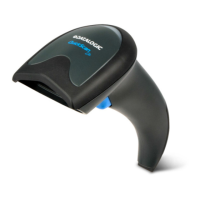
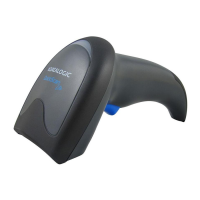
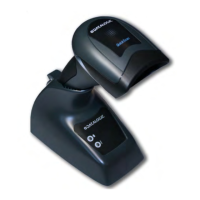
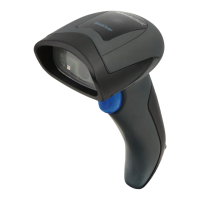
Datalogic QuickScan Lite QW2470-BKK3S - User Manual

Datalogic QuickScan Lite QW2470-BKK3S
48 pages
Print Icon
To Next Page IconTo Next Page
Loading...
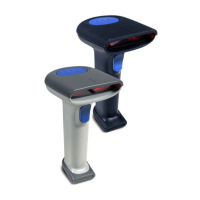
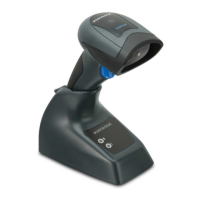
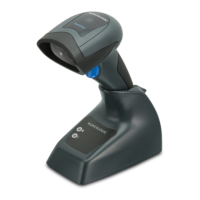
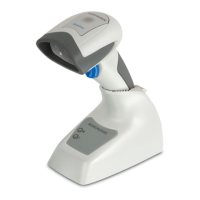
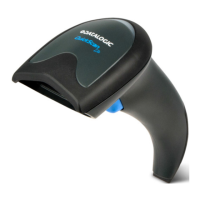
QuickScanâ„¢ Lite QW2400
General Purpose Corded
Handheld Area Imager Bar Code Reader
Quick Reference Guide

Questions and Answers

  • R
    Rodney DavidAug 11, 2025
    What to do if Datalogic QuickScan Lite QW2470-BKK3S LED is on but barcode does not decode?
    • J
      Jaime BookerAug 11, 2025
      If the Datalogic Barcode Reader's LED is on, but it doesn't decode the barcode, there might be a few reasons. First, the imager might not be programmed for the correct barcode type, so ensure it is properly programmed. Second, the barcode label might be unreadable; check if it's defaced and try scanning another barcode. Finally, the distance between the imager and the barcode could be incorrect; try moving the imager closer to or further from the barcode.
  • H
    hogankimberlyAug 20, 2025
    How to troubleshoot Datalogic Barcode Reader when nothing happens when the scan button is pulled?
    • S
      Sarah MendezAug 20, 2025
      If nothing happens when you pull the scan button on your Datalogic Barcode Reader, it could be due to a couple of reasons. First, check the system power and ensure the power supply is connected. Second, make sure all cable connections are secure, as loose interface or power cables could be the cause.
  • L
    lindsey66Aug 31, 2025
    Why is the barcode decoded but not transmitted to the host by Datalogic Barcode Reader?
    • T
      torresraymondSep 1, 2025
      If your Datalogic Barcode Reader decodes the barcode but doesn't transmit it to the host, the imager might not be programmed for the correct host type. Scan the appropriate host type barcode to resolve this.

Datalogic QuickScan Lite QW2470-BKK3S Specifications

General IconGeneral
BrandDatalogic
ModelQuickScan Lite QW2470-BKK3S
CategoryBarcode Reader
LanguageEnglish

Related product manuals